


முக்கிய விஷயங்கள்
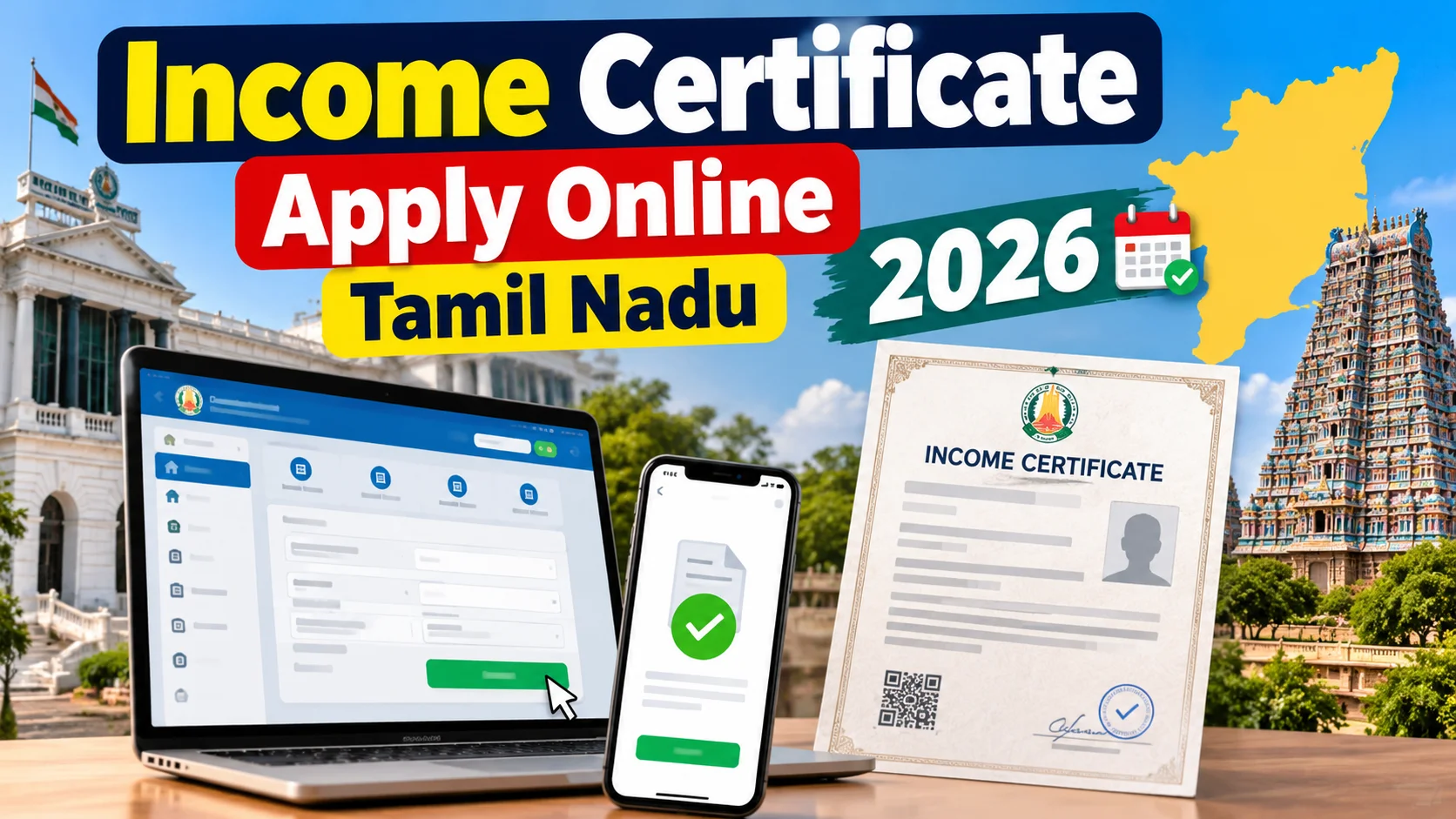
- Tamil Nadu-ல income certificate-ஐ tnesevai.tn.gov.in e-Sevai portal மூலமா online-லயே apply செய்யலாம்.
- இந்த certificate-ஐ Tahsildar / Revenue Department தான் இறுதியா approve செய்வாங்க, portal just application-ஐ forward செய்யும்.
- Aadhaar, ration card, income proof (self-declaration அல்லது salary slip) basic documents.
- Processing-க்கு usually 7 to 15 working days ஆகும், urgent-ஆ வேணும்னா CSC center-ல கேட்கலாம்.
- Certificate-க்கு validity பொதுவா 6 months to 1 year, scheme/purpose base-ல வேறுபடும்.
What exactly is an income certificate, and why does Tamil Nadu keep asking for one?
The quickest way to get an income certificate online in Tamil Nadu is through the official e-Sevai portal (tnesevai.tn.gov.in), where you fill a form, upload Aadhaar and income proof, pay a small service fee, and let the Tahsildar approve it in about 7 to 15 working days. This guide walks through the exact online steps, the documents and costs involved, the CSC alternative if the portal confuses you, and mistakes that get applications rejected.
You've probably bumped into this when applying for a college scholarship, a fee concession, an EWS or community certificate, a government loan subsidy, or even a free bus pass scheme. Almost every welfare scheme in Tamil Nadu asks for proof that your family falls under a certain income slab.
Here's the thing — this isn't a one-time document you get and forget. Most offices want a certificate that's less than 6 months to a year old, so people end up applying again and again. That's exactly why doing it online matters; standing in a Taluk office queue every year is nobody's idea of a good Monday.
So how do you actually apply for it online in Tamil Nadu?
The official route is the Tamil Nadu e-Sevai portal, run by TNeGA (Tamil Nadu e-Governance Agency). Here's the simple version of the process.
First, go to tnesevai.tn.gov.in and register with your mobile number and email if you don't already have an account. Once logged in, search for "Income Certificate" under Revenue Department services.
Fill in your personal details — name, father's/husband's name, address, Aadhaar number, and your family's annual income. Upload the scanned documents the form asks for, pay the small service fee online through UPI or net banking, and submit.
You'll get an application reference number — save this, you'll need it to track status. The application then goes to the Village Administrative Officer (VAO) for field verification, and finally to the Tahsildar for approval. Once approved, you can download the digitally signed certificate from the same portal, or collect a printed copy from your nearest e-Sevai / CSC center.
If you're not comfortable doing this solo, any Common Service Center (CSC) or e-Sevai Maiyam near you will do the exact same process for a small operator charge. Honestly, for first-timers, walking into a CSC with your documents is often less confusing than fighting with the portal alone.
What documents do you need, and what does it actually cost?
You'll typically need your Aadhaar card, a ration card or address proof, recent passport-size photo, and some proof of income — a salary certificate or Form 16 if you're employed, or a self-declaration affidavit if you're a daily wage earner or farmer with no fixed payslip.
The government processing fee is small, but it's not exactly free either, and it changes a bit depending on district and service mode. Here's a rough picture of what to expect.
| Mode of Application | Where to Go | Approx Cost | Time Taken |
|---|---|---|---|
| TN e-Sevai Portal (self, online) | tnesevai.tn.gov.in | ₹30-₹60 (service charge) | 7-15 working days |
| Common Service Center (CSC) | Nearby CSC / e-Sevai Maiyam | ₹30-₹100 (operator fee included) | 7-15 working days |
| Taluk Office / VAO (offline) | Village or Taluk office | Nominal, mostly free | 15-30 days, depends on queue |
| TN e-Sevai Mobile App | App on Android/iOS | Similar to portal fee | 7-15 working days |
Treat these numbers as indicative — exact fees get revised by government orders from time to time, so the amount you pay at checkout might be a few rupees different.
What mistakes do people actually make while applying?
The most common one is mismatched details. If your name spelling on Aadhaar and on the application form don't match exactly, the VAO verification gets stuck or rejected outright.
Another big one — people skip the address proof upload or upload a blurry photo of the document, thinking it's optional. It isn't. Clear, readable scans save you a second round trip.
And this is important: don't declare an income figure you can't back up if asked. The VAO does a field visit in many cases, especially in rural areas, and a wildly mismatched declaration can delay or kill your application.
Lastly, people forget to download the certificate once approved and assume it'll land in their email automatically. Log back into the portal and grab the PDF yourself — don't wait for a notification that may never come.
Who actually needs this, and is it worth doing online?
Students applying for scholarships or fee waivers, families applying under government housing or subsidy schemes, job aspirants needing EWS certificates, and anyone applying for a bank loan under income-linked government schemes — this is basically unavoidable paperwork for them.
For most people in Tamil Nadu, going online through e-Sevai or a nearby CSC is genuinely the better option over standing in a Taluk office line. It's not instant — nothing involving a government stamp ever is — but it cuts out at least two or three physical visits.
If you're in a real hurry, say for a scholarship deadline next week, it's worth calling your Taluk office directly and asking if expedited processing is possible. Online applications still move through the same human verification chain, so patience helps more than panic here.
How do you track your application once you've submitted it?
Every income certificate application on the TN e-Sevai portal comes with a unique reference number the moment you hit submit. Keep a screenshot of this on your phone, because you'll need it for every single status check going forward.
To track progress, go back to tnesevai.tn.gov.in, click on the "Track Application Status" link, and punch in your reference number along with your registered mobile number. The portal will show you exactly where your file is sitting — whether it's with the VAO for field verification, waiting on the Tahsildar's desk, or already approved and ready for download.
If the status hasn't moved for more than 10-12 working days, that's usually a sign to actually call or visit the Taluk office instead of just refreshing the page. A lot of delays happen simply because a document upload was unclear or a field officer is backlogged with other work, and a polite follow-up call sorts this out faster than waiting online.
One more thing worth knowing — if your application gets rejected, the portal will usually show a reason, even if it's a short one like "document mismatch" or "income proof insufficient." Don't panic and start a brand new application from scratch. Fix the specific issue flagged, re-upload the corrected document in the same application if the portal allows resubmission, and this saves you from paying the service fee twice.


Comments (0)
Be the first to comment!