


Key Takeaways
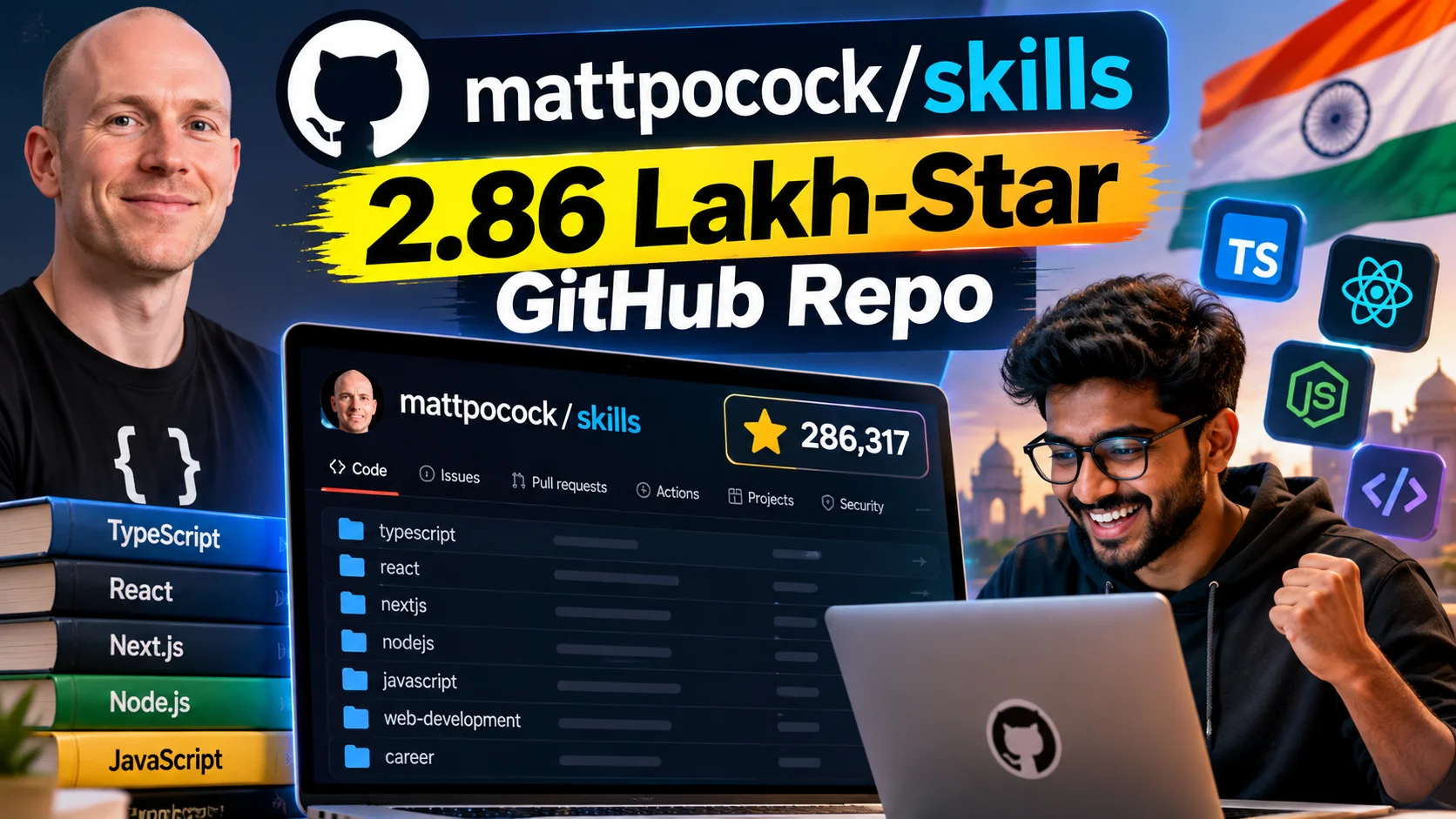
- mattpocock/skills has 286,534 GitHub stars and is written mostly in Shell, with the last push recorded on 9 October 2026.
- It's not an app or a library you import. It's a folder of 'skills' — instruction sets pulled straight from a working engineer's .agents directory, meant to be fed into AI coding agents.
- It's completely free. Clone it, copy the folders you need, point your AI assistant at them.
- Useful for college final-year projects, freelance gigs, and IT services teams trying to get consistent output from AI tools.
- Limitation: you still need to understand what the AI is doing. This is a steering wheel, not an autopilot.
What just happened?
Someone on GitHub quietly dropped a repo called mattpocock/skills, and it blew past 2.86 lakh stars. That's not a typo. For context, most trending JavaScript frameworks take years to cross even 50,000 stars. This one did it fast, and it's still getting pushed to — the last commit landed on 9 October 2026, just days ago.
The repo belongs to Matt Pocock, a name a lot of TypeScript developers already know from his courses and tutorials. But this project isn't a course. The description says it plainly: 'Skills for Real Engineers. Straight from my .agents directory.' Translation — these are the actual instruction files he uses to make his own AI coding agent behave like a disciplined senior engineer instead of a confused intern.
If you've used Claude Code, Cursor, or any agentic coding tool, you'll know the .agents or .cursor folder convention. You drop markdown or shell-based 'skill' files in there, and the AI reads them before it writes a single line of code. mattpocock/skills is a public, battle-tested collection of exactly that — the URL is github.com/mattpocock/skills, and it's open for anyone to fork.
How does this actually work?
Think of it like a senior dev standing behind your junior's chair, except the senior dev is a text file. Each 'skill' in the repo is a set of rules — how to write tests before touching code, how to commit properly, how to avoid lazy TypeScript types, how to not hallucinate APIs that don't exist. The AI agent reads these rules every time it works on your project.
Because the repo is mostly Shell, a chunk of these skills are actually small scripts — things that run checks, format code, or enforce a workflow automatically instead of just suggesting it in plain English. That's the difference between telling your AI 'please write clean code' and having a script that refuses to let it move forward until the tests pass.
To try it, you don't need anything fancy. Clone the repo with git clone, open the folders, and copy whichever skill files match your stack into your own project's agent config folder. No signup, no license fee, no hidden premium tier. It's MIT-style open source the way GitHub repos are supposed to be.
What changes for people in India?
Here's where it gets practical for us. Three groups benefit immediately.
College students doing final-year projects: if you're using ChatGPT, Claude, or Copilot to help build your project and it keeps producing code that looks right but breaks on edit, these skill files force the AI to write tests and follow a stricter process. Your guide won't catch sloppy AI-written code as easily if you've actually wired in some discipline.
Freelancers on Upwork or local gigs: clients pay for working software, not for prompts. Using a structured skills setup means your AI-assisted delivery looks like it came from an experienced team, not a copy-paste session with ChatGPT. That difference shows up in client reviews and repeat work.
IT services engineers: a lot of Indian service companies are now mandating AI-assisted coding internally. The problem every lead faces is consistency — ten engineers, ten different AI habits. A shared skills folder, borrowed and adapted from something like mattpocock/skills, gives a team a common baseline before they even touch client code.
None of this needs a fancy subscription. Jio-speed broadband and a free-tier AI coding tool is honestly enough to experiment with this on a weekend.
What should you do now?
Go clone the repo, read two or three skill files, and see if the structure matches how you already work. Don't blindly copy everything — pick what fits your stack. A React developer doesn't need a skill file meant for backend database migrations.
Also, be realistic about the limits. This repo assumes you already know what good engineering looks like — it just encodes that knowledge into a format an AI can follow. If you're a complete beginner who doesn't know what a unit test is, these files won't teach you that. They'll just make an AI pretend to be rigorous, which can actually be worse if you can't tell when the AI gets it wrong.
There's also a maintenance angle nobody talks about. AI agent tooling moves fast — what works with one version of Claude Code or Cursor today might behave differently in six months. A repo like this needs regular updates to stay useful, and thankfully this one is still being pushed to as of October 2026. Keep an eye on it rather than treating it as a one-time download.
The honest picture: this isn't magic, and it isn't a shortcut to skipping learning to code. But if you're already coding with AI tools daily — and most of us in India now are, one way or another — a well-organised skills folder is the difference between an AI that writes impressive-looking garbage and one that writes code your senior won't throw back at you in review.
Is it actually safe to just run these shell scripts on your machine?
This is the question most tutorials skip, and it matters more in India than people think. Because mattpocock/skills is written mostly in Shell, a good chunk of these 'skills' aren't just text instructions for an AI to read — they're executable scripts that run checks, format files, or block a commit until something passes. That's powerful, but it also means you're letting code you didn't write touch your project's files and sometimes your terminal's permissions. Before you copy anything into your .agents folder, open the script and actually read it. It takes five minutes and saves you from a nasty surprise later.
For IT services engineers working on client codebases, this is not optional. Most Indian service companies have NDAs and strict data-handling rules, and dropping an untested shell script from the internet into a client's repo without review is exactly the kind of thing that gets flagged in an internal audit. The safer move is to test these skill files on a personal side project or a throwaway repo first, see how the AI agent behaves with them, and only then bring the pattern — not necessarily the exact script — into office work. Treat it the way you'd treat any third-party dependency: useful, but earn the trust before it touches production.
There's also a practical India-specific angle: not everyone is running a top-end laptop. If you're on a budget machine with limited RAM, running an AI coding agent alongside multiple shell-based skill scripts and a heavy IDE can slow things down fast. Start with two or three lightweight skill files instead of importing the whole repo at once. Watch how your system handles it, especially if you're also juggling Chrome tabs and a video call on the same Jio broadband connection most of us work on from home.




Comments (0)
Be the first to comment!