‹ Back to Home

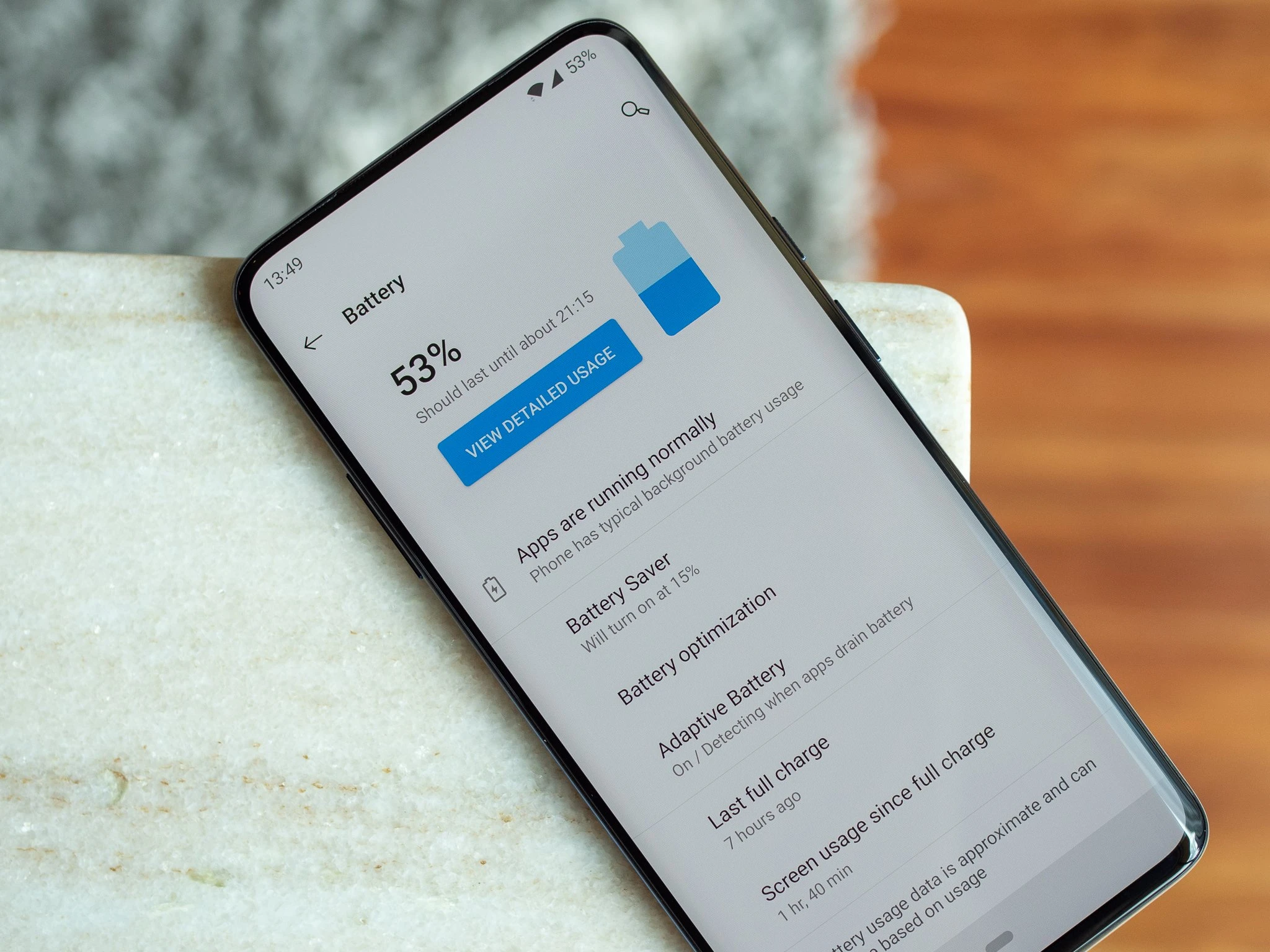
OnePlus Battery Optimization: 15 Tips to Extend Battery Life

Maximize your OnePlus battery life with smart charging, battery health settings, and power-saving tips.

Keerthika 1 min read 625
Follow on Google
Updated 2 weeks ago
Android Tips OnePlus Battery Optimization: 15 Tips to Extend Battery Life 1 min left Follow on Google
OnePlus Battery Optimization: 15 Tips to Extend Battery Life

TamilTech AI summary

OnePlus phones pack large batteries and super-fast 100W SUPERVOOC charging, but a few smart habits can stretch that power much further day to day. Built-in Battery Health tools like Smart Charging, Stop at 80%, and Optimized Charging learn your routine and slow aging so the battery stays healthier longer. On the display side, dialing brightness down or using auto, locking refresh rate at 60Hz, turning on Dark Mode for AMOLED screens, and setting a quick 30-second timeout all cut drain without much hassle. Check which apps hog battery, turn on Battery Optimization, restrict background data, and switch off Bluetooth, NFC, or Location when you are not using them—Wi-Fi is gentler on the battery than cellular. Flip on Battery Saver or Super Power Saving when you need extra hours, keep charge between roughly 20–80%, stick with the original OnePlus charger, and avoid extreme heat or cold so your phone lasts longer between plugs.

  • How to extend OnePlus battery life?
  • Should I charge to 100%?
  • What is Smart Charging?
  • Does 120Hz drain more battery?

AI-assisted summary, checked by the TamilTech editorial team.

0:00
0:00
🔒 Listen is for subscribers. Subscribe

OnePlus phones feature large batteries and 100W SUPERVOOC charging.

Battery Health Settings

  • Smart Charging - Learns routine, slows at 80%
  • Stop at 80% - Maximum longevity
  • Optimized Charging - Reduces aging

Display Optimization

  • Lower brightness, use auto
  • 60Hz refresh rate saves battery
  • Dark Mode for AMOLED
  • 30-second screen timeout

App Optimization

  • Check battery usage in Settings
  • Enable Battery Optimization
  • Restrict background data

Connectivity

  • Disable unused: Bluetooth, NFC, Location
  • Wi-Fi uses less battery than cellular

Power Modes

  • Battery Saver - Reduces performance
  • Super Power Saving - Essential apps only

Charging Best Practices

  • Keep charge 20-80%
  • Use original OnePlus charger
  • Avoid extreme temperatures

Get tomorrow’s tech news on WhatsApp

One short update a day, free. Follow the TamilTech channel.

What do you think?

people reacted

Keerthika

TamilTech editorial team · 3,344 articles

Keerthika is an editor at TamilTech, the Tamil and English technology publication founded by Praveen Kumar S. She covers AI, smartphones, gadgets, EVs, startups and cybersecurity i...

More from Keerthika

Ask TamilTech on WhatsApp

Tech doubt? Ask in Tamil or English — our WhatsApp assistant answers from TamilTech articles in seconds.

Related stories

Comments (0)

| Supports **bold**, *italic*, `code`

Be the first to comment!

Next story Samsung to Kill Its Messages App in the US – What Android Users Need to Do
Tamiltech

Tamiltech

Install app for faster access

Earn XP 🏆
WhatsApp
Notifications