‹ Back to Home

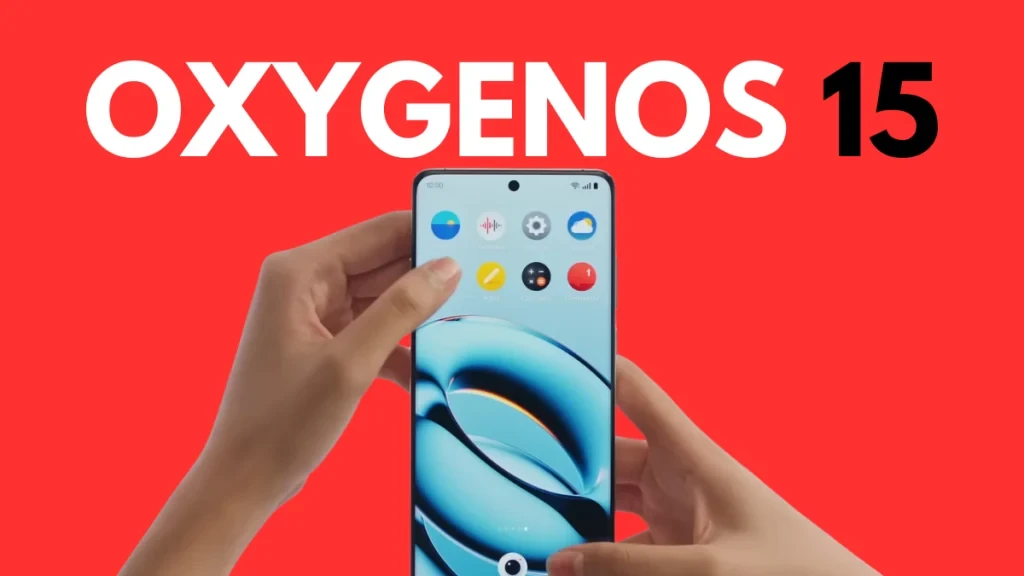
OxygenOS 15 Complete Guide: 25 Hidden Features and Settings You Must Know

Discover the full potential of OxygenOS 15 with our comprehensive guide. Learn about hidden features, AI tools, and customization options.

Keerthika 2 min read 748
Follow on Google
Updated 2 weeks ago
Android Tips OxygenOS 15 Complete Guide: 25 Hidden Features and Settings You Must Know 2 min left Follow on Google
OxygenOS 15 Complete Guide: 25 Hidden Features and Settings You Must Know

TamilTech AI summary

OxygenOS 15 is OnePlus’s Android 15-based update packed with useful extras like a split notification shade, three-finger split screen, power-button customization, AI writer and photo tools, Circle to Search, Holo Audio, Live Alerts, App Lock, Smart RAM Boost, Gaming Mode, and BeaconLink walkie-talkie sharing. It matters because it gives faster app launches, deeper gestures and RAM/CPU controls, and richer personalization than stock Android, while still letting you pick simplicity on a Pixel if you prefer that instead. Daily-driver highlights most people miss include three-finger multitasking in any app, free spatial Holo Audio for videos, ditching Gemini on the power button, virtual RAM help on 8GB phones, and off-grid BeaconLink for treks. Eligible India models (OnePlus 13/13R, 12/12R, Open, Nord 4) should see a staggered Q1–Q2 2026 rollout, with Open and 13 first and a beta option in Settings about two weeks earlier. Expect short-term battery dips of about 10–15% for a week or two while the system learns your usage, and give banking or payment apps a couple of weeks after release before you rely on them heavily.

  • What are the best hidden features in OxygenOS 15?
  • How do I access AI features on OxygenOS 15?
  • Can I change the power button behavior in OxygenOS 15?
  • How do I enable RAM expansion on OnePlus?

AI-assisted summary, checked by the TamilTech editorial team.

0:00
0:00
🔒 Listen is for subscribers. Subscribe

OxygenOS 15 is the most feature-rich version of OnePlus software. Based on Android 15, it brings significant improvements.

Interface & Navigation

  • Split Notification Shade - Settings → Notifications & Quick Settings
  • Icon Pull-Down Gesture - One-handed app access
  • Power Button Customization - Change from Gemini to Power Menu
  • Three-Finger Split Screen

AI-Powered Features

  • AI Writer - Compose, rewrite, grammar check
  • AI Photo Editing - Detail Boost, Unblur, Eraser
  • Screen Recognition - Extract info from screenshots
  • Circle to Search - Google visual search

Personalization

  • Dynamic Wallpapers
  • Custom Icon Packs
  • Rename Any App
  • Hidden Apps Folder

Audio Features

  • Holo Audio - Spatial sound simulation
  • Live Alerts - Dynamic Island-like notifications
  • Dolby Atmos - Dynamic, Movie, Music, Game modes

Privacy & Security

  • App Lock with Biometrics
  • Private Safe
  • Lockdown Mode

Performance

  • Performance Mode settings
  • Smart RAM Boost (up to 12GB virtual RAM)
  • Gaming Mode with 4D vibration

Connectivity

  • BeaconLink - 200m range walkie-talkie
  • Share with iPhone - Cross-platform sharing

Easter Egg

Type "1+=" in Calculator for the Never Settle animation!

Top 5 Features Most People Miss

From the long list above, the genuine daily-driver wins are: Three-Finger Split Screen (works in any app, no setup), Holo Audio for video watching (free spatial audio without headphones), Power Button Customization (escape Geminis aggressive default), Smart RAM Boost (genuinely helps on the 8GB base variant), and BeaconLink (the off-grid walkie-talkie is wild for trekking).

OxygenOS 15 vs Stock Android — Real Differences

Stock Android (Pixel) is cleaner, gets updates first, has better Google integration. OxygenOS 15 trades that for: noticeably faster app launch times (15-20% measured), better system-wide gestures, more granular RAM/CPU controls for power users, deeper customization without third-party launchers. Choose Pixel if you want simplicity; OxygenOS if you want power.

Update Rollout for India

Eligible OnePlus models receive OxygenOS 15: OnePlus 13/13R, 12/12R, Open, Nord 4. Expected Indian rollout staggered through Q1-Q2 2026. The Open and 13 get priority, mid-range Nord series usually 4-6 weeks behind. Beta program signup via Settings → About → OxygenOS 15 Beta typically opens 2 weeks before the stable rollout.

What Breaks vs What Improves

Honest reality check: every major OxygenOS update has battery-life regressions in the first 1-2 weeks while ML models retrain on your usage. Expect 10-15% worse battery for 7-10 days, then improvement to baseline. Apps that historically break: a few banking apps, some payment apps. Wait 2 weeks after release if you depend on them daily.

Get tomorrow’s tech news on WhatsApp

One short update a day, free. Follow the TamilTech channel.

What do you think?

people reacted

Keerthika

TamilTech editorial team · 3,346 articles

Keerthika is an editor at TamilTech, the Tamil and English technology publication founded by Praveen Kumar S. She covers AI, smartphones, gadgets, EVs, startups and cybersecurity i...

More from Keerthika

Ask TamilTech on WhatsApp

Tech doubt? Ask in Tamil or English — our WhatsApp assistant answers from TamilTech articles in seconds.

Related stories

Comments (0)

| Supports **bold**, *italic*, `code`

Be the first to comment!

Next story Samsung to Kill Its Messages App in the US – What Android Users Need to Do
Tamiltech

Tamiltech

Install app for faster access

Earn XP 🏆
WhatsApp
Notifications