


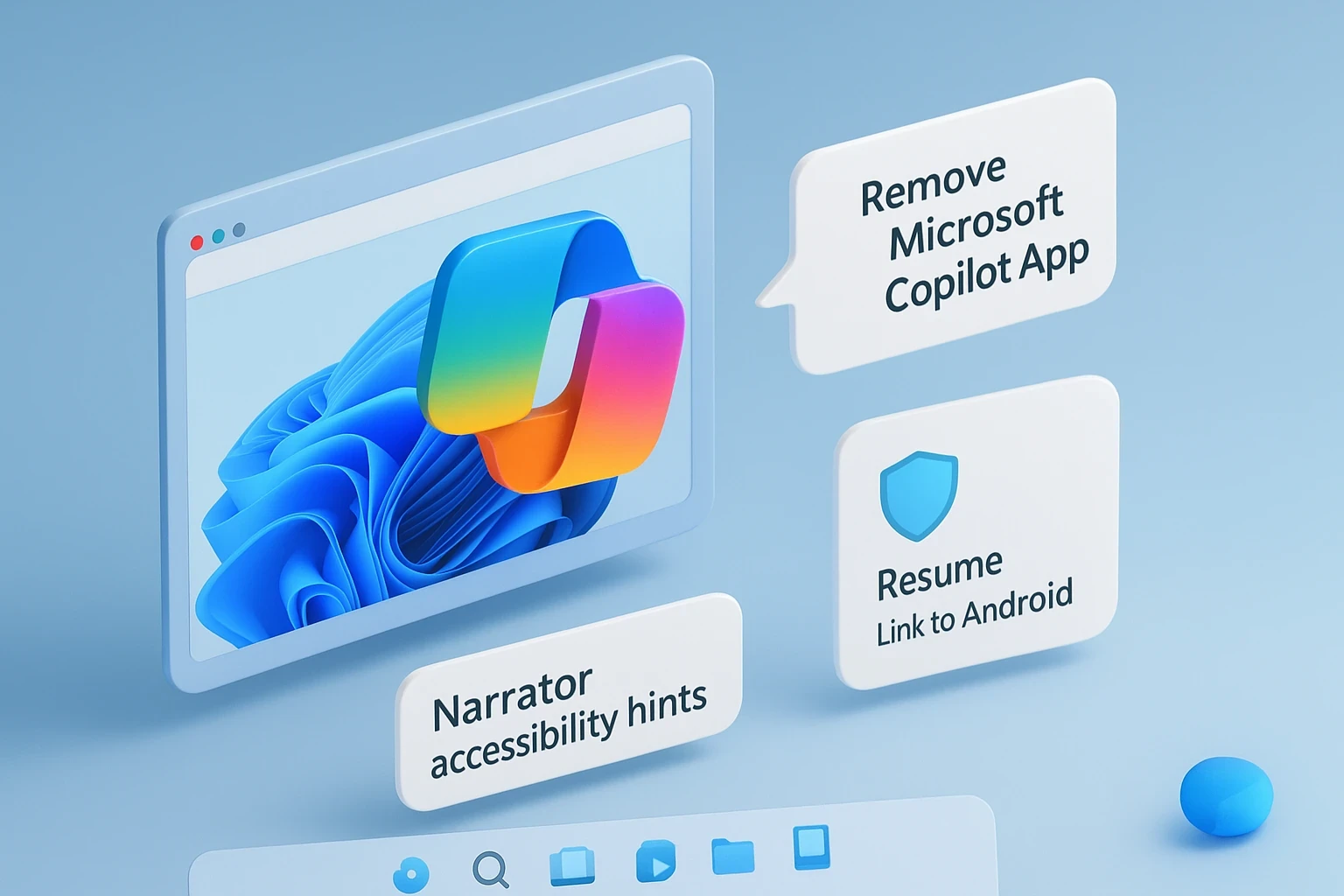
Microsoft has released Windows 11 Insider Preview Build 26220.7535 (KB5072046) to Windows Insiders in the Dev and Beta Channels. This quality update brings significant accessibility improvements, administrative controls, and numerous bug fixes to the Windows 11 version 25H2 platform.
What's New in Build 26220.7535
This update introduces several notable features that enhance both user experience and enterprise management capabilities.
Narrator with Copilot AI Integration
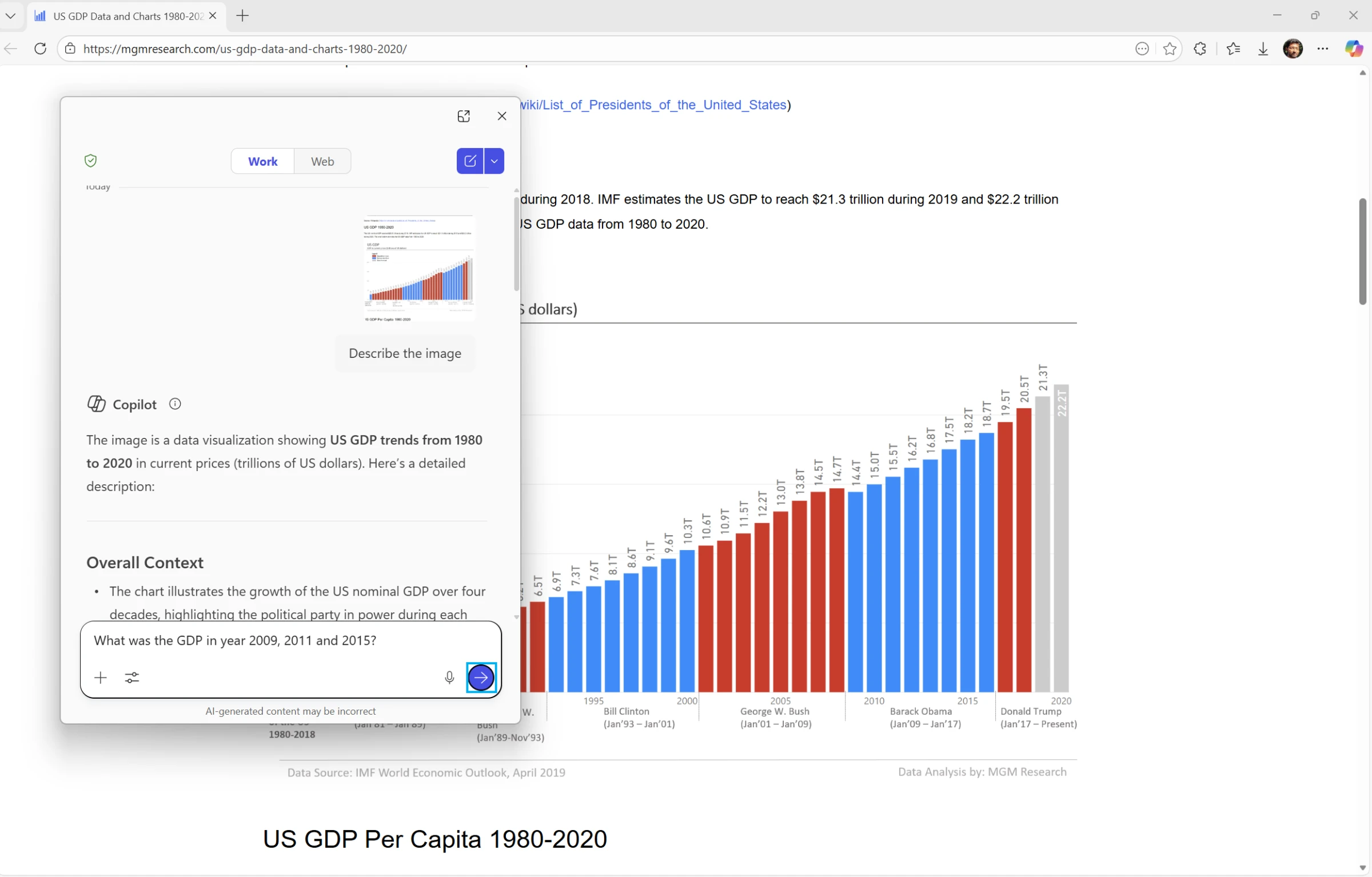
Narrator now uses Copilot to generate rich image descriptions - Image: Microsoft
The headline feature in Build 26220.7535 is a major accessibility upgrade. Narrator can now use Copilot to generate rich descriptions of images and on-screen content on all Windows 11 PCs — not just Copilot+ devices.
Users can trigger AI-powered descriptions using these keyboard shortcuts:
- Narrator key + Ctrl + D: Describe the focused image
- Narrator key + Ctrl + S: Describe the entire screen
When activated, Copilot opens alongside Narrator with the image ready, allowing users to enter custom prompts for more detailed or specific descriptions. On Copilot+ PCs with NPU processors, descriptions work locally without requiring cloud transmission, ensuring privacy.
New Copilot Management Policy for IT Administrators
Build 26220.7535 introduces a new Group Policy option called "Remove Microsoft Copilot App". This policy is available on Windows 11 Enterprise, Pro, and Education editions.
Key details about the Copilot removal policy:
- Allows administrators to uninstall Copilot for specific users or devices
- Works under defined conditions (app not user-installed or not recently launched)
- Targets devices where Copilot hasn't been used for 28+ days
- Users can manually reinstall the app afterward if needed
- For complete blocking, additional policy controls are required
- Not available on Windows 11 Home edition
Windows Spotlight Icon Refresh
The update includes a visual refresh to the Windows Spotlight desktop icon. This change is rolling out gradually to users and features a modernized design that better aligns with Windows 11's visual language.
Bug Fixes and Improvements
Build 26220.7535 addresses multiple issues that affected user experience:
| Component | Fix Description |
|---|---|
| Start Menu | Fixed issues where Start menu would not respond to clicks |
| File Explorer | Resolved crashes related to context menu interactions |
| Print Dialog | Fixed inconsistencies and duplicate entries in printing dialogs |
| Snipping Tool | Addressed pen input flash issues when annotating screenshots |
| Windows Update | Fixed hangs that occurred during update installation |
| Settings App | Resolved crashes when managing audio device settings |
Known Issues
Microsoft has acknowledged the following known issues in Build 26220.7535:
Current Known Issues:
- Start Menu: May not open when clicked for some users (Windows key still works)
- Notification Center: WIN + N shortcut may be affected
- Quick Settings: WIN + A may not work properly
- System Tray: Some apps may not appear when expected
- Taskbar: With autohide enabled, may appear unexpectedly
- Settings: May crash when interacting with audio devices
- Bluetooth: Device battery levels may fail to display
- Xbox: Full-screen experience compatibility issues
Channel Switching Notice: Last Chance!
Important for Dev Channel Insiders: If you're currently in the Dev Channel and want to switch to the Beta Channel, now is your window. Microsoft has announced that this opportunity will close soon when they move the Dev Channel forward to a higher build number.
How to Install Build 26220.7535
To install this update on your Windows 11 Insider Preview system:
- Open Settings (Win + I)
- Navigate to Windows Update
- Click Check for updates
- Download and install KB5072046
- Restart your PC to complete the installation
Technical Details
| Build Number | 10.0.26220.7535 |
| KB Number | KB5072046 |
| Channels | Dev Channel, Beta Channel |
| Base Version | Windows 11 version 25H2 |
| Compilation Date | December 15, 2025 |
| Release Date | January 9, 2026 |
| Architecture | AMD64, ARM64 |
Conclusion
Windows 11 Insider Preview Build 26220.7535 represents another step forward in Microsoft's commitment to accessibility and enterprise control. The Narrator Copilot integration makes Windows more accessible to visually impaired users, while the new Copilot removal policy gives IT administrators more control over their managed devices.
As always with Insider Preview builds, users should expect some bugs and report any issues through the Feedback Hub app. The known issues list suggests that some core UI elements still need work before this build is ready for stable release.




Comments (0)
Be the first to comment!