


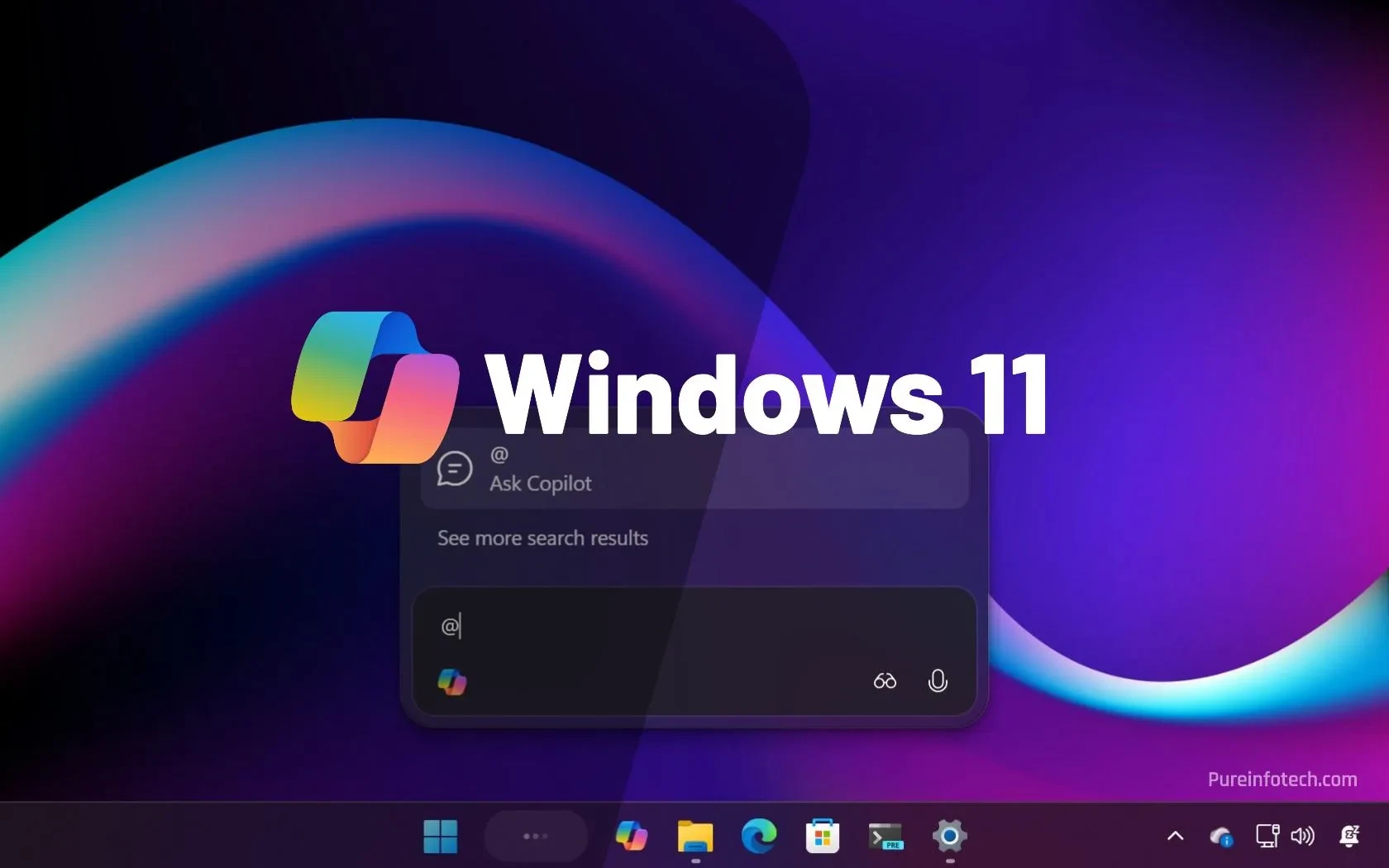
Introduction – A Forced Upgrade Like Never Before
Microsoft has always touted Windows 11 as a platform that evolves through regular feature updates, but the company’s latest move marks a decisive shift from choice to compulsion. With version 24H2 of Windows 11 slated to lose official support on 13 October 2024, Microsoft is now mandating that every eligible device – from consumer laptops to enterprise workstations – be pushed to the upcoming 25H2 build. The rollout will be driven by an “intelligent” machine‑learning system that decides when, how, and to whom the update is delivered, leaving users with virtually no way to opt out.
Background – How Windows Updates Have Evolved
Since the early days of Windows, Microsoft has used a mix of service packs, “Patch Tuesday” releases, and, more recently, semi‑annual feature updates (SAFEs) to keep the OS fresh. Windows 10 introduced the “Windows as a Service” (WaaS) model, promising two major updates per year, each supported for 18 months. Windows 11 continued this cadence, naming its releases with a year‑and‑half‑year notation (e.g., 22H2, 23H2, 24H2).
Historically, users could defer feature updates for a certain period, especially in enterprise environments where IT admins could control the timing via Group Policy or Microsoft Endpoint Manager. Even in the consumer space, the “pause updates” toggle gave a short‑term reprieve. However, as the OS matures, Microsoft’s revenue model – which now heavily relies on cloud services, Microsoft 365 subscriptions, and the Windows Store – pushes it to keep the OS on the latest version, ensuring compatibility with newer services and security baselines.
The 24H2 End‑of‑Support Deadline
Version 24H2, released in early 2024, will stop receiving security updates, bug fixes, and quality improvements after 13 October 2024. For most users, that date is a clear signal to upgrade, but the reality on the ground is more complex:
- Legacy hardware: Many budget laptops sold in India in 2020–2021 still run on Intel 10th‑gen CPUs and 8 GB of RAM. While they meet the minimum specifications for Windows 11, they struggle with newer feature updates.
- Enterprise constraints: Large Indian enterprises run thousands of PCs that are often locked to a specific OS version to guarantee compatibility with custom line‑of‑business (LOB) applications.
- Regional bandwidth: In Tier‑2 and Tier‑3 cities, internet speeds can dip below 10 Mbps, making a 4‑GB feature update a logistical nightmare.
Microsoft’s answer? A forced, AI‑orchestrated migration to 25H2.
What Is the “Intelligent” ML‑Based Rollout?
Microsoft claims the new rollout engine uses machine learning to assess device health, usage patterns, network conditions, and even telemetry about which apps are most used. The algorithm then decides the optimal window to push the update, aiming to minimise disruption. In theory, this sounds beneficial – “smart” updates that happen when the device is idle, on a fast Wi‑Fi connection, and with a healthy battery.
In practice, the system works like this:
- Data collection: The OS continuously sends anonymised telemetry – CPU load, disk usage, Wi‑Fi signal strength, recent app launches, and even the user’s typical work hours.
- Scoring: A ML model scores each device on “readiness”. A high‑end Dell XPS with 16 GB RAM, plugged into a gigabit line, gets a green light within hours.
- Staged rollout: Devices are grouped into cohorts. The first cohort receives the update silently; if no major issues are reported, the next cohort follows.
- Fallback: If the update fails, the system rolls back automatically, but the next scheduled attempt will be sooner rather than later.
Microsoft deliberately hides the exact parameters of the model, citing “proprietary algorithms”. This opacity has raised eyebrows among privacy advocates and IT admins who rely on precise control.
Why No Opt‑Out?
Microsoft’s official line is that allowing users to opt out would jeopardise the security of the entire ecosystem. An unpatched device could become a vector for ransomware or supply‑chain attacks that spread to other machines on the same network. By forcing a universal upgrade, Microsoft hopes to eliminate the “security hole” created by lingering legacy versions.
However, the lack of a true opt‑out mechanism – beyond temporarily pausing updates for a few days – is unprecedented. Even enterprises that use Windows Update for Business (WUfB) or Microsoft Endpoint Manager cannot block the upgrade entirely; they can only delay it within a limited window, after which the OS will self‑install the update.
Implications for Indian Users
1. Budget Devices May Struggle
India’s PC market is dominated by affordable laptops from brands like Acer, Lenovo, and HP, often priced under ₹30,000. Many of these machines have entry‑level SSDs and integrated graphics that barely meet Windows 11’s baseline. The 25H2 build introduces a larger set of background services, a revamped Windows Store, and new AI‑powered features such as “Copilot”. On low‑end hardware, these additions can lead to slower boot times, higher memory pressure, and occasional freezes.
2. Bandwidth Crunch
Downloading a 4‑GB cumulative update in a city like Chennai or Kolkata, where many users still rely on 4G or limited broadband caps, can consume a significant portion of monthly data allowances. While Microsoft says the rollout will use “delivery optimization” to pull pieces from nearby devices, the initial download still hits the ISP’s gateway.
3. Enterprise Compliance
Large Indian corporations – especially in banking, telecom, and government sectors – have stringent compliance requirements. They often certify a specific Windows 11 build before rolling it out across their network. A forced upgrade could break certified configurations, forcing costly re‑certification processes.
4. Security vs. Control Trade‑off
For most home users, the security benefit of staying on a supported OS outweighs the inconvenience. Yet for power users who run custom kernels, virtualization setups, or specialized development environments, the forced upgrade could break tooling that has not yet been updated for 25H2.
What This Means for Indian Tech Users and Industry
Below is a concise breakdown of the likely ripple effects across different segments of the Indian tech landscape.
- Consumers: Expect a surge in support tickets to device manufacturers and Microsoft support portals in the coming weeks. Users may experience temporary performance degradation as the OS re‑indexes files and rebuilds the search index.
- SMEs: Small and medium enterprises that rely on legacy accounting software (e.g., Tally, Zoho Books) should test compatibility on a pilot group before the upgrade hits production machines.
- Education sector: Many schools and colleges run Windows 11 on thin clients. Centralised IT teams must schedule the rollout during holidays to avoid class disruptions.
- Hardware vendors: Companies like Dell, HP, and Lenovo will likely release firmware and driver updates tuned for 25H2, especially for their low‑cost models sold in India.
- Cloud service providers: Azure and AWS Windows VM images will be refreshed to 25H2, meaning developers who spin up VMs will automatically get the newer OS, affecting testing pipelines.
In short, the upgrade is not just an OS bump; it is a catalyst that will reverberate through hardware, software, and service layers across the country.
How to Prepare – A Practical Checklist for Indian Users
- Check device compatibility: Open Settings → System → About and verify that the device meets the minimum RAM (4 GB) and storage (64 GB) requirements. If you’re on a 256 GB SSD, ensure you have at least 20 GB free.
- Backup critical Use OneDrive, Google Drive, or an external HDD. While Windows 11’s in‑place upgrade is generally safe, a rollback can sometimes result in data loss.
- Update drivers: Visit the OEM’s support site and download the latest chipset, graphics, and network drivers. Many manufacturers release “25H2‑ready” packs a week before the OS rollout.
- Schedule bandwidth: If you have a limited data plan, enable “Metered connection” in Settings and let the update happen overnight when you have a backup broadband connection.
- Test on a secondary device: If you own a spare laptop or a virtual machine, install 25H2 there first to see if your daily apps (e.g., Adobe Photoshop, VS Code, or specific Indian regional keyboards) work as expected.
Possible Workarounds – Are They Viable?
While Microsoft claims there is no full opt‑out, savvy users have discovered a few “gray‑area” methods:
- Group Policy tweak: Setting DeferFeatureUpdatesPeriodInDays to the maximum (365) can delay the upgrade for a year, but the policy is eventually overridden by the intelligent rollout engine.
- Registry hack: Adding DWORD NoAutoUpdate=1 under HKLM\SOFTWARE\Policies\Microsoft\Windows\WindowsUpdate\AU can pause updates, yet Windows 11 25H2 will still force a reboot and apply the update after a grace period.
- Third‑party tools: Utilities like O&O ShutUp10 claim to block certain update services, but they are not guaranteed to survive the ML‑driven rollout, which can re‑enable disabled services.
In short, any workaround is temporary and may expose the device to security risks. The safest path is to comply, but to do so with preparation.
Industry Reaction – Voices from the Field
Rohit Sharma, Head of IT at a mid‑size bank in Mumbai: “We have a strict audit schedule. A forced OS upgrade that we cannot fully control forces us to revisit our compliance matrix, which is costly.”
Priya Menon, Tech Blogger and early‑adopter: “The AI‑driven rollout feels like a double‑edged sword. It’s smart, but the lack of transparency makes me uneasy. I wish Microsoft would at least publish the criteria it uses.”
Arun Kumar, CEO of a Chennai‑based laptop refurbishment startup: “Many of the devices we refurbish are 4‑year‑old machines. If they can’t run 25H2, we will have to either downgrade them to Windows 10 (which is also ending support soon) or scrap them, which hurts our margins.”
Conclusion – A Forced Future, but Not a Doom
Microsoft’s decision to push Windows 11 25H2 across the board reflects a broader industry trend: operating systems are becoming services that must stay current to stay secure. For Indian users, the rollout will be a mixed bag of challenges – hardware limitations, bandwidth constraints, and enterprise compliance headaches – but also an opportunity to modernise legacy fleets.
The key takeaway is preparation. By backing up data, ensuring driver compatibility, and testing on secondary devices, users can smooth the transition. Enterprises should leverage Microsoft Endpoint Manager to stage the rollout carefully, while hardware partners must accelerate driver releases for budget devices that dominate the Indian market.
Ultimately, the “intelligent” rollout is a glimpse of how AI will govern software maintenance in the years to come. Whether users embrace it or resist it will depend on how transparently Microsoft communicates the process and how responsibly the ecosystem – OEMs, ISPs, and enterprises – supports the shift.




Comments (0)
Be the first to comment!