


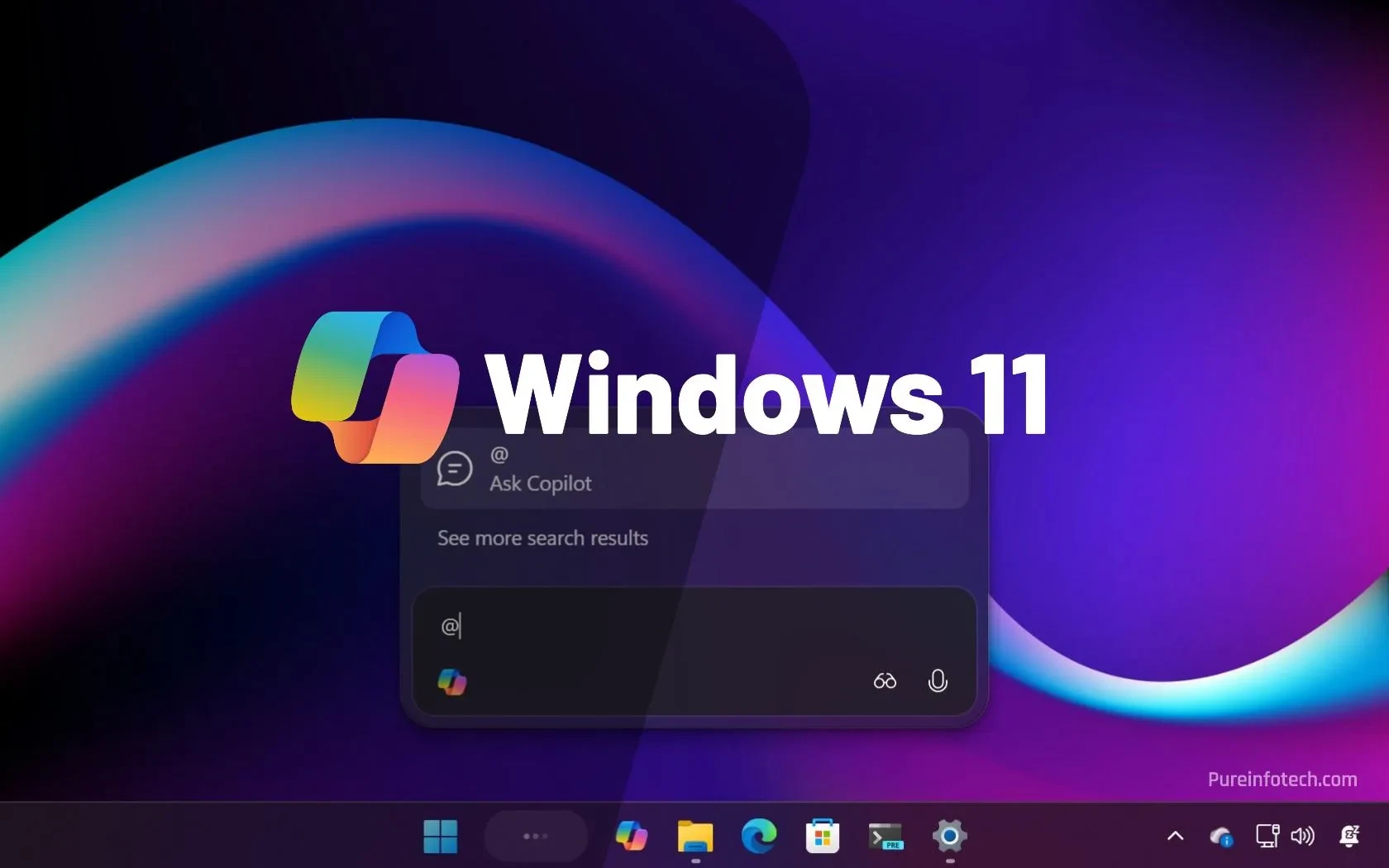
What’s happening?
Microsoft’s latest update roadmap says that all devices running Windows 11 24H2 will soon be upgraded to the next major build – 25H2. The twist? There’s no permanent “turn off updates” switch. Instead, the company is rolling out an “intelligent” machine‑learning system that decides when and how fast your PC gets the new build.
How the rollout works
The new ML engine watches a handful of signals – hardware health, driver compatibility, recent crash logs and even your usage patterns. Based on that data it picks a safe window to push 25H2. If the system thinks the upgrade could break something, it will pause and try again later. In theory it’s meant to keep the experience smooth, but in practice it means you can’t simply click “Don’t update” and be done.
What’s actually changing in 25H2?
Microsoft lists a handful of visual tweaks, a revamped Settings UI and a few under‑the‑hood performance improvements. Most of the new features are incremental – better Snap layouts, a refreshed Widgets panel and some AI‑assisted suggestions in File Explorer. Nothing that will make you drop your current workflow, but the cumulative changes can affect older hardware.
Why Indian users should care
India’s PC market is still dominated by budget laptops and refurbished devices. Many of those run on older Intel‑i3 or AMD‑Ryzen 3 chips that barely meet the 24H2 baseline. When the ML engine decides it’s “safe” to push 25H2, those machines might start to feel sluggish or encounter driver hiccups – especially with locally‑sourced components that don’t get timely driver updates.
Another angle: corporate IT departments in Indian firms often lock down Windows Update policies. With this new “intelligent” rollout, even locked‑down PCs might receive the update outside the usual WSUS schedule, potentially breaking custom configurations used for ERP or payroll software.
Can you really opt‑out?
Microsoft still offers the classic “Pause updates for 7 days” button in Settings → Windows Update. After that window expires, the ML system will schedule the upgrade again. There’s no permanent toggle to keep 24H2 forever, and the “Group Policy” option to disable feature updates is being deprecated for Windows 11 Home users.
Power users can try a few workarounds – setting the network connection as metered, or disabling the Windows Update service via services.msc. But those tricks are brittle; the next cumulative update may re‑enable the service automatically.
What to do right now
- Open Settings → Windows Update and check the “Pause updates” option if you need a few days.
- Make a full system backup or create a restore point before the upgrade hits.
- Visit your laptop vendor’s support page and ensure the latest chipset and graphics drivers are available for Windows 11 25H2.
- If you’re an IT admin, review your WSUS or Intune policies – you may need to add an exclusion for 25H2 until you test it on your fleet.
TamilTech’s take
We get the idea of a smoother, data‑driven rollout, but forcing an upgrade without a true opt‑out feels heavy‑handed. For Indian users on tight budgets, a mandatory upgrade could mean a fresh round of troubleshooting – and who has time for that when you’re juggling IRCTC bookings and Zoom meetings?
That said, Microsoft’s ML engine could actually protect many users from installing a broken build. If the system correctly delays the upgrade on borderline hardware, you’ll avoid crashes. The key is transparency – we want to see a clear “Why am I getting this update now?” dialog, not a silent background push.
What’s next?
Microsoft says 25H2 will start rolling out globally in the next two weeks and finish by the end of Q2 2026. Keep an eye on the Windows Update page for the exact date. In the meantime, back up your data, check driver compatibility, and if you’re an IT manager, test the build on a non‑critical machine before letting it hit production.
Stay tuned – we’ll update this story as the rollout progresses and share any workarounds that surface in the Indian community.




Comments (0)
Be the first to comment!