


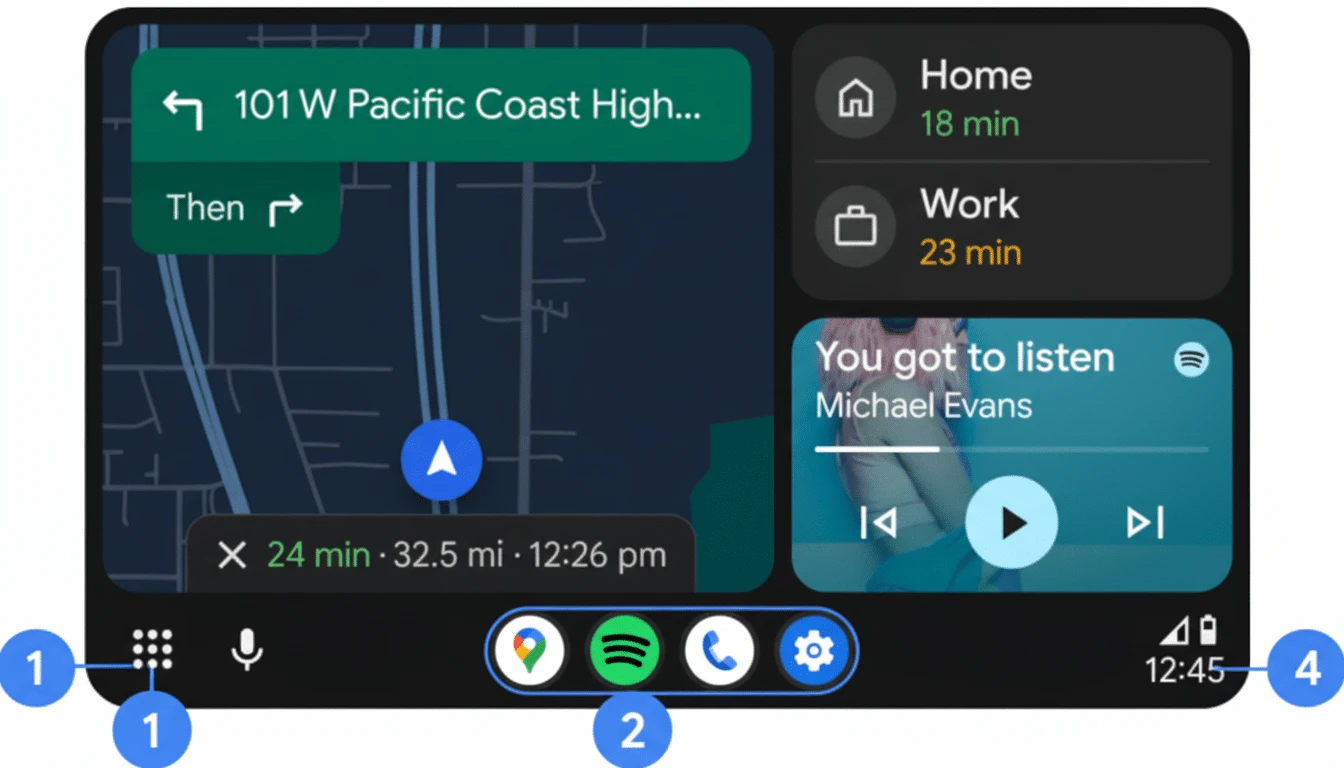
Android Auto March Update-க்கு பிறகு Connect ஆகவில்லையா? Google Fix Rolling Out
இந்த week car-ல் phone plug பண்ணினீர்களா, Android Auto connect ஆகவில்லையா? நீங்கள் மட்டுமில்லை. March 2026 software update-க்கு பிறகு Pixel மற்றும் Samsung Galaxy S26 users பலருக்கு Android Auto connection fail ஆகிறது. Google இப்போது officially confirm பண்ணியிருக்கிறது — fix rolling out.
என்ன நடக்கிறது?
March 2026 Pixel update மற்றும் recent Samsung updates-க்கு பிறகு:
- Car phone-ஐ recognize பண்றதில்லை
- Android Auto launch-ல் crash ஆகிறது
- Connection repeatedly drop ஆகிறது
- Wireless Android Auto-ம் work ஆகவில்லை
Google 9to5Google-க்கு confirm பண்ணியது: fix "rolling out" — ஆனால் உங்கள் device-க்கு இன்னும் reach ஆகவில்லை என்றால் இந்த workarounds try பண்ணுங்கள்.
இப்போதே Try பண்ண Fixes
எல்லாருக்கும் (Pixel + Galaxy)
- Android Auto app update check — Play Store திறந்து Android Auto search பண்ணி Update இருந்தால் install பண்ணுங்கள். Google app updates-ல் first push பண்றது
- Cache + Data clear — Settings → Apps → Android Auto → Storage → Clear Cache, Clear Data. Setup again பண்ண வேண்டும்
- Phone + Car restart — Phone restart பண்ணுங்கள். Car-ஐ completely off பண்ணி 2 minutes wait பண்ணிட்டு reconnect பண்ணுங்கள்
- Different USB cable/port try — Phone-உடன் வந்த original cable use பண்ணுங்கள், 1 meter-க்கு குறைவாக இருக்கட்டும்
- Battery optimization off — Settings → Apps → Android Auto → Battery → Unrestricted
Pixel Users-க்கு
- Advanced Protection Mode disable — Settings → Security & Privacy → Advanced Protection → Off. இது USB access block பண்றிருக்கலாம். Patch வரும் வரை temporarily disable வைக்கலாம்
- USB mode check — Phone connect பண்ணியதும் notification bar-ல் USB mode "Android Auto" அல்லது "File Transfer"-ஆக இருக்கிறதா confirm பண்ணுங்கள்
Samsung Galaxy S26 Users-க்கு
- SmartThings workaround — SmartThings app → Easy Connection section features disable பண்ணுங்கள், அல்லது SmartThings app-ஐ temporarily uninstall பண்ணுங்கள்
- Car-ல் இருந்து initiate — Phone-ல் Android Auto tap பண்றதை விட car infotainment system-ல் இருந்து connection start பண்ணுங்கள்
- Forget + re-pair — Android Auto settings → Previous Cars → car remove → fresh connect
Wireless Android Auto Issues
- Bluetooth paired + Wi-Fi enabled இருக்கிறதா confirm பண்ணுங்கள்
- Car-இன் Bluetooth pairing delete பண்ணி scratch-ல் இருந்து re-pair பண்ணுங்கள்
Quick Summary
| Device | Quick Fix |
|---|---|
| Pixel | Advanced Protection Mode disable + Android Auto update |
| Galaxy S26 | SmartThings disable/uninstall + car-ல் இருந்து initiate |
| All Android | Cache clear + phone/car restart + Play Store update |
Permanent Fix எப்போது?
Google says fix already rolling out. Daily Play Store-ல் Android Auto update check பண்ணுங்கள். பெரும்பாலான users-க்கு days-ல் கிடைக்கும். Issue persist ஆனால் monthly security patch-ஐ wait பண்ணுங்கள்.





கருத்துகள் (0)
Be the first to comment!