


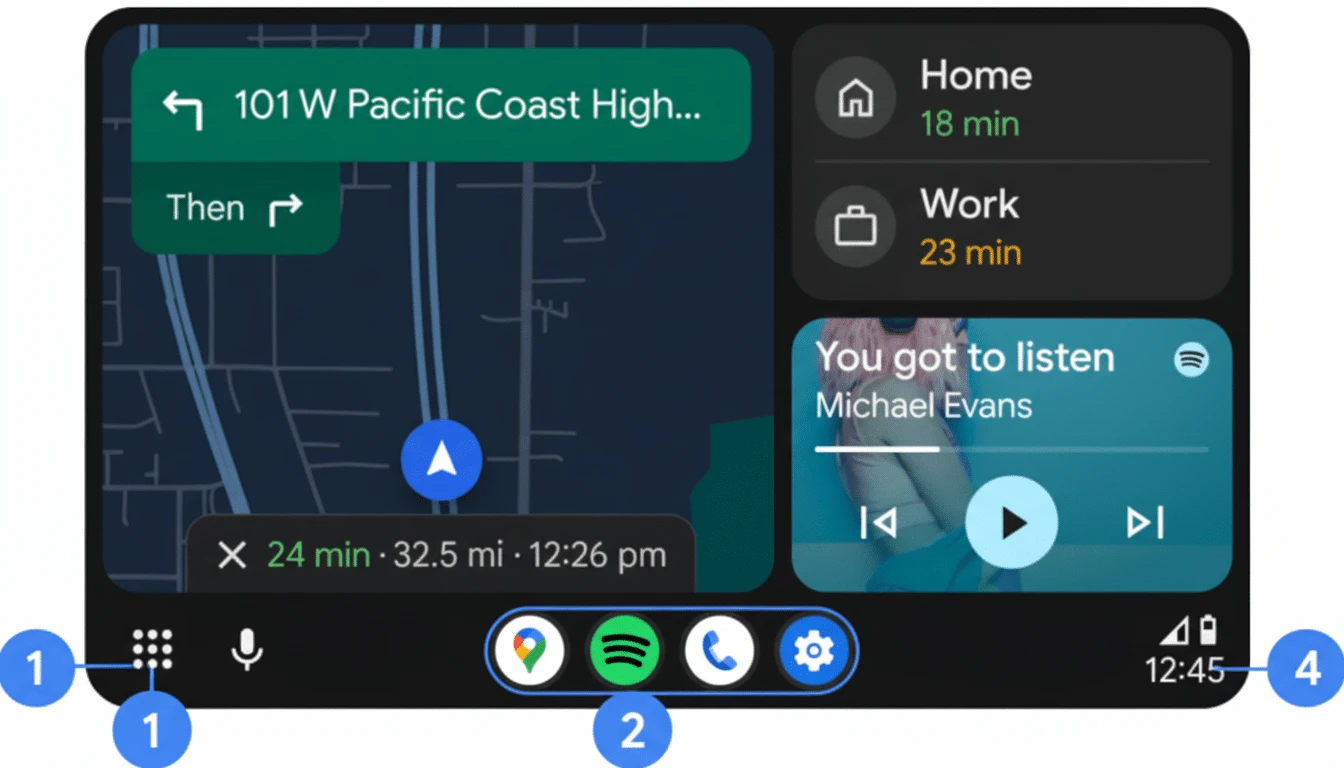
Android Auto Broken After March Update? Google Confirms Fix Is Rolling Out
If you plugged in your Pixel or Samsung Galaxy phone to your car this week and Android Auto refused to connect, you're not imagining things. A wave of connection failures hit Pixel and Galaxy S26 users following the March 2026 software update — and Google has now officially confirmed the problem and said fixes are beginning to roll out.
What's Happening?
Following the March 2026 software update on Pixel devices and after recent Samsung updates (particularly affecting Galaxy S26 users), Android Auto started failing to connect — both via USB cable and wirelessly. Users reported their cars simply not recognizing the phone, Android Auto crashing at launch, or the connection dropping repeatedly mid-drive.
Google confirmed to 9to5Google that fixes are "beginning to roll out" — meaning the official patch is in progress but may not have reached your specific device yet.
Workarounds to Try Right Now
While you wait for the official fix, these steps have worked for affected users:
For All Users (Pixel and Galaxy)
- Check for Android Auto app updates — Open Play Store, search Android Auto, hit Update if available. Google is pushing fixes through app updates first
- Clear cache and data — Settings → Apps → Android Auto → Storage → Clear Cache, then Clear Data (you'll need to set up Android Auto again)
- Restart both devices — Restart your phone AND turn off your car completely (not just the infotainment system) for 2+ minutes before reconnecting
- Try a different USB port or cable — If your car has multiple USB ports, switch. Use a certified data cable under 1 meter, ideally the one that came with your phone
- Disable battery optimization — Settings → Apps → Android Auto → Battery → Unrestricted
Specific to Pixel Users
- Disable Advanced Protection Mode — Go to Settings → Security & Privacy → Advanced Protection and temporarily disable it. This mode can block USB access when the phone is locked. Not a permanent fix, but it restores functionality while the patch rolls out
- Check USB preferences — When connected, pull down the notification bar and ensure USB is set to "Android Auto" or "File Transfer" mode, not "Charging only"
Specific to Samsung Galaxy S26 Users
- SmartThings app workaround — Some Galaxy S26 users resolved the issue by disabling features in SmartThings' Easy Connection section or uninstalling the app temporarily
- Initiate from the car — Instead of tapping Android Auto on your phone, start the connection from your car's infotainment system directly
- Forget and re-pair — In Android Auto settings, go to Previous Cars → remove your car → then reconnect from scratch
For Wireless Android Auto Issues
- Ensure Bluetooth is paired AND Wi-Fi is enabled on your phone
- Delete existing Bluetooth pairing with your car and re-pair from scratch
- Check that your car and phone are on compatible Wi-Fi bands (most work on 5GHz)
Why Did This Happen?
Software update regressions in Android Auto are unfortunately common. The March Pixel update appears to have introduced a conflict with Android Auto's USB communication stack, possibly related to new security permissions introduced in the update. Samsung's Galaxy S26 issue appears to be a separate but concurrent problem, possibly related to SmartThings integration.
When Will the Permanent Fix Arrive?
Google says the fix is already rolling out. Check the Play Store daily for an Android Auto update. Most users should receive the fix within days of this article. If the issue persists after updating Android Auto, wait for a full monthly security patch, or contact Google support.
Quick Summary Table
| Device | Best Quick Fix |
|---|---|
| Pixel (all) | Disable Advanced Protection Mode + update Android Auto app |
| Galaxy S26 | Disable/uninstall SmartThings + initiate from car |
| All Android | Clear Android Auto cache + data, restart both devices |






Comments (0)
Be the first to comment!