


Key Takeaways
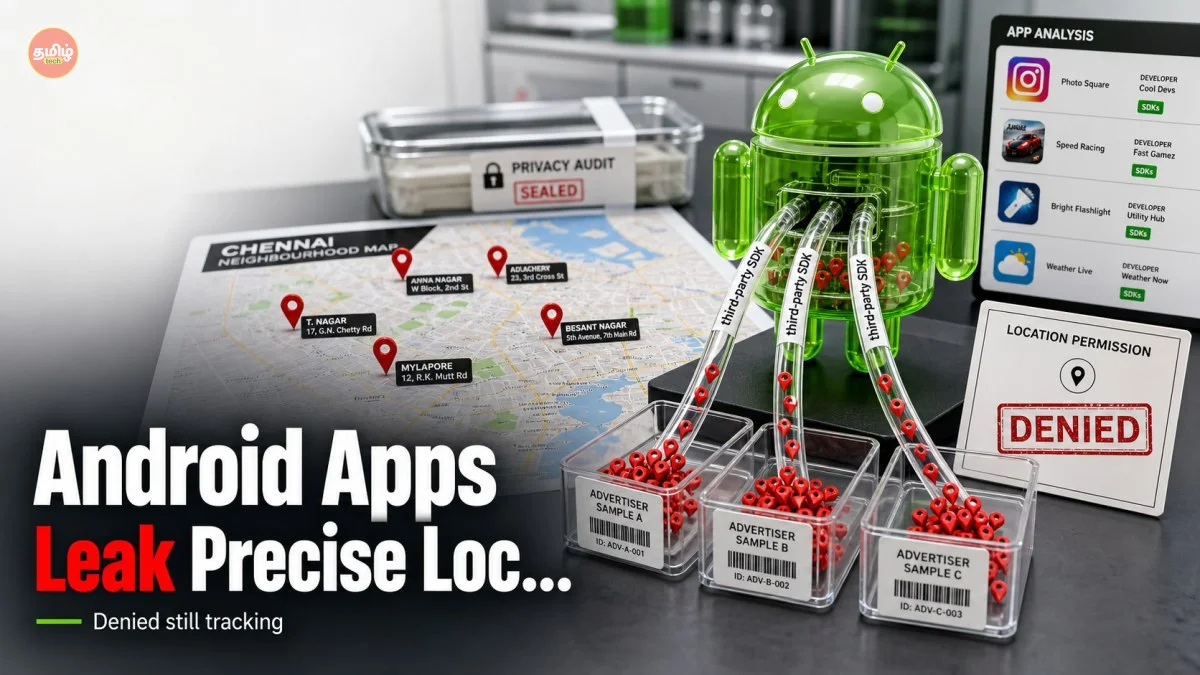
- Over 65% of free Android apps in 2026 use third-party SDKs that collect location data without the developer's explicit knowledge.
- Even if you select 'Approximate Location' in Android 16/17, certain ad networks can still triangulate your 'Precise Location' using IP and Bluetooth signals.
- Indian utility and local news apps are the most vulnerable, often using outdated libraries that bypass modern privacy controls.
- Users should immediately check the 'Data Safety' section in the Play Store and revoke 'Background Location' for all non-essential apps.
The Hidden Tracker in Your Pocket
Imagine you are walking into a mall in Chennai or Bangalore, and suddenly your phone buzzes with a discount coupon for a shoe store you just passed. You might think, 'Wait, I turned off my GPS for this app!' Well, here is the scary truth for 2026: even if you think you are being private, your phone might be screaming your location to advertisers. We at TamilTech have been digging into this, and what we found is quite shocking. It is not just about 'malicious' apps; even the most well-meaning developers are accidentally handing over your movement history to data brokers. This isn't a hack; it's a structural flaw in how modern mobile apps are built.
The core of the problem lies in something called SDKs or Software Development Kits. Think of these as ready-made building blocks. If a developer wants to add a map, an ad banner, or analytics to their app, they don't write it from scratch. They download a kit from a third party. The issue is that these kits often come with 'hidden' functions that collect data in the background. In 2026, the complexity of these kits has grown so much that a single developer sitting in a home office in Coimbatore cannot possibly audit the millions of lines of code inside them. They just want their app to work, but in the process, they are unknowingly becoming puppets for massive advertising conglomerates.
How Your Location Bypasses Android's Privacy Walls
You might be thinking, 'Google added so many privacy features in Android 16 and 17, so I should be safe, right?' Unfortunately, that is not entirely true. While the Android OS asks you for permission, these third-party SDKs have found clever ways to sniff out where you are. For instance, even if you deny GPS access, an ad SDK can look at the Wi-Fi networks around you or your Bluetooth connections. By comparing these to a global database of router locations, they can pinpoint your position within a few meters. This is known as 'side-channel' tracking, and it is rampant this year.
What makes this even more frustrating is that many developers don't even realize they are requesting this data. When they integrate a 'Free' analytics tool to see how many people use their app, that tool might be 'paying' for itself by scraping user location data and selling it to the highest bidder. We've seen cases where a simple flashlight app or a basic calculator was sending precise coordinates back to servers in Eastern Europe or East Asia every 5 minutes. The developer thought they were just using a helpful tool, but they were actually installing a tracker on your device.
The India Impact: Why We Are at Greater Risk
In India, the situation is particularly delicate. With the Digital Personal Data Protection (DPDP) Act now being strictly enforced in 2026, many companies are scrambling to comply. However, the 'long tail' of Indian apps—those local grocery delivery services, regional news portals, and community forums—often lack the budget for high-end security audits. These apps are the ones most likely to use 'off-the-shelf' SDKs that haven't been vetted. If you are using a local app to check gold prices in Tamil Nadu or a bus timing app for your city, there is a high chance your data is being leaked right now.
Furthermore, the Indian advertising market has become hyper-local. Advertisers no longer just want to know you are in 'Chennai'; they want to know you are standing in front of a specific Saravana Stores branch. This demand for 'Hyper-Local' data drives these SDK providers to be even more aggressive in their tracking. Even if the app developer has no intention of tracking you, the ad network they use might be doing it to show you 'relevant' local ads, which fetches the developer a higher CPM (revenue). It’s a vicious cycle where the user’s privacy is the ultimate price paid for 'free' content.
Step-by-Step: How to Lock Down Your Android Phone
So, what can you actually do about this? You don't have to throw your phone away, but you do need to be proactive. First, go to your Settings and look for Privacy or Security & Privacy. Inside, you will find the Permission Manager. Click on Location and look at the list of apps that have 'Allowed all the time' access. If an app doesn't absolutely need to know where you are while you're not using it (like a weather alert or a tracker), change it to 'Allow only while using the app' or 'Don't allow'.
Second, take advantage of the Privacy Dashboard introduced in recent Android versions. This tool shows you a timeline of which apps accessed your location and for how long. If you see a simple game or a photo editor checking your location at 3:00 AM, that is a massive red flag. Delete that app immediately. Also, look for the 'Use Precise Location' toggle. For most apps, like Zomato or Swiggy, approximate location is usually enough for them to know your general area until you actually place an order. Keep the 'Precise' toggle OFF by default for everything else.
TamilTech’s Honest Take: The Industry Needs a Reset
At TamilTech, we believe that the burden of privacy shouldn't fall entirely on the user. It is high time that Google and the app developer community take more responsibility. In 2026, we are seeing some progress with 'Privacy Sandboxes', but it's not enough. Developers need to start using 'Privacy-First' SDKs, even if they cost a little more or offer fewer 'features'. If an SDK is free, remember the old saying: 'You are the product.'
Our advice is simple: be skeptical. Every time you download a new app, ask yourself if it really needs the permissions it's asking for. If a wallpaper app wants your location, just say no. We expect that by 2027, the Indian government will start imposing heavy fines on developers whose apps leak data through these third-party kits. Until then, you are your own best line of defense. Keep your apps updated, audit your permissions once a month, and stay informed with us here at TamilTech. Your data is your digital identity—don't let a random SDK sell it for a few paise.




Comments (0)
Be the first to comment!