


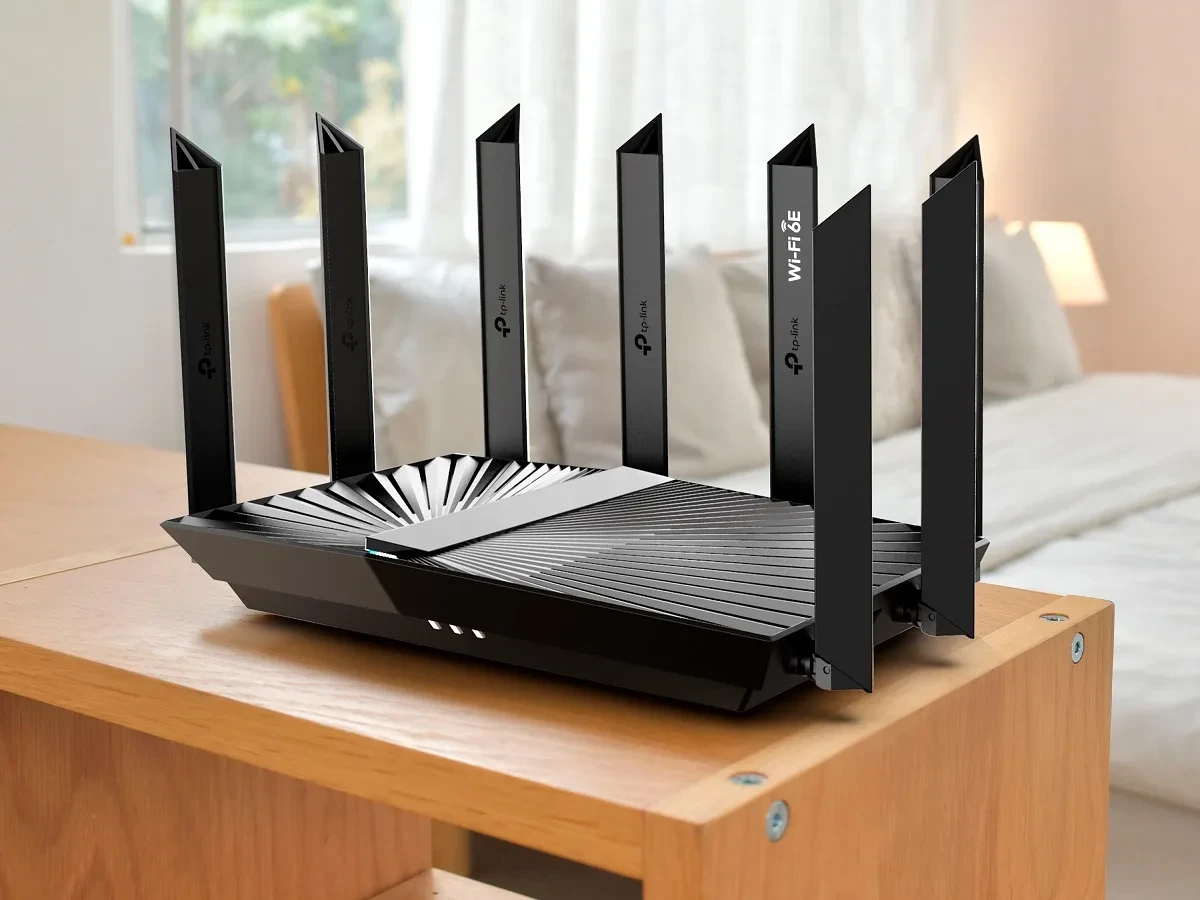
உங்கள் TP-Link Router-ல் Hacker உள்ளே போக பாதை இருக்கு!
TP-Link Archer NX router series-ல் critical security vulnerability patch release பண்ணியிருக்கு. This is serious — hacker உங்கள் Wi-Fi password கூட தெரியாமல் router access பண்ணலாம்.
Vulnerable models: Archer NX200, NX210, NX500, NX600. இந்த models India-ல் very common — Flipkart, Amazon-ல் ₹3,000-8,000 range-ல் sell ஆகுதுங்க. Many homes, offices-ல் இருக்குதுங்க.
Vulnerability CVE-2025-15517 என்பது: router-ஓட admin interface password-ஐ bypass பண்ணிடுதுங்க. TP-Link எந்த authentication check-ஐ miss பண்ணி விட்டுருக்கு. Result: unauthenticated access to firmware upload and configuration.
acker என்ன பண்ணலாம் — Scary Part
Firmware உங்கள் router-ஓட core software. Hacker malicious firmware upload பண்றபோது, அவன் complete control பெறுறான்:
உங்கள் Internet Traffic Intercept பண்ணுவான்: browsing history, passwords, UPI transactions — எல்லாம் capture பண்ணுவான்.
Fake Website-க்கு Redirect பண்ணுவான்: Amazon-ல் போறீங்க — fake Amazon site-க்கு போட்டு username password steal பண்ணுவான். Same password everywhere use பண்றவங்களுக்கு து big risk.
Malware Inject பண்ணுவான்: legitimate website visit பண்றபோதுவே malicious code insert பண்ணி device hack பண்ணலாம்.
உங்கள் Router-ஐ Botnet-ஆக Use பண்ணுவான்: hacker உங்கள் network-ஐ use பண்ணி other systems-ஐ attack பண்ணுவான், spam send பண்ணுவான் — உங்கள் ISP account-ல் trace ஆகுதுங்க.
Surveillance Tool-ஆ Use பண்ணுவான்: உங்கள் family-ஓட online activity monitor பண்ணுவான் — especially dangerous abusive situations-ல்.
Patch-ல் மீண்டும் 3 More Vulnerabilities Fixed
Authentication bypass-ஆ, TP-Link same update-ல் 3 vulnerabilities fix பண்ணியிருக்கு:
CVE-2025-15605 — Hardcoded Encryption Key: Router configuration files encrypt பண்ணி keep பண்றுதுங்க, ஆனா encryption key firmware-ல் hardcoded — change ஆகாதுங்க. Hacker encrypted config download பண்ணி, hardcoded key use பண்ணி decrypt பண்ணுவான், modify பண்ணுவான், re-encrypt பண்ணி upload பண்ணுவான். Your Wi-Fi settings, admin passwords change பண்ணலாம்.
CVE-2025-15518 மற்றும் CVE-2025-15519 — Command Injection: Admin access இருந்தால் arbitrary commands execute பண்ணலாம் router-ல். Authentication bypass-உடன் combine பண்றபோது catastrophic.
Update பண்றது — Step by Step
Step 1: Router Model Check பண்ணுங்க
Router-ல் label பாருங்க — model number Archer NX-ஓட start ஆகணும். Browser-ல் 192.168.0.1 போங்கள், admin panel-ல் System Status பாருங்க. NX200, NX210, NX500, NX600 — vulnerable.
Step 2: Current Firmware Version பாருங்க
Admin panel-ல் System Tools or Administration menu-ல் போங்கள். "Firmware Version" or "System Status" search பண்ணுங்க. Current version note பண்ணுங்க.
Step 3: Latest Firmware Download
support.tplink.com/in-ல் போங்கள். உங்கள் router model search பண்ணுங்க (e.g., "Archer NX600"). Downloads section-ல் latest firmware download பண்ணுங்க — computer-ல் save பண்ணுங்க.
Step 4: Firmware Install பண்ணுங்க
Router admin panel-ல் போங்கள். System Tools > Firmware Upgrade போங்கள். Download பண்ணி keep பண்ண file select பண்ணுங்க. Upload button press பண்ணுங்க. Router reboot ஆகும் — 2-3 minutes wait பண்ணுங்க. Power off பண்ணாதீங்க! Internet disconnect பண்ணாதீங்க!
Step 5: Update Verify பண்ணுங்க
Router reboot ஆனுட்டு, login பண்ணுங்க. Firmware version check பண்ணுங்க — new version-ஆ show ஆகணும்.
Admin Password Forget பண்ணி விட்டீங்களா?
Router factory reset பண்ணணும் (small button, 10+ seconds hold). Custom settings erase ஆயிடும் — re-configure பண்ணணும். Then firmware update.
இது Right Now Exploit ஆகுதுங்களா?
Published vulnerability — patches available. Widespread active exploitation evidence-ல் இல்லை yet — ஆனா TP-Link-ஓட warning suggest பண்றது very serious. Company statement: "If you do not take all recommended actions, this vulnerability will remain."
TP-Link track record: earlier vulnerabilities actively exploit ஆகியிருக்கு botnet malware-ல். Longer you wait, more likely real-world attack.
TP-Link மற்ற Router Models — Affect ஆகுதுக?
This specific vulnerability: only Archer NX series. Other TP-Link lines (TL-series, Deco mesh, Tapo) — not affected. But TP-Link has multiple vulnerabilities across product lines — worth checking other devices update need ஆகுதுக-ன்னு.
New Router Buy பண்ணணுமா?
Necessary-ல்லை single vulnerability-க்கு. Mattering point: company patches issues quickly-ஆ release பண்றாங்களா. TP-Link response here — days-ல் patches — right behavior. Other manufacturers months take பண்றாங்க.
Alternatives: ASUS routers (solid security, ₹3,000-15,000), Netgear (good performance), Mi Router (value), Mesh systems (better coverage).
TamilTech-ஓட கருத்து
Router critical security infrastructure — just Wi-Fi device-ல்லை. Internet-க்கும் devices-க்கும் between இருக்குது. Firmware update important — like phone, laptop update.
Good news: patch available, simple install. Bad news: most people never update router firmware — vulnerability months/years exploit ஆகும்.
10 minutes spend பண்ணுங்க today — update பண்ணுங்க. Then calendar reminder set பண்ணுங்க every 3-6 months firmware check-க்கு. Sexy-ல்லை ஆனா secure network-க்கு essential.




கருத்துகள் (0)
Be the first to comment!