


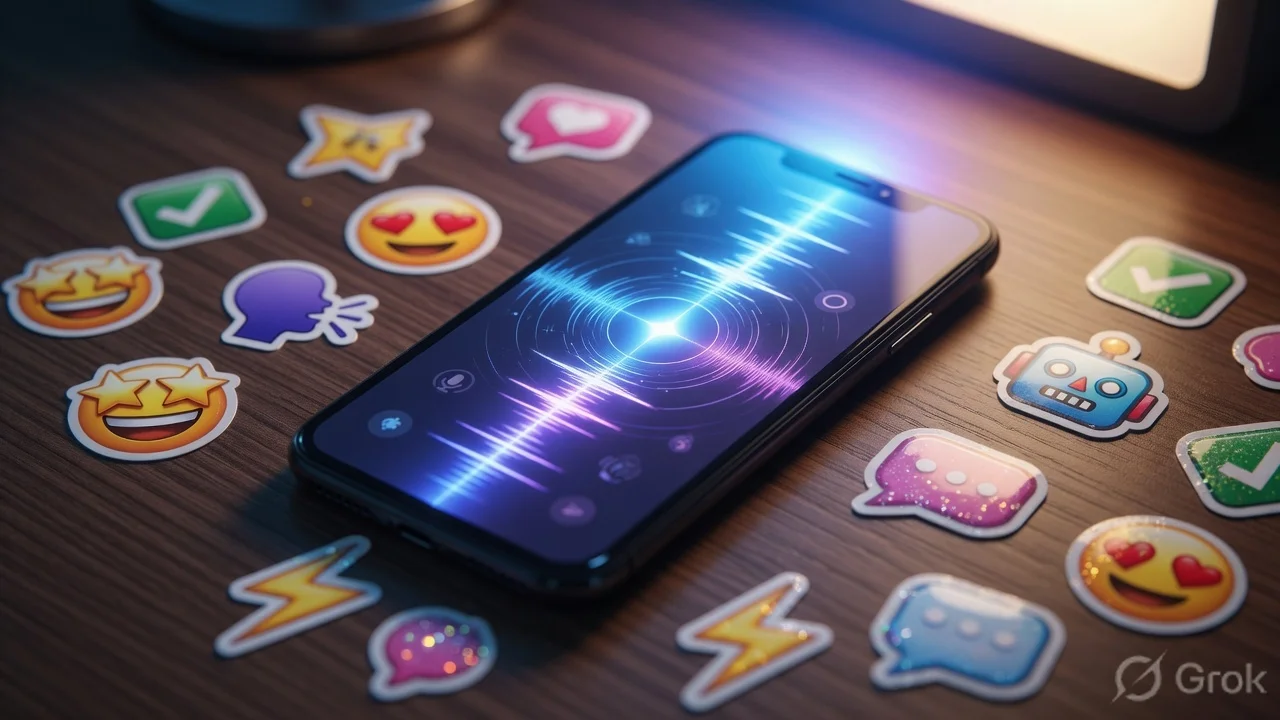
What’s the buzz?
Apple is gearing up for a major tweak to Siri and a fun new emoji‑style feature called Suggested Genmoji. Both are slated for iOS 27 and iPadOS 27, but the company is already letting a select group of users try them out in beta. The biggest headline? Siri will now have an auto‑delete chat option, letting you wipe conversation history automatically after a set period.
Inside the new Siri
Apple’s voice assistant has long been criticised for being a bit behind Google Assistant and Amazon Alexa, especially when it comes to contextual conversations. The upcoming revamp aims to close that gap in three ways:
- Beta rollout: A limited beta will be available through the Apple Developer app. Users can opt‑in, test the new UI, and give feedback before the public release.
- Auto‑delete chats: You’ll be able to set a timer – 24 hours, 7 days, or 30 days – after which Siri’s conversation logs are purged automatically. No more manual “Clear History” taps.
- Better context handling: Apple says Siri will retain short‑term context better, meaning follow‑up questions like “What’s the weather tomorrow?” after you ask “Will it rain today?” will feel more natural.
For Indian users, the auto‑delete feature is a welcome privacy boost. With WhatsApp, Telegram, and even iMessage conversations often spilling over into Siri’s suggestions, having a built‑in expiry can reduce the risk of accidental data leaks.
Genmoji – the emoji you didn’t know you needed
Genmoji is Apple’s answer to the growing trend of AI‑generated stickers and expressive emojis. When you type a message, iOS 27 will suggest a small set of custom‑drawn emojis that match the tone of your text. Think of it as a smarter version of the “suggested stickers” you see in iMessage, but powered by on‑device machine learning.
Key points:
- On‑device processing: All the AI work stays on your iPhone, so no data is sent to Apple’s servers – a win for privacy.
- Localized style: Apple is reportedly adding region‑specific designs, so Indian users might see Genmoji inspired by traditional motifs or popular memes.
- Integration everywhere: Genmoji will appear not just in iMessage but also in third‑party keyboards that support the new API.
Why should Indian users care?
India is the world’s biggest smartphone market, and privacy is becoming a hot topic after recent data‑leak scandals. Auto‑delete for Siri means your voice queries and follow‑up chats won’t sit forever on Apple’s servers. Moreover, Genmoji could become a new way to spice up chats on platforms like WhatsApp Web (via the iPhone) or even Instagram DMs when you copy‑paste the emoji.
From a practical standpoint, many Indian users still rely on Siri for quick tasks – setting reminders in Tamil, checking train timings, or launching apps. A more context‑aware Siri that remembers the previous query for a short window will feel less “robotic”.
TamilTech‑ஓட கருத்து
We think Apple is finally listening to the privacy‑first crowd in India. The auto‑delete timer is simple but powerful – it mirrors the “self‑destruct” feature many Indian messaging apps already have. The real test will be how seamless the UI feels. If Apple makes you dig through multiple menus to enable auto‑delete, most users will ignore it.
Genmoji is fun, but it could also become a distraction. Indian users love stickers, but the market is already saturated with third‑party packs. Apple’s edge will be the native integration and the fact that it won’t need extra downloads.
How to enable the new features (once iOS 27 ships)
Here’s a quick step‑by‑step guide:
- Open
Settingsapp. - Scroll down to
Siri & Search. - Tap
Chat History→Auto‑Delete. - Select your preferred timer (24 h, 7 days, 30 days).
- To use Genmoji, start typing a message in any app that supports the new keyboard API. A small
Genmojiicon will appear above the keyboard – tap it to insert a suggested emoji.
What’s next?
Apple usually releases iOS 27 in the fall, alongside the next iPhone lineup. Expect the beta to run through summer, giving developers and power users a chance to test. Keep an eye on the Apple Developer app for the invitation.
In the meantime, Indian users can start prepping by cleaning up old Siri data manually (Settings → Siri & Search → Siri History) and exploring third‑party AI‑emoji keyboards to get a feel for the experience.
Bottom line
Auto‑delete for Siri is a privacy win, Genmoji adds a splash of creativity, and both are timed to hit a market that values both security and self‑expression. If Apple nails the UI, iOS 27 could finally feel like a truly local OS for India.





Comments (0)
Be the first to comment!