


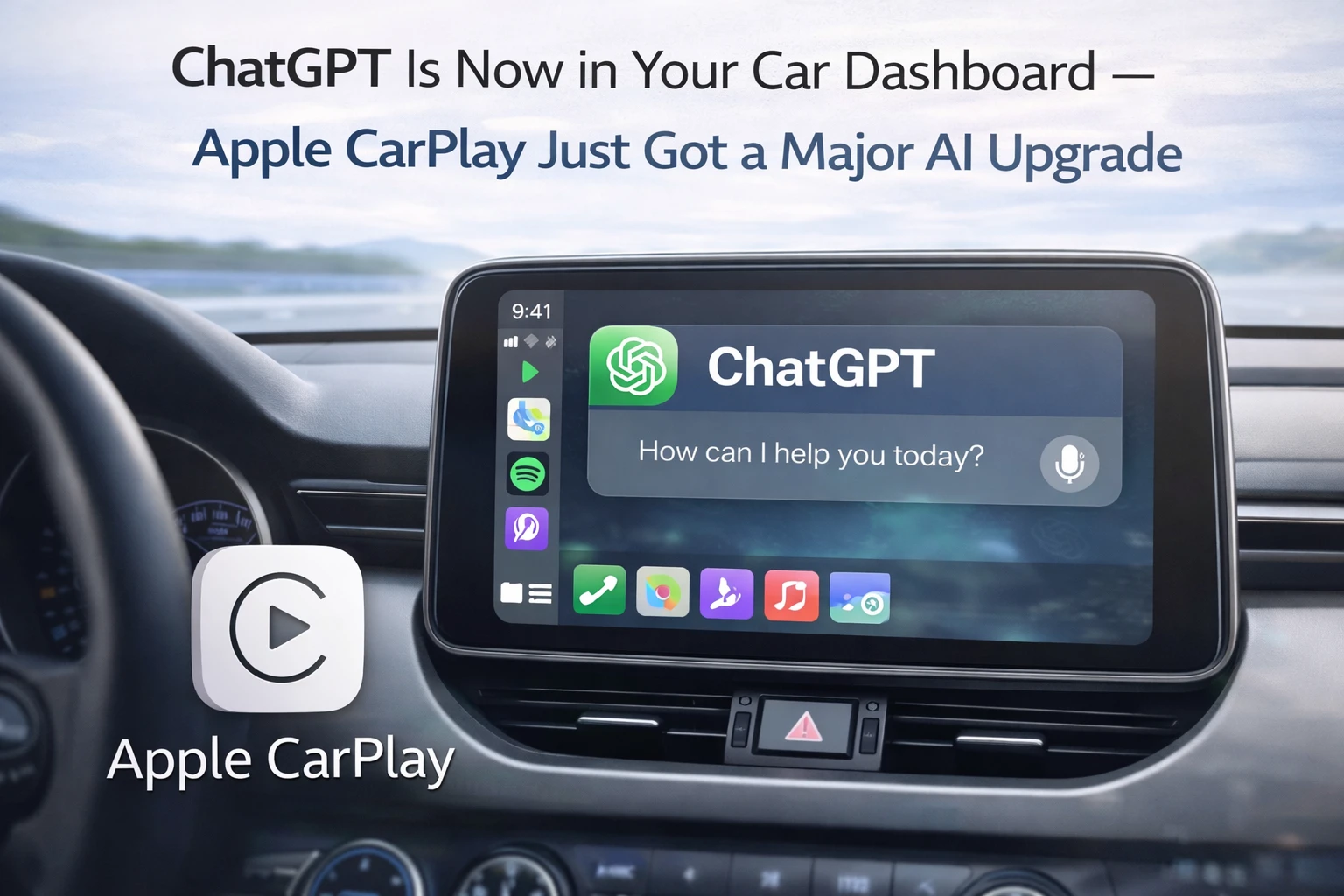
Your car dashboard can now answer questions — and it's not Siri
Apple CarPlay has had voice assistants for years, but let's be honest — Siri in the car has always felt limited. Ask it something specific, get a generic response or a "here's what I found on the web" punt. That changes now, at least for iPhone users who've updated to iOS 26.4.
OpenAI just launched a dedicated CarPlay app for ChatGPT — and it's the first major AI chatbot to land properly in your car dashboard. Not through a workaround or a hack. A proper, Apple-approved CarPlay app. While you're driving.
Here's the basic setup: you need an iPhone running iOS 26.4 or newer, and you need the latest version of the ChatGPT app. Once you have both, ChatGPT appears as an app on your CarPlay dashboard. Tap it, and you're talking to ChatGPT hands-free.
How iOS 26.4 made this possible
CarPlay isn't like your iPhone. It doesn't let you run any app you want on your car's screen. Apple has always maintained a strict list of approved app categories — navigation, music, phone calls, messaging, podcasts, parking apps. The logic is safety: when you're driving, you shouldn't be scrolling through Instagram or reading news articles.
With iOS 26.4, Apple added a new category: "voice-based conversational apps." That's the category that opened the door for AI chatbots. But Apple's guidelines for this category are strict — apps must optimize for voice interaction, they cannot show text responses on screen, they cannot show imagery. The primary interface has to be voice in and voice out.
ChatGPT's CarPlay app follows this exactly. There's no chat interface. No text responses appearing on your dashboard. You talk, ChatGPT responds through your car's speakers. The visual interface is minimal — just a mute/unmute button and an end conversation button. There's also a list of your prior conversations accessible from the app, but the conversation itself is all audio.
What you can and can't do with ChatGPT in CarPlay
The voice experience is exactly like using ChatGPT's Voice Mode on your iPhone — the same natural conversation feel, the same ability to ask follow-up questions, the same range of knowledge. The difference is that everything happens through your car's audio system with no need to touch your phone.
What works well: asking questions you'd normally Google while driving ("what's the weather in Chennai this weekend", "how many calories in a masala dosa", "what's the fastest route to avoid toll roads" — though for actual navigation you'd still use Google Maps or Apple Maps), general knowledge questions, asking it to explain something, brainstorming, or just having a conversation when you're on a long drive alone.
What doesn't work: ChatGPT through CarPlay cannot control your car's functions. It can't make calls, send messages, control your iPhone's apps, or access your contacts. It's a conversational AI — ask questions, get answers. No device control.
One notable absence: there's no wake word. You can't say "Hey ChatGPT" and have it respond. You have to tap the app on your CarPlay screen to open it. That's a friction point — you'd need to tap the screen while parked, or have a passenger do it. Once the conversation is open, it's hands-free. But the initiation requires a physical tap.
ChatGPT vs Siri in the car — a real comparison
Siri in CarPlay has gotten better, but there's still a significant capability gap. Siri is best for device-integrated tasks: playing a specific song, calling someone from your contacts, setting a reminder, sending a message, navigating somewhere. These are quick command-and-response interactions.
ChatGPT is better for complex, open-ended questions where you want a thoughtful answer rather than a quick command execution. "What should I know about driving in heavy rain?" or "What's a good podcast to listen to on a long drive?" or "I need to prepare talking points for a meeting in 20 minutes — the topic is quarterly sales review" — Siri would struggle with all of these, ChatGPT handles them naturally.
The ideal car AI setup right now is both: use Siri for device control and quick commands, use ChatGPT for anything that requires a real conversation or complex thinking. CarPlay now supports both simultaneously.
India context — who actually uses CarPlay here?
CarPlay is standard in most new cars sold in India above ₹10 lakh — Maruti Suzuki, Hyundai, Tata, Kia, Honda, Toyota, MG — essentially every car with a modern infotainment system includes it. If you have an iPhone and a car bought in the last three years, you likely already have CarPlay.
The iOS 26.4 update is free. The ChatGPT app update is free. ChatGPT's voice mode works on the free tier with some limitations — ChatGPT Plus (roughly ₹1,900/month) removes those limitations. So for most Indian iPhone users with a compatible car, this feature is available at zero extra cost right now.
Practical use cases for Indian drivers: asking about traffic law clarifications ("can I make a U-turn here based on typical traffic rules?"), asking about road conditions in unfamiliar cities, getting help with directions context beyond what Maps gives you, listening to explanations of news events during a commute, or using it for language practice while driving (great for Tamil speakers practising English, or English speakers practising Tamil).
What comes next
ChatGPT is the first, but Apple's new "voice-based conversational apps" category is open to others. Google's Gemini, Perplexity, Claude — any AI assistant with an iPhone app can now build a CarPlay version under Apple's guidelines. Expect several more to arrive in the coming months.
The longer-term picture is interesting. Car manufacturers are also building their own AI assistants — Mercedes has been integrating ChatGPT directly into its MBUX system for a while. As these in-car AI capabilities improve, the car becomes another conversational computing surface — along with phone, laptop, and smart speaker. The driving assistant of the future won't be a voice assistant that only understands commands. It'll be an AI you can actually have a conversation with.
TamilTech's take
The feature works exactly as described — voice-only, no screen clutter, minimal distraction. Apple's guidelines are smart here: forcing text-free interaction is the right call for driving safety. The no-wake-word limitation is real friction, but it's probably Apple being conservative for the first version. If this proves safe and popular, expect a future iOS update to add a proper wake word. For now, if you're on a long drive alone and you want to think through something, explain something to yourself, or just have an interesting conversation, having ChatGPT on your car dashboard is genuinely useful. It's not replacing Siri for device control — but for everything Siri can't do, which is most of the interesting stuff, ChatGPT in CarPlay fills the gap.





Comments (0)
Be the first to comment!