


What’s the buzz?
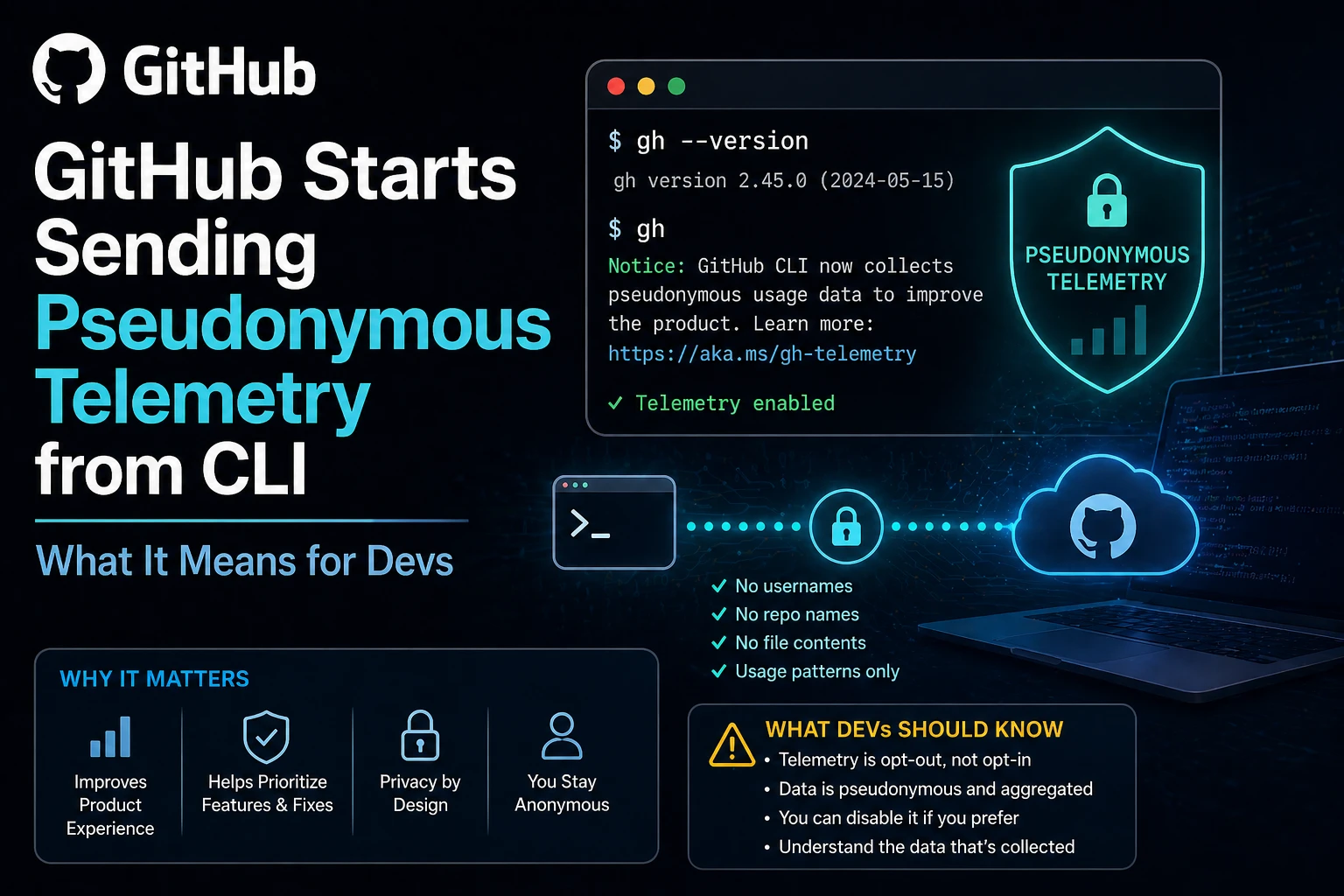
GitHub just announced that its gh command‑line interface (CLI) now gathers pseudonymous usage data by default. In plain English – every time you run gh repo clone, gh issue create or any other sub‑command, a small packet of information is shipped back to GitHub’s servers.
Unlike the old opt‑in telemetry that some IDEs used, this one is enabled out of the box. The data is stripped of any personal identifiers – it’s “pseudonymous” – but it still tells GitHub how often you use certain features, which OS you’re on, and the version of the CLI you have installed.
What exactly is being sent?
The telemetry payload includes:
- CLI version and platform (Windows, macOS, Linux)
- Command name (e.g.,
pr checkout,repo view) - Success or error status
- Execution time in milliseconds
- Anonymous hash of the repository URL (so GitHub knows which repo family the command touched, but not the exact name)
No auth tokens, no file contents, no SSH keys – just the kind of data that helps the product team understand what developers actually do with the tool.
Why GitHub is doing this
GitHub says the goal is to “make the CLI better for everyone.” By looking at real‑world usage patterns they can prioritize bug fixes, drop unused flags, and add shortcuts that people really need. Think of it as a feedback loop that doesn’t require you to fill out a survey every week.
Indian developers – why you should care
India is the world’s biggest source of open‑source contributors. A lot of our devs use the CLI for everyday tasks – from pushing code to opening pull‑requests while on a low‑bandwidth connection. If GitHub can fine‑tune the tool for those exact scenarios, we all win. On the flip side, the default‑on model raises privacy eyebrows, especially when many Indian teams work with confidential codebases for fintech, health‑tech, or government projects.
How to check if telemetry is on
gh config get telemetry.enabledIf the command returns true, you’re sending data. If it says false or throws an error, you probably have an older version that doesn’t support the flag yet.
Turning it off – step by step
- Open your terminal.
- Run
gh config set telemetry.enabled false. - Verify with
gh config get telemetry.enabled– it should now showfalse.
That setting is stored in ~/.config/gh/config.yml on Linux/macOS or %APPDATA%\GitHub CLI\config.yml on Windows, so you can also edit the file directly if you prefer.
What if you want to keep telemetry but limit it?
GitHub currently offers only an on/off switch. However, you can control the amount of data that leaves your machine by:
- Running the CLI only on non‑sensitive repos.
- Using a VPN or corporate proxy that strips outbound telemetry (some enterprises already do this).
- Keeping the CLI up to date – newer versions let you see a concise “what’s being sent” summary via
gh telemetry status.
Security implications
Because the payload contains a hashed repo URL, it’s theoretically possible for a determined attacker to reverse‑engineer the hash if they also have a list of target repo names. The risk is low, but for high‑security environments (banking, defense) it’s worth discussing with your security team.
TamilTech‑ஓட கருத்து
We think GitHub’s move is a double‑edged sword. On one hand, the data will help them polish a tool that many Indian devs love. On the other hand, the default‑on approach feels a bit heavy‑handed in a market that’s still wrestling with data‑privacy laws. The good news is you have a one‑liner to opt‑out, and the CLI’s config file is plain text – no hidden binaries.
If you’re working on open‑source projects or hobby scripts, keep telemetry on – the community benefits. If you’re in a corporate setting dealing with sensitive IP, turn it off and ask your security team to audit the hash algorithm.
What’s next?
GitHub has promised more transparency: a future gh telemetry view command that will list exactly what was sent in the last 30 days. Expect tighter integration with GitHub Enterprise Cloud, where admins can enforce a global opt‑out policy.
For now, the ball is in your court. Check your config, decide what you’re comfortable sharing, and keep an eye on the upcoming CLI releases – they’ll likely include more granular privacy controls.
Stay tuned, keep coding, and let us know in the comments how you’ve configured your CLI.





Comments (0)
Be the first to comment!