


Key Takeaways
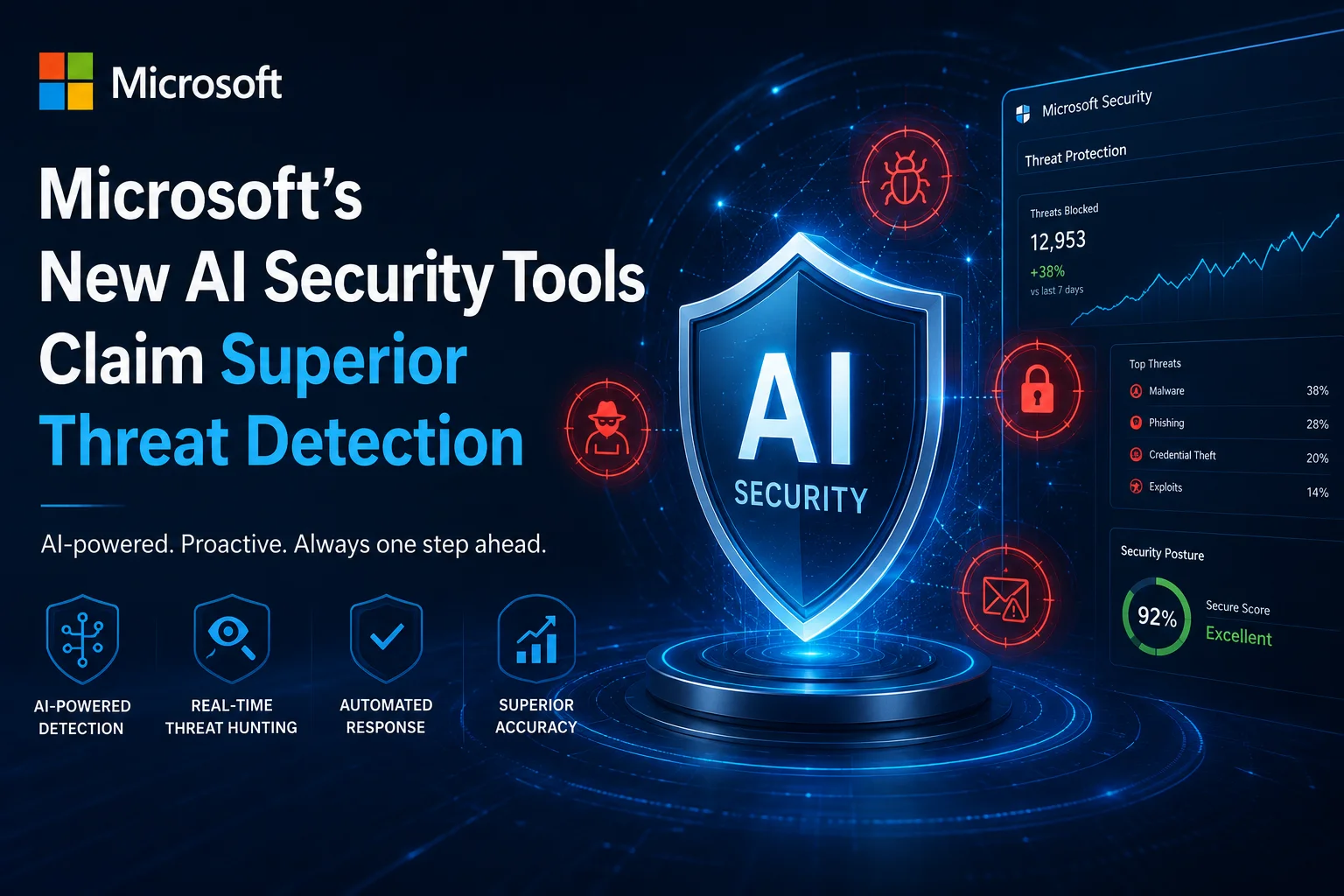
- Microsoft claims its new AI-driven security engine can detect and neutralize 95% of zero-day threats within seconds, significantly faster than traditional antivirus software.
- The system uses a proprietary 'Security-LLM' trained on over 75 trillion daily signals, which Microsoft says outperforms competitors like CrowdStrike and Palo Alto Networks in accuracy.
- For Indian businesses, the new tools are priced starting at ₹4,200 per month per user, with localized data residency support in the Central India Azure region.
- The bottom line is that while the performance is impressive, smaller companies should weigh the cost against the actual risk before jumping into a full enterprise subscription.
The AI Arms Race Just Got Serious
So, here is the thing—cybersecurity in 2026 is no longer about just having a strong password or a basic firewall. We are living in an era where hackers are using AI to write code, and honestly, it is getting scary. Microsoft just stepped into the ring with a massive update to its security ecosystem, and they aren't playing around. They’ve launched a new suite of AI security tools that they claim can beat every other platform out there. I have been tracking these developments for a while, and this might actually be the shift we have been waiting for to protect our digital lives.
The news isn't just about a small update; it is about a complete overhaul of how Microsoft handles threats. They are calling it the 'Sentinel Next-Gen' platform, and it is built from the ground up using their latest AI models. The big claim? It can identify threats that haven't even been discovered yet—what we call zero-day vulnerabilities—with a level of precision that makes current industry leaders look a bit dated. Let’s break down what this actually means for you and me, and why Microsoft is so confident about these numbers.
How We Got Here: The Shift to AI-First Security
Remember when an antivirus was just a program that checked a list of 'bad files' and deleted them? Those days are long gone. By 2024 and 2025, we saw the rise of basic AI assistants, but they were mostly just chat-bots that told you what went wrong after the damage was done. Now, in 2026, Microsoft is moving from 'reactive' to 'predictive.' They have spent the last two years training their models on the massive amount of data they get from Windows, Office 365, and Azure. We are talking about trillions of signals every single day.
The reason this matters is that the 'bad guys' are also using AI. They are creating polymorphic malware that changes its own code to avoid detection. Traditional security tools struggle with this because the 'signature' of the virus keeps changing. Microsoft’s new tools don't look for a signature; they look at 'behavior.' They use a reasoning engine to ask, 'Why is this file trying to access the kernel at 3 AM?' or 'Why is this user suddenly downloading 50GB of encrypted data to a server in a different country?' It is this contextual understanding that sets the 2026 models apart from the tech we had just a year ago.
The Tech Specs: What’s Under the Hood?
Microsoft’s new 'Security-LLM' is the heart of this launch. Unlike ChatGPT, which is a general-purpose model, this one is specifically tuned for cybersecurity telemetry. It doesn't just read text; it reads network logs, code snippets, and system calls. During their internal testing, Microsoft found that this model could analyze a complex multi-stage attack and generate a full incident report in under 45 seconds. For a human analyst, that same task usually takes about 3 to 4 hours. That is a massive jump in productivity for IT teams.
Another huge feature is the 'Auto-Remediation' engine. In the past, a security tool would send an alert, and then an IT guy would have to wake up and click 'block.' Now, the AI has the authority (if you give it) to isolate infected devices, revoke user permissions, and roll back changed files automatically the moment it detects a high-confidence threat. They’ve also integrated this directly into the hardware level of new Windows 12 PCs, using the NPU (Neural Processing Unit) to scan for threats locally without slowing down your CPU. This means your computer stays fast while staying safe.
The India Context: Pricing and Availability
Now, let's talk about what this means for us in India. We have seen a massive spike in sophisticated phishing attacks targeting UPI and corporate banking. Microsoft is clearly eyeing the Indian SME (Small and Medium Enterprise) market with this launch. They have announced that the 'Security Copilot Pro' tier will be available for ₹4,200 per user per month. While that sounds expensive for a small shop, for a company with 50 employees handling sensitive customer data, it is actually cheaper than hiring a full-time security expert.
Crucially, Microsoft has confirmed that all data processed by these AI tools for Indian clients will stay within the India Central and India South Azure regions. This is a big deal because of our local data sovereignty laws. If you are a startup in Bengaluru or a fintech firm in Mumbai, you don't have to worry about your sensitive security logs being sent to a server in the US or Europe. The rollout starts next month, and they are even offering a 'Lite' version for smaller businesses that integrates directly with Microsoft 365 Business Premium at a lower add-on cost.
How to Get Started: A Step-by-Step Guide
If you are an IT admin or a business owner looking to jump on this, here is how you can set it up. It is surprisingly simple compared to the old enterprise tools. First, you need to log into your Microsoft 365 Admin Center. From there, navigate to the 'Security' tab. You will see a new option for 'AI-Driven Protection.' Once you click that, the system will run a 'Shadow Audit' of your current environment—this basically looks at your existing setup and tells you where the holes are without changing anything yet.
Next, you can set your 'AI Autonomy' levels. I recommend starting with 'Guided Mode,' where the AI suggests actions but waits for your approval. After a week or two, once you see that it isn't blocking legitimate work, you can move to 'Full Protection.' Finally, make sure you enable the 'Endpoint AI' on your team's Windows 12 devices. This ensures that even if a laptop is offline at a coffee shop, the local NPU can still run the AI models to block suspicious USB drives or weird network connections.
The Comparison: Microsoft vs The World
Look, Microsoft isn't the only player here. Companies like CrowdStrike and SentinelOne have been the gold standard for years. However, Microsoft has one unfair advantage: the 'Ecosystem.' If you are already using Windows, Teams, and Outlook, Microsoft’s security tool sees everything. It knows when a suspicious email in Outlook leads to a weird file download in Edge, which then tries to run a script in Windows. A third-party tool has to jump through hoops to get that same level of visibility.
On the flip side, the biggest 'con' is vendor lock-in. If you put all your eggs in the Microsoft basket and their service goes down, your whole security stack goes with it. Also, some of the advanced features require the latest hardware. If your office is still running older PCs from 2022 or 2023 without dedicated NPUs, you won't get the full benefit of the local AI scanning. You'll be relying entirely on the cloud, which can have a slight delay.
TamilTech’s Honest Take: Is it Worth it?
What do we think at TamilTech? Honestly, this is a game-changer for businesses, but maybe overkill for a regular home user. If you are just browsing YouTube and checking Gmail, the built-in Windows Defender (which is also getting some of these AI upgrades for free) is more than enough. You don't need to pay for the Pro tools. But if you are running a business—even a small one—the threat landscape in 2026 is just too dangerous to ignore. The speed at which this AI can stop a ransomware attack is impressive.
Our verdict is: if you are already in the Microsoft 365 ecosystem, this is a no-brainer upgrade. The integration is too good to pass up. But if you are a Mac-based office or use a mix of different Linux servers, you might want to wait and see how the cross-platform version performs later this year. We expect Google and Apple to respond with their own AI security suites by the end of 2026, so the competition is only going to get better for us consumers. Keep an eye on your admin dashboard for the trial offer—it is definitely worth testing out.



Comments (0)
Be the first to comment!