


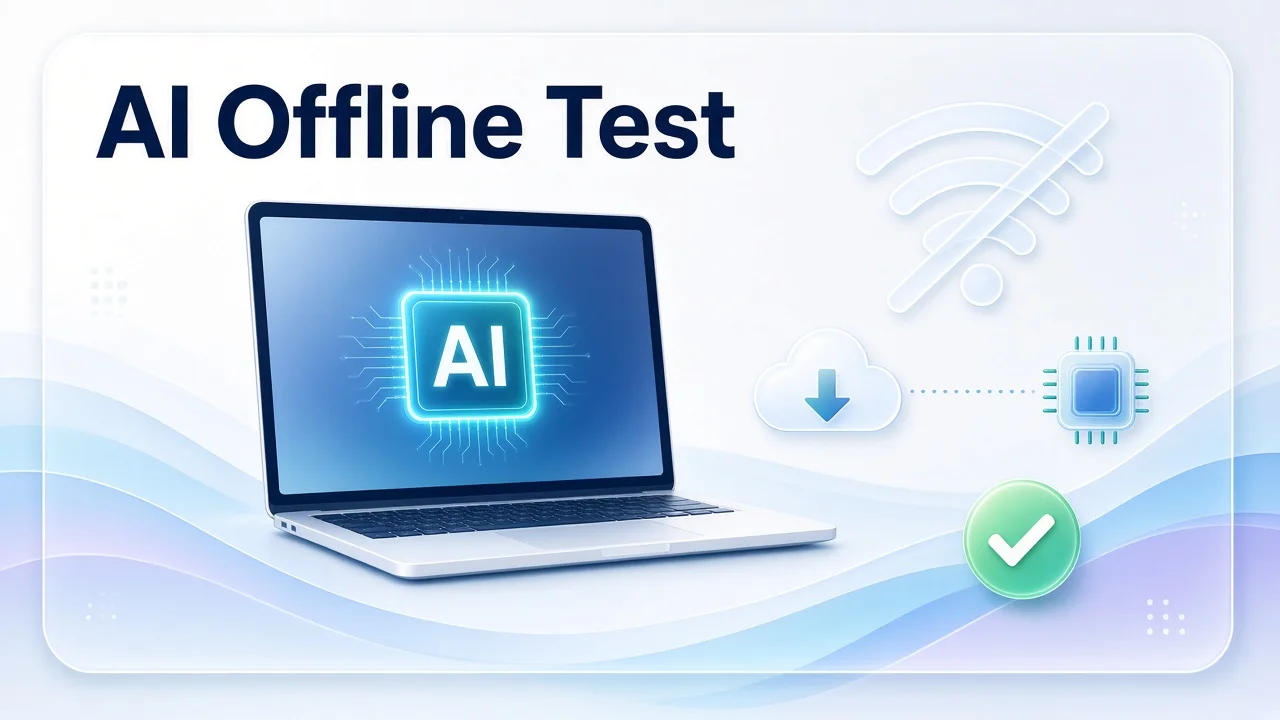
Say an AI app opens on your computer. You cut the internet connection and it still answers a question. Can you conclude that everything the app does will work offline? Start by writing down only what that one attempt showed. Don't stretch the same result to the whole app, to its next version, or to a different kind of file.
Here is a made-up exercise: summarising a short Tamil paragraph that contains no personal information. We are not claiming to have tested or recommended any product. Commands, hardware requirements and licence terms for a particular app have to be checked in its current documentation. This exercise is only a way of organising your questions. It is not a security certificate.
1. Write down what "offline" means for you
What do you actually need? No internet from the very first install? Or only the summarising to work offline, after an initial download? May it use your office's internal network? Write the answers to these questions separately. Instead of saying "runs on the computer", say which action has to happen where.
You could define the expectation like this: "With the required files already downloaded and the outside network switched off, can it summarise a freshly written Tamil paragraph?" The aim of the test is not to show an answer that appeared earlier. Rather than settling for "an answer came back", record in advance which paragraph you are using and what output you expect.
2. List the parts that are needed
Don't stop at the app's name. In one note, make room for the app version, the model and its version, any extra files, the device type and the operating system version. Write the first install, the model download, the licence check, updates and everyday use as separate lines. Against each line you can mark "needed", "not needed" or "not known yet".
Don't assume all of these exist in every app. Fill in only what you find in your app's documentation. Don't quietly turn something you don't know into "not needed". If there are features such as web search, voice input or extracting text from a file, ask about each of them separately. Documentation for one feature is not evidence for another.
The NCSC's guidelines for secure AI system development treat documentation, asset management, secure use and ongoing maintenance as parts of one life cycle [1]. The list here is not a required form from that document; it is a simple note we set up for our exercise.
3. Save a starting point once the download is done
First, fetch only the parts the documentation clearly says are needed, from a trustworthy publisher. Note the source, date and version of the download. Don't run a file you don't recognise. If instructions tell you to switch off a security control, don't accept that as a normal step of this test; ask a responsible technical person.
On a device managed by your organisation, get permission before changing network settings. An approved, separate test environment may be a better choice than the computer where real work happens. Check that you won't disturb an upload in progress or anyone else's work. Also write down in advance which settings you will need to restore when the test ends. If a cost, a new account or a licence agreement is involved, keep that as a separate decision.
4. Run a short test with fresh input
Don't use a real customer email. Choose a freshly written, made-up Tamil paragraph. First you can record a baseline attempt with the connection on. Then, in a permitted way, cut the outside connection and test with a different fresh paragraph. You can also check separately whether the same task still works after closing and reopening the app.
Write down the question, the time, the connection state, and the output you got or the error. "An answer came back" is one result; "the answer was correct" is a different one. A person should compare the summary with the source paragraph to see whether important information was left out or something that isn't there was added. If you didn't measure how fast it was, don't write any conclusion about speed.
To tell an answer shown earlier from a new one, you can make a small change to the input in each attempt. For example, change the date of the made-up event or the order of the tasks, and see whether the summary reflects it. Decide in advance whether the changed detail matters. Note whether you are testing in the continuation of an earlier conversation or in a new one. Don't count the two as one attempt.
If you are waiting for an output that doesn't come, you can decide beforehand how long you will wait before stopping. Don't present that time as a universal standard; write it only as the limit for your exercise. There is no need to stress the app by retrying again and again. After recording an error message, look up its meaning in the official documentation. Automatically sending the input to some other service because an error appeared is not part of this exercise.
5. Don't mix features together
If text summarising works, don't say that voice recording, reading images, web search or another model will work too. Give each feature you need its own line. Watch whether the app simply stops when the internet goes off, shows a clear error, or shows old information. When an output is unclear, don't guess the reason; write only the behaviour you saw.
For example, you could record: "Text summary: answer came back; web search: a message saying a connection is needed; voice: not tested." This is a made-up record format, not a real product result. Don't hide a feature that didn't work and pick the headline "the whole app runs offline". Keep the untested areas visible.
6. A connection test is not a privacy review
That an answer came back with the connection off doesn't answer questions such as where files are stored on the device, who can see them, and what happens when it reconnects later. These have to be checked separately, through the documentation, the settings and a suitable technical review. If connection attempts need to be examined, let an authorised person use appropriate monitoring. Don't share records that contain personal information or sign-in details.
The OAIC guidance asks organisations to look at whether an AI product is suitable before using it, human oversight, privacy and security risks, and who can access the information [2]. This is Australian guidance. The obligations that apply to your country and your organisation have to be assessed separately. Running offline alone is not a substitute for that assessment.
7. Give the result a date and a limit
The NIST AI Risk Management Framework says there should be a clear test set with accurate measures, along with details of the testing method. It also matters that those tests fit the intended context of use [3]. Don't turn the result of one small exercise into a guarantee of long-term reliability.
In your final note, include the app version, model version, device, date, input, connection state, the features you tested and the features you did not test. "On this date, in this state, this task worked" is the right kind of conclusion. "Always safe" is not. Also write down what has to be retested if the app, the model or the setup changes. The aim of this exercise is not to stop updates for good; it is to understand and manage the changes.
When someone else reads the result, they should be able to tell separately whether the task worked and whether the answer was fit to use. So instead of the single word "success", keep three small places: the behaviour you saw, the human judgement, and the questions still unanswered. Finally, ask whether there is enough information for someone else to repeat the same attempt tomorrow.
Sources
[1] NCSC, Guidelines for secure AI system development, 27 November 2023, version 1.0. General guidance on secure development, documentation, deployment and maintenance.
https://www.ncsc.gov.uk/collection/guidelines-secure-ai-system-development
[2] OAIC, Guidance on privacy and the use of commercially available AI products, updated 17 January 2025. Guidance on assessing privacy when choosing and using AI.
[3] NIST AI RMF 1.0, Section 3, AI Risks and Trustworthiness (2023). On the limits of test environments, measurement and documentation. The site notes that this version is being updated.
https://airc.nist.gov/airmf-resources/airmf/3-sec-characteristics/
Sources checked on 19 November 2026. The steps here are a practice exercise proposed by the author, not a product certification or a mandatory testing method from the bodies above. This article does not claim that any software was tested or that results were obtained.
About the author
An educational article prepared on behalf of IT Impress. Written with AI assistance and checked against the cited sources. More about IT Impress: itimpress.au. Raising awareness of the company is also one aim of this contribution. It contains no customer results or personal experience claims.
This is an unpaid guest contribution, not sponsored content. The English translation and minor language edits were made by the TamilTech editorial team.





Comments (0)
Be the first to comment!