


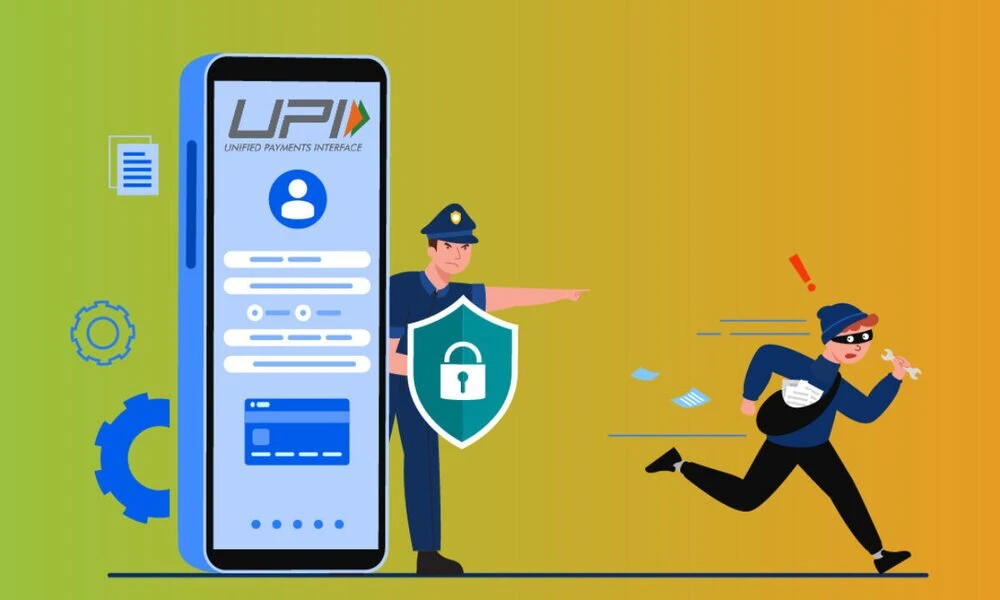
India's UPI ecosystem processes billions of transactions monthly, making it the world's most successful real-time payment system. But this success has also attracted sophisticated fraudsters. UPI fraud has surged 900% in just two years, with Indians losing over ₹1,200 crore in 2024 alone. Here are the 7 most dangerous UPI scams in 2026 — and the one rule that always protects you.
The Golden Rule
You NEVER need to enter your UPI PIN or approve any request to RECEIVE money. If someone asks you to do this, it's a scam. Period.
This single rule, if remembered, protects you from almost every UPI scam.
Scam 1: Fake QR Code Scam
How it works: A seller, delivery person, or stranger asks you to scan a QR code to "receive" money. But the QR code actually triggers a payment FROM your account.
- Common scenario: "Scan this QR code to receive your refund/cashback"
- Protection: QR codes are only for SENDING money, never for receiving. To receive, you only share your UPI ID.
Scam 2: Collect Request Fraud
How it works: You receive a UPI collect request that looks like a payment FROM someone. But it's actually a request for money FROM you.
- Scammers send collect requests with messages like "Refund of ₹5,000" or "Cashback credited"
- If you enter your UPI PIN to "accept," money leaves YOUR account
- Good news: As of October 2025, NPCI banned peer-to-peer collect requests to reduce this fraud
Scam 3: Phishing Links via SMS/WhatsApp
How it works: You receive a message claiming to be from your bank, Google Pay, PhonePe, or Paytm with a link to "verify your account" or "claim a reward."
- The link takes you to a fake website that captures your UPI PIN, bank credentials, or OTP
- Protection: Your bank or payment app will NEVER send you links via SMS or WhatsApp. Always open the official app directly.
Scam 4: Fake Customer Care Numbers
How it works: You Google "PhonePe customer care" or "Google Pay helpline" and find a fake number at the top of search results.
- The scammer pretends to help but asks for your UPI PIN, screen share access, or remote app installation
- Protection: Only use customer care numbers from WITHIN the official app. Never Google for helpline numbers.
Scam 5: Screen Share / Remote Access Scam
How it works: A scammer (posing as customer care, bank, or tech support) asks you to install AnyDesk, TeamViewer, or QuickSupport to "fix" an issue.
- Once installed, they can see your screen in real-time — including your UPI PIN when you enter it
- They can also control your phone remotely to initiate transactions
- Protection: NEVER install screen sharing apps on anyone's request. No legitimate bank uses remote access.
Scam 6: SIM Swap/Clone Scam
How it works: Fraudsters obtain a duplicate SIM card of your number from the telecom operator using forged documents.
- Your original SIM stops working, and all OTPs and calls go to the scammer
- They reset your UPI app and gain full access to your bank account
- Protection: If your SIM suddenly stops working, contact your telecom operator IMMEDIATELY and inform your bank.
Scam 7: Tap-to-Pay Approve Scam (NEW in 2026)
How it works: This newest UPI scam exploits the tap-to-pay feature. Victims receive a UPI notification and are tricked into approving it thinking it's a payment they're receiving.
- Scammers time these notifications when you're busy or distracted
- Protection: Always READ the full notification text before approving. If it says "Pay" or "Debit," it's sending money, not receiving.
What to Do If You're Scammed
- Report within 24 hours — Best chance of recovering funds
- Call 1930 — National Cybercrime Helpline
- Contact your bank — Request transaction reversal
- File complaint at cybercrime.gov.in
- Bank liability rules: Within 3 days = full refund for unauthorized transactions. Within 4-7 days = limited liability (₹5,000-₹25,000)



Comments (0)
Be the first to comment!