

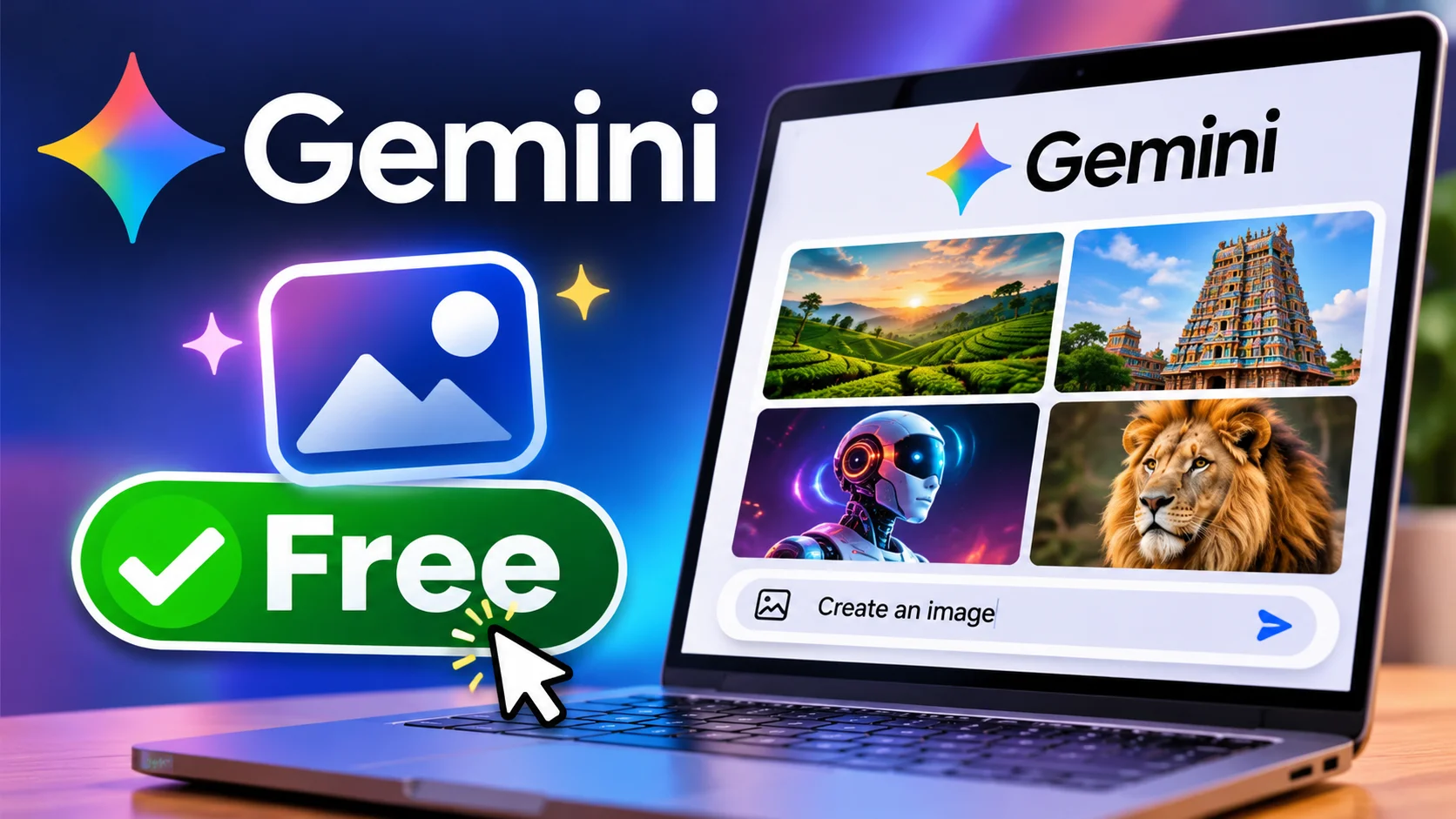
- A free AI image generator app turns a short text prompt into a picture on your phone. No Photoshop, no studio.
- In India, start with Google Gemini, Microsoft Copilot, Meta AI on WhatsApp, or Canva. All have a real ₹0 tier if you accept daily limits.
- Free is not unlimited. Credits, queues, watermarks and safety filters are the usual catch.
- For Tamil posters, generate the picture first, then type the Tamil in Canva. AI still messes up Tamil lettering.
- Do not drop real faces, brand logos or official-looking notices into the prompt. That is how people get into trouble.
A free AI image generator app is a phone or web tool that builds a picture from a text prompt without charging you, usually after a Google or Microsoft login. If you searched "ai image generator free app", start with Google Gemini or Microsoft Copilot on Android, or Meta AI inside WhatsApp, then finish the poster in Canva. You will not get unlimited studio-grade art for ₹0, but you can get a usable image tonight.
Your cousin in Madurai needs a Pongal sale poster for the sweet shop. The designer wants ₹1,500 and two days. You have a Redmi, a Jio pack, and twenty minutes. That is the real job these apps do.
What is a free AI image generator app, in one line?
It is software that draws a new picture from your words, and the basic version does not ask for a card. You type the scene, the app talks to a model on a server, and a JPG comes back.
Why this matters in India: every small shop, college fest, YouTube channel and family function now needs a picture. Paying a designer for each WhatsApp status is wasteful. A free AI image generator app fills that hole. It will not replace a photographer for a silk saree lookbook. It will replace the same Canva template you have used since last Diwali.
The honest limit: the model is guessing pixels. Fingers go wrong. Tamil signboards come out as broken shapes. If you sell a physical product, shoot the product. Use AI for the background, the mango leaves, the brass lamp. Not for the jewellery you want people to believe is in the tray.
How do you use a free AI image generator app, step by step?
You install one official app, sign in, write a prompt, generate a few versions, then download. That is the loop. Fancy settings can wait.
Get the app from Play Store or the official website. Google Gemini and Microsoft Copilot are the cleanest on Android. WhatsApp already has Meta AI for a lot of Indian numbers. Canva is the one you open when the picture must become a poster. Do not sideload an "AI art Pro" APK from a Telegram group.
Sign in. Almost every free AI image generator app wants a Google, Microsoft or Facebook login. That is normal. What is not normal is an app that demands your contacts, SMS and full gallery on minute one.
Write the prompt like you are briefing a junior designer. Subject, place, light, style. Example: "Filter coffee in a steel tumbler, banana leaf dosa, Chennai cafe, warm evening light, photograph." Mixed Tamil-English is fine for the scene. It is not fine if you expect perfect Tamil lettering on the image.
Generate two to four times. Change one thing: "top view", "no people", "soft window light". Save the one that does not look like plastic. If you need a headline, date or price, drop the image into Canva and type the Tamil yourself. This single habit separates a decent poster from a meme.
Mind the data pack. Image batches are heavier than Reels. On a tight Jio plan, switch to Wi-Fi.
Which free AI image generator app should you pick?
Pick the app that already sits on your phone, not the one shouting "top 10" on YouTube.
Gmail and Android people should open Gemini first. Less setup, decent quality, good enough for Instagram, thumbnails and college slides.
If you want stills that look a bit more like a camera, try Microsoft Copilot with a Microsoft account. Same prompt habit. Web and app both work.
If your life is WhatsApp, use Meta AI there. You will not leave the chat. Quality jumps around, but for a mood image or a fun sticker it is enough. Do not print a 10-foot flex from a WhatsApp thumbnail and expect magic.
If the job is a festival poster with price and Tamil heading, Canva is the adult in the room. Use its AI image tool for the background, then you control the type. Free Magic Media has a cap. That cap is still enough for a weekend sale.
ChatGPT will generate images on the free tier when that feature is on for your account, but the daily limit arrives fast. Fine for a one-off. Poor as your only shop tool. Web tools such as Leonardo or Ideogram help once you care about aspect ratio and "please no text in the image". They run on free daily credits. Make the account on the real site.
Students, tea-shop owners, YouTubers: free tier. If you are pumping dozens of ads a day, you will hit paywalls. That is the signal to look at a listed Pro plan, not a cracked APK.
What does a free AI image generator app cost in rupees?
For a few images a week, you pay ₹0 plus data. Money shows up when you burn through daily credits, want a watermark gone, or need volume. Prices live inside each app and they change. Ignore "lifetime Pro" logins sold on chat groups.
| App | Free plan | Paid add-on | Who it suits |
|---|---|---|---|
| Google Gemini | ₹0 with Google account | Check Google One / Gemini paid tier in-app | Android, everyday prompts |
| Microsoft Copilot | ₹0 with Microsoft account | Paid Copilot tier has been listed near $20/month; confirm ₹ in-app | Photoreal stills |
| Meta AI | ₹0 on WhatsApp / Instagram | ₹0 for basic image gen | Quick ideas inside chat |
| Canva | ₹0 with daily AI limits | Canva Pro is priced in ₹ inside the app | Festival posters, Tamil text |
| ChatGPT | Limited free images | Plus listed at $20/month (about ₹1,700 with forex) | People already in the chat box |
If you ever upgrade, pay with UPI or a card on the official app. If a site asks you to share a "family Pro" password for AI images, walk away.
Which mistakes get people into trouble?
Lazy prompts. "Nice shop" gives you a mall that does not exist in Coimbatore. Name the object, the street mood, the light.
Believing AI Tamil text. If the poster is for a real Pongal offer, you type the Tamil. Always.
Putting a real face in the prompt. Neighbour, teacher, film-star lookalike, customer photo from your gallery — skip it. Fake photos of real people travel, and the apology does not. Generated "happy customer" faces on a money or medicine-style ad are also how trust dies.
Uploading client photos to a random app so it can "make them a king". Official apps only. Check whether the product pages say they train on your uploads.
Passing off AI as a photo of your actual product. If you sell gold or gadgets, the shine in the picture is not inventory. People feel cheated when the parcel arrives.
Thinking you own the pixels like a camera shot. Each company writes different terms. Adobe describes Firefly as trained for commercial use on licensed material, on Adobe's own product pages. Google, OpenAI and Meta publish their own rules. Read the terms of the app you used before the image goes on a paid flyer. This is not legal advice.
What should you do now?
Open Gemini or Copilot tonight. Prompt the exact poster you need three times. Drop the winner into Canva. Type the Tamil. Send it on WhatsApp.
Save the prompt that worked. Reuse it next Friday. A good prompt is a tiny business asset.
If you are making shop creatives every day, open the in-app ₹ price for Canva Pro or a Plus plan and decide. Until that volume, free is enough. One generator plus Canva. Not five AI icons on the home screen, each begging for 50 credits.

Comments (0)
Be the first to comment!