


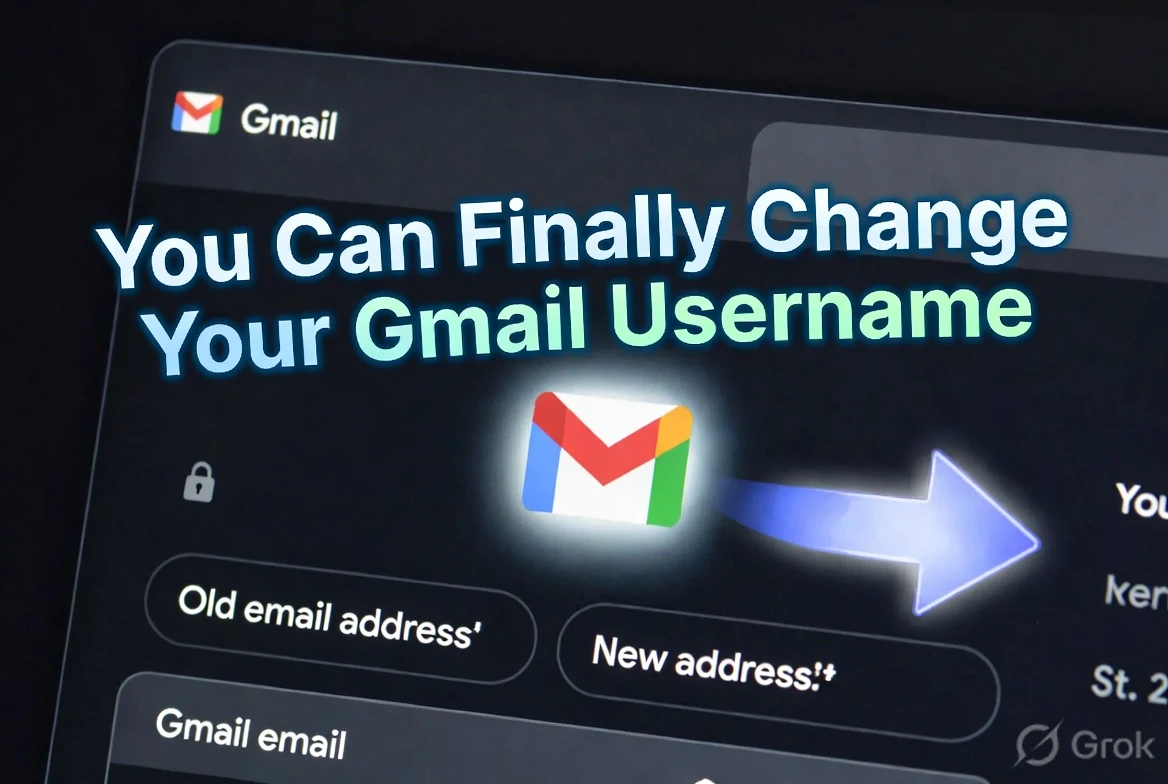
The feature nobody thought Google would ever ship
Think about the email address you created as a teenager. Maybe it was something like coolboy2007, or your favourite cricket player's name, or just a random string of letters that seemed fine at the time. That address is now on your resume, your LinkedIn, your bank account, your Aadhaar-linked services, and about four hundred online accounts you've accumulated over the years.
For two decades, the answer to "can I change my Gmail address?" was a flat no. You could create a new Gmail account, but moving everything over was a nightmare. Your old emails don't transfer. Services that send to your old address stop working. It's essentially starting from scratch while pretending the old address still exists.
Google just fixed this. As of March 31, 2026, users can change their Gmail username — the part before @gmail.com — without losing anything. Your old address automatically becomes an alias, meaning any email sent to it still lands in your inbox. You keep receiving on both addresses. You can still sign in using either one.
How it actually works
The technical implementation is smart. When you change your Gmail address, say from [email protected] to [email protected], Google doesn't delete the old address. It converts it into an alias attached to your account. An alias is basically a forwarding address that's built directly into your Gmail — emails sent to [email protected] arrive in the same inbox as emails sent to [email protected].
This means you don't have to rush to update every service you use. Your Swiggy account still sends order confirmations to the old address. Your bank's OTPs still arrive. Your Amazon India account doesn't suddenly lose track of you. Everything keeps working while you gradually update accounts when convenient.
The new address is your primary address — it's what shows up when you send emails, what people see as your "from" address, and what you'd put on a business card going forward. But the old one quietly keeps catching everything in the background.
The step-by-step process
For US users who have access right now, changing the address works like this: open Gmail on a browser, click your profile picture in the top right, then click "Manage your Google Account." In the left menu, go to "Personal info," then click on "Email," and look for the "Google Account email" section. If you're eligible, you'll see a blue "Change Google Account email" button. Click it, enter your password to verify it's really you, then type the new username you want. Google checks availability in real time, so you'll know immediately if it's taken.
The change applies instantly across Gmail, Google Drive, Google Photos, and every Google service connected to that account. One change, everything updates.
The limits — and why they matter
Google didn't make this unlimited, and honestly that makes sense. The limits are: you can only change your Gmail address once every 12 months, and a maximum of three times in total across the lifetime of the account.
The three-change lifetime limit is the one to pay attention to. Once you've used all three, that's it — your address is locked forever. This means you should think carefully before making the change rather than just experimenting. If you change to something you regret, you're burning one of your three chances. If you typo the new address and don't catch it before confirming, that's another change gone.
The 12-month annual limit means you can't change it, decide you hate it, and change it again next week. You're committing to whatever you choose for at least a year. Pick something professional, something you'll still like in ten years, and something you're absolutely sure is spelled correctly.
The India situation — and what to expect
Here's the frustrating part for Indian users: this feature is currently live only for US Google accounts. International users — including everyone in India — are waiting for the rollout to expand globally.
Google's blog post said the feature is available "for all Google Account users in the US" without giving a timeline for other regions. Interestingly, the company mentioned that some regions outside the US actually got access first during the initial limited rollout — so it's not that India is permanently excluded, just that the full global launch hasn't happened yet.
Given how Google typically handles feature rollouts, India is likely to get this within a few months. Google's India user base is massive — Gmail is the dominant email service in the country, used by hundreds of millions of people for everything from job applications to Aadhaar verification to Jio account management. Google has strong incentive to make this available globally quickly.
What should Indian users do in the meantime? Nothing urgent. Keep your current address working. If you're genuinely embarrassed by an old Gmail address, you can create an alias from the current Gmail settings (Settings → Accounts → Add another email address) as a temporary solution. Aliases let you receive and send from a different address without changing your core account username.
Why this took 20 years
Gmail launched in 2004. The fact that changing a username took until 2026 reflects how technically complicated this actually is. Gmail addresses are identifiers used across Google's entire product ecosystem — 20+ years of integrations, billions of accounts, and countless third-party services that use Gmail addresses as primary identifiers. Building a system that changes the address but maintains backward compatibility required significant engineering work.
The alias solution is elegant precisely because it avoids breaking anything. Google doesn't need to notify every service that your address changed, because the old address still works. The burden of updating services sits with the user, who can do it at their own pace rather than scrambling to update everything simultaneously.
What this means for Indian professionals
For Indian job seekers and professionals, this is genuinely useful news to track. Having a professional Gmail address matters — recruiters and HR teams do judge email addresses. An address like [email protected] or [email protected] signals professionalism compared to something you created in school.
Right now, the workaround most Indian professionals use is creating a second Gmail account with a professional address, then setting it up to receive emails forwarded from the old account. It works but it's clunky. When Gmail address changing arrives in India, it'll replace that workaround with a clean, native solution that doesn't require managing two accounts.
TamilTech's take
This is one of those features that sounds obvious but was actually hard to build. The alias-based approach is the right call — it means changing your address doesn't break your digital life, just gradually improves it. For India specifically, this will matter a lot when it arrives. The number of Indians with embarrassing old Gmail addresses attached to serious accounts (bank KYC, Aadhaar, job portals like Naukri and LinkedIn) is enormous. When the global rollout happens — and it will — don't rush. Think carefully about the new address, spell it three times before confirming, and pick something you'll still want in 2036.





Comments (0)
Be the first to comment!