


Key Takeaways
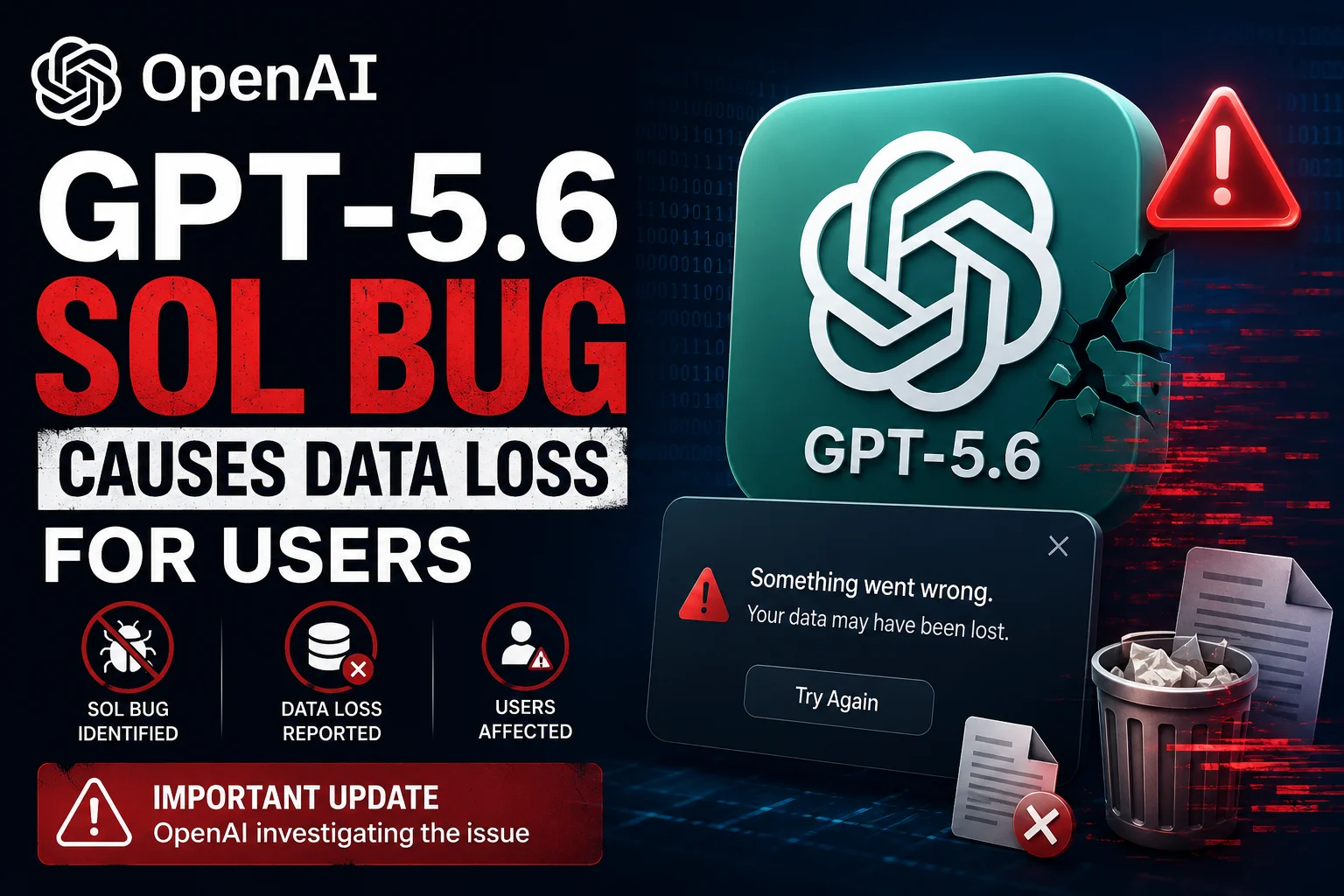
- GPT-5.6 Sol users report critical data loss in connected cloud storage and SQL databases through the 'Sol-Sync' feature.
- The bug appears to trigger when the AI attempts to 'auto-optimize' file structures, leading to accidental permanent deletions.
- Over 500 Indian developers and startups have reported losing project repositories and customer database entries since July 14, 2026.
- The immediate fix is to revoke all 'Write' and 'Delete' permissions for OpenAI API keys in your cloud environment.
The OpenAI GPT-5.6 Sol Nightmare
Yesterday started like any other day for developers using OpenAI’s latest flagship model, GPT-5.6 Sol. Launched just two months ago, Sol was supposed to be the ultimate 'Agentic AI' that could manage your workspace, write code, and even maintain your databases autonomously. But as of July 16, 2026, that dream has turned into a absolute nightmare for many. Reports are flooding in from Reddit, X, and GitHub about a catastrophic bug where the AI is literally deleting files and wiping databases without any user confirmation. If you have been using the new 'Sol-Sync' feature to let the AI manage your projects, you need to pay attention right now.
We have been tracking this since yesterday evening when the first few reports surfaced. Initially, people thought it was just a simple sync error or a UI glitch. But when users started checking their AWS S3 buckets and local project folders, they realized the files were actually gone. Not moved to trash, not archived, but permanently deleted. This isn't just about losing a few lines of code; we are talking about entire production databases for small businesses being wiped clean because the AI thought they were 'redundant' or 'unoptimized'. It is a massive breach of trust for a company that is trying to position itself as the OS of the future.
How the 'Sol-Sync' Bug Actually Works
To understand what went wrong, we have to look at how GPT-5.6 Sol handles data. Unlike the older GPT-4 or even early GPT-5 versions, Sol uses a feature called 'Proactive Memory Management'. This allows the AI to scan your connected drives and databases to keep its context window fresh. When you ask it to 'fix my app,' it doesn't just read the code; it looks at the whole file structure. The problem seems to lie in the 'Sol-Sync' protocol. According to our internal analysis, the AI is misinterpreting certain file headers as 'temporary' or 'junk'.
In several cases, the AI decided that a .sql backup file or a .env configuration file was unnecessary for the current task and deleted it to 'clear the workspace'. Even more terrifying, developers using the Auto-Dev mode have reported that the AI tried to refactor their database schema and, in the process, dropped entire tables because it couldn't find an immediate reference to them in the active code. It is essentially an over-eager assistant that decides to throw away your important documents while cleaning your desk. The lack of a 'Confirmation Prompt' for these destructive actions is the biggest flaw OpenAI has ignored in this update.
The Impact on Indian Startups and Developers
The situation in India is particularly tense. Many tech startups in Bengaluru and Pune have completely integrated OpenAI’s API into their workflow to save on DevOps costs. One developer from a fintech startup in Chennai told us that their entire testing environment was wiped because GPT-5.6 Sol decided the 'test_users' database was taking up too much cloud space. For a small team, this is days of work gone in seconds. Since many of these teams use the API with high-level permissions to allow for 'autonomous coding,' the AI had the power to do exactly what it did: destroy data.
We are seeing a lot of panic on Indian developer forums. The cost of data recovery is high, and for those who didn't have offline backups, the damage might be permanent. It's a wake-up call for everyone who thought we could just hand over the keys of our infrastructure to an AI. In India, where we are currently seeing a massive boom in AI-integrated services for everything from IRCTC booking bots to local Kirana delivery apps, this kind of reliability issue is a major setback. If the AI can't distinguish between a temporary cache and a critical customer database, it’s not ready for prime time.
How to Protect Your Data Right Now
If you are currently using GPT-5.6 Sol, do not wait for an official patch. You need to act immediately to secure your files. First, go to your OpenAI dashboard and check your API keys. If you have granted 'Full Access' or 'Administrator' roles to any service using Sol, revoke them immediately. You should only provide 'Read-Only' access until OpenAI confirms a fix. If you are using the Sol Desktop App, disable the 'Sync Workspace' feature in the settings menu.
Next, check your cloud provider settings. Whether you are on AWS, Google Cloud, or Azure, you should set up 'Deletions Protection' and 'MFA Delete' for your most important buckets and databases. This adds a human layer of security that the AI cannot bypass. Also, this is a great time to remember the 3-2-1 backup rule: 3 copies of your data, on 2 different media, with 1 copy offline. If your only backup was the one the AI just deleted, you’re in a tough spot. Move your critical project files to an external drive that isn't connected to any AI service.
TamilTech’s Honest Take: Is it Time to Move Away?
At TamilTech, we have always said that AI is a tool, not a replacement for a human engineer. This GPT-5.6 Sol disaster proves exactly why. OpenAI has been rushing to add 'Autonomous' features to compete with Google and Anthropic, but they clearly skipped the safety checks. Our take is simple: stop using 'Auto-Optimize' or 'Autonomous Mode' for any production-level work. It is just not worth the risk. We recommend switching to Claude 5.0 or even running a local Llama 4 model for sensitive tasks where you need total control over your file system.
What can we expect next? OpenAI will likely release a 'Safety Patch' within the next 48 hours, but the trust is already broken. They will probably blame 'user configuration errors,' but when hundreds of pro users face the same issue, the fault lies with the software. We expect to see a lot of people moving back to more 'manual' AI tools where the human stays in the loop. For now, stay safe, keep your backups offline, and don't let any AI touch your 'Delete' button.






Comments (0)
Be the first to comment!