


Read this before you tap anything
- A PhonePe KYC update is identity verification inside the app with Aadhaar and PAN — not a new app version.
- You need it for PhonePe Wallet and some extra money products. Everyday UPI from your linked bank often still works.
- KYC in the app is free. Anyone asking you to pay or read an OTP on a call is a hard no.
- According to RBI prepaid rules, a minimum-KYC wallet sits near a ₹10,000 cap; full KYC can go up to ₹2 lakh outstanding.
- Names on Aadhaar, PAN and bank must match. That mismatch kills more updates than a slow network.
What is a PhonePe KYC update, in one line?
A PhonePe KYC update is you proving who you are inside the PhonePe app — usually with Aadhaar and PAN — so Wallet and a few extra services stay inside RBI rules. It is not a software patch and not a paid activation. If you searched "phonepe kyc update", this identity step is what that query wants.
You are at a tea stall in Madurai, scan the QR, and a banner screams complete KYC. Pulse jumps. Most days the chai still leaves from the bank account you already linked. The banner is about prepaid money sitting in PhonePe, and about caps the regulator put on that prepaid money.
KYC means Know Your Customer. In India, banks and payment apps keep this trail under RBI and PMLA rules. PhonePe is matching your mobile number to an ID you already hold. Nobody is making you sit an exam.
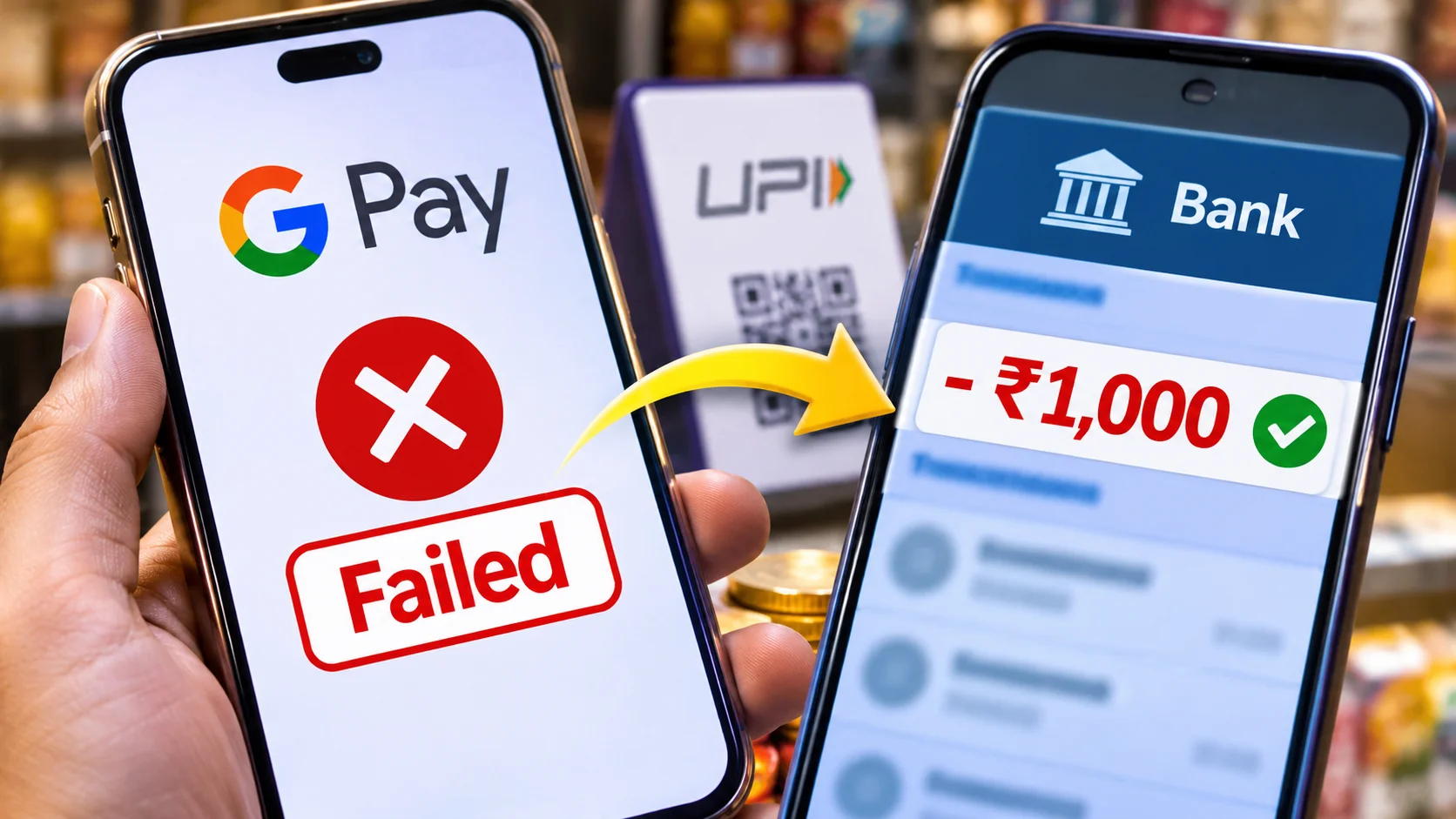
Two things get mixed up in every queue. UPI rides on your bank. The bank did KYC when you opened that SBI or Indian Bank account. PhonePe Wallet is prepaid balance stored with PhonePe. That Wallet follows prepaid-instrument caps. Finishing KYC on PhonePe lifts those Wallet caps. It does not raise your bank's UPI daily limit, and it does not fix a bank decline.
How do you complete a PhonePe KYC update on the app?
Open the official PhonePe app on the same number you use for UPI, go to profile or the KYC/Wallet banner, and finish Aadhaar eKYC with the OTP that lands on your Aadhaar-linked mobile. Buttons move after every Update. The path does not.
- Open PhonePe from Play Store or the iOS App Store, not a random APK.
- Tap your profile or account area. Look for Wallet, KYC, or Complete KYC.
- Choose Aadhaar eKYC when that is the option on screen.
- Enter Aadhaar. Type the OTP only inside the app.
- Add PAN if asked, exactly as printed.
- Do the selfie or short video in good light if the app asks.
- Check the Aadhaar address pincode, submit once, and wait for status.
Sit near a window for the selfie. Hold the phone at eye level. Take off glasses if they throw glare. A dark room in a PG is how video checks get rejected.
If your Aadhaar still shows the native village and you live in Tambaram, Wallet KYC can still pass because it cares that the ID is yours. Gold or mutual fund KYC later may want a current address. That is a second door.
Status may sit on pending for minutes or a few hours. Do not hammer the button. If it fails, read the one-line reason — name mismatch, OTP timeout, blurry selfie — and fix that one thing. Use your own Indian number, your Aadhaar, your PAN. Do not hand the phone to a browsing-centre uncle.
What does PhonePe KYC cost, and what limits change?
PhonePe KYC is free — there is no official charge to verify Aadhaar or PAN in the app. A text, a Telegram admin, or a "support executive" collecting ₹199 to activate KYC is not the company flow. Kill that chat.
The number that actually changes is the Wallet cap, according to RBI prepaid-instrument rules, not a PhonePe price card. Minimum KYC wallets also sit under tight monthly load and transfer caps, which is why the banner feels louder once you actually use the Wallet.
| KYC type | What it is for | Cap you will feel | Usual documents | Fee |
|---|---|---|---|---|
| Minimum KYC | Basic PhonePe Wallet | ₹10,000 outstanding (RBI PPI) | Aadhaar eKYC | ₹0 |
| Full KYC | Higher Wallet, extra in-app products | ₹2,00,000 outstanding (RBI PPI) | Aadhaar, PAN, selfie if asked | ₹0 |
| UPI (linked bank) | Shops, rent, sending money | Your bank's UPI cap | Already done at the bank | ₹0 |
| Gold / funds inside the app | Separate product checks | Not the Wallet cap | PAN plus extra KYC if asked | ₹0 to verify |
Use the Wallet if you load money for recharges and want that balance sitting ready. Use UPI from the bank for shops, rent, and splitting a bill. Do not load the Wallet only because a banner shouted.
This suits you if the Wallet is part of your week and you keep hitting a wall near ₹10,000. You can wait if you never load Wallet and only pay merchants from the bank via UPI. The banner will still blink. You do not have to obey it the same day.
Which mistakes freeze a PhonePe KYC update?
The mistake that still wrecks people is sharing the Aadhaar OTP with anyone who calls or texts about a PhonePe KYC update. PhonePe will not call you and ask you to read that OTP aloud. The OTP lives on the screen in your hand.
Next: using a relative's Aadhaar because yours is "not linking". That is another person's identity. The Wallet can lock, and you will not enjoy explaining it.
Name spelling is the quiet killer. Aadhaar says M. Karthik, PAN says Karthik Muthu, the bank says Karthick. The computer is not a Tamil teacher. Align the IDs at UIDAI or on the PAN side before you abuse the app.
Turn the VPN off. Skip random public Wi-Fi if you can. Use the store app on a normal Indian mobile network. Do not tap a KYC-pending SMS and land on a Chrome page that looks like PhonePe. Fake KYC links are a known pattern. Open the app from your home screen.
What should you do on PhonePe today?
If UPI to shops still works, open PhonePe, check whether the banner is Wallet KYC, and complete Aadhaar eKYC in the official app only if you use the Wallet or you have hit the cap. Breathe first. The chai QR probably already went through.
If you never load the Wallet and only pay from the bank, you can ignore the Wallet panic for now. Still keep PAN and Aadhaar ready. The day you tap gold or a fund, that second door will ask.
If a stranger is walking you through KYC on a call, hang up. If status is stuck after a genuine try, use help inside the app, not a number a Google ad sold you. Save a screenshot of the successful KYC status. Next time the banner returns, you will know if it is a real pending job or just nagging.

Comments (0)
Be the first to comment!