


Key takeaways
- Renew a Tamil Nadu driving licence on sarathi.parivahan.gov.in or the mParivahan app — not on a random “instant DL” ad.
- Select Tamil Nadu, choose renewal, and keep your DL number plus date of birth ready for OTP.
- If you are 40 or older, or you hold a transport licence, keep a Form 1A medical certificate from a registered doctor.
- The government renewal fee is typically ₹200 as per the central schedule the portal uses; pay only what Parivahan shows, preferably with UPI.
- Start up to a year before expiry. An expired card can often still be renewed, but waiting years is how a test comes back into the picture.
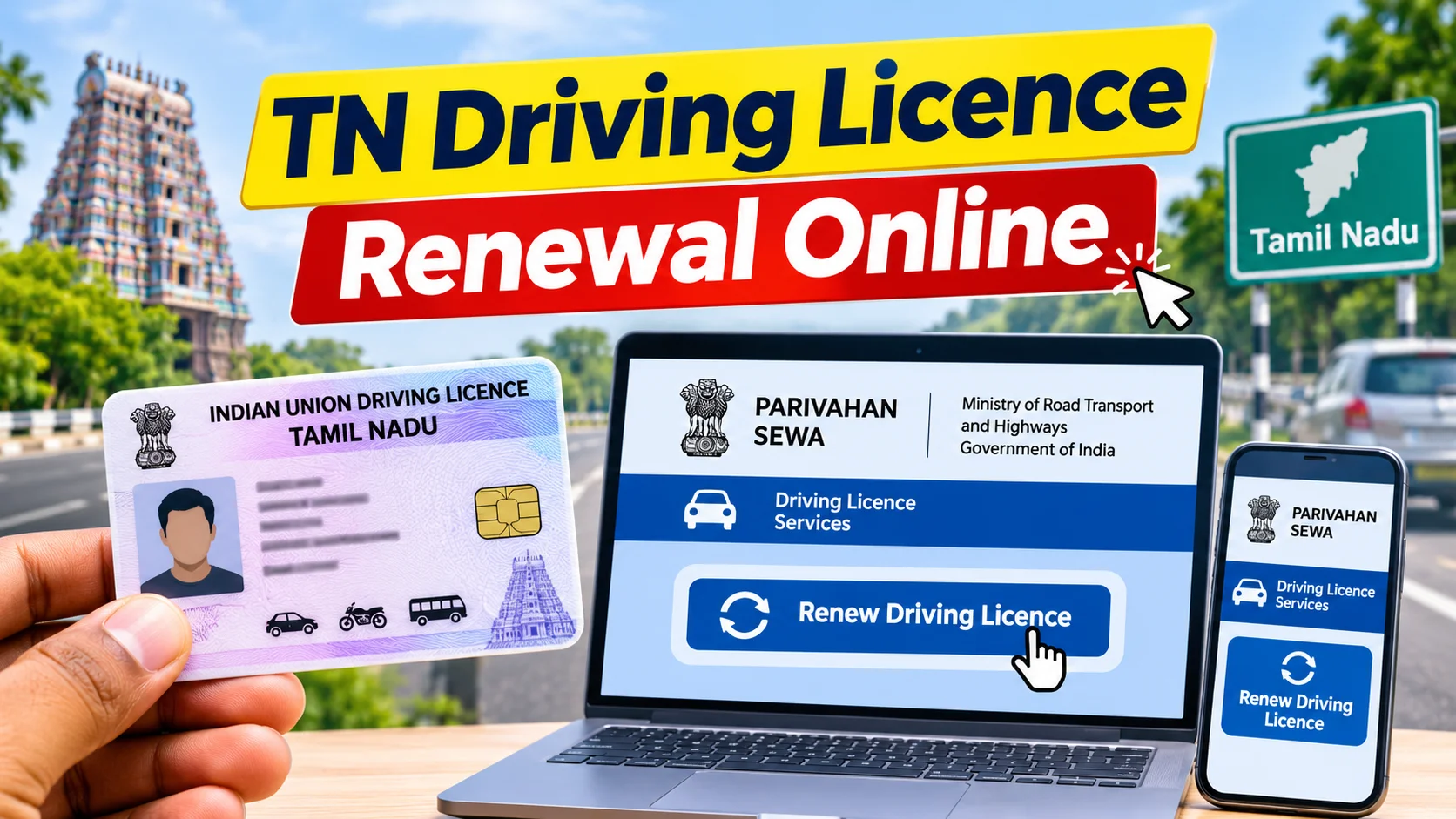
You can renew a Tamil Nadu driving licence online on sarathi.parivahan.gov.in or the mParivahan app, not on a random instant-DL ad. This article covers the steps, the typical ₹200 government fee, when you need a Form 1A medical certificate, and the mistakes that stall an application. Keep your DL number and date of birth ready, start up to a year before expiry, and pay only what Parivahan shows.
You can finish driving licence renewal online in Tamil Nadu on the official Parivahan Sewa (Sarathi) portal, and often on the mParivahan app. Pick Tamil Nadu, apply against your existing DL, upload what the form asks, pay the government fee, and save the acknowledgement. The digital copy on mParivahan or DigiLocker is what most people show after that; a smart card, if the department still prints one, usually follows by post.
What is online driving licence renewal in Tamil Nadu?
It is the government way to extend a licence issued by a Tamil Nadu RTO without making the morning queue your first move. The backend is MoRTH’s Sarathi system. Tamil Nadu is just the state you select at the top of the page.
You are not applying for a brand-new licence. You are telling the same RTO: this card is mine, these vehicle classes stay, please roll the expiry forward. Learner’s licence, a fresh DL after a test, or an International Driving Permit are different buttons. Don’t mix them.
Why it matters in 2026: a lapsed DL is a roadside argument you will not win. A Chennai checkpost, a Coimbatore junction, or a highway patrol wants a valid licence — the plastic or the official digital one — not a WhatsApp forward from someone who “knows a person at the RTO”.
Limit, said plainly: the portal renews a Tamil Nadu-issued licence. If your DL is from another state, renew there. If the name on the card and the name on Aadhaar live in different universes, fix that first. Renewal will not magically spell your surname right.
How do you renew a Tamil Nadu driving licence online?
You do it on the real Sarathi site, then you stop touching lookalike pages.
Open sarathi.parivahan.gov.in and choose Tamil Nadu in the state list. Go to driving licence services and pick renewal. The site asks for your DL number and date of birth. That pair is basically your login. OTP lands on the mobile number already tied to the record, so don’t start this from a cousin’s phone.
Read every field before you submit. Name, address, vehicle class — if Madurai is still printed on a card even though you shifted to Tambaram, do the address-change service first. Renewal is not a backdoor for a new house.
Upload a sharp photo and a signature that matches the size guide. If the form asks for a medical certificate, that is Form 1A from a registered medical practitioner. People aged 40 and above, and anyone with a transport badge, hit this step most often. A self-declaration (Form 1) is a different paper; don’t upload the wrong one and wonder why the file sits.
Pay only on the Parivahan payment page. UPI through GPay or PhonePe is the usual path. Save the receipt and the application number in the same folder as your insurance PDF. If the system offers an RTO slot, take it. If it says no visit needed, don’t walk in “just in case” and create a second file.
Track the same number on the portal. The digital DL typically updates on mParivahan and DigiLocker after the RTO processes it. Until then, keep the acknowledgement with the old card. You can start from the mParivahan app if the licence is already sitting there — same government backend, fewer desktop tabs.
This suits a normal Tamil Nadu LMV or two-wheeler licence, a working OTP number, and scans that are not blurry. It does not suit a licence from another state, a file that needs a retest after a very long lapse, or anyone hoping an agent can skip a medical the portal already demanded.
What does a Tamil Nadu driving licence renewal cost?
The amount you actually pay is whatever Parivahan calculates on the checkout screen that day. Treat that screen as the only tariff that matters.
As per the central fee schedule Tamil Nadu RTOs follow on Parivahan, renewal of a driving licence is typically ₹200. A late-fee or smart-card line may appear if the card has already expired or if a physical card is still being issued. You see the breakup before UPI asks for a PIN.
A medical certificate is extra and it is not an RTO charge. You pay the clinic. There is no official “TN medical fee” on the transport site, so don’t let a cyber cafe invent one.
| Item | Typical amount | Paid to |
|---|---|---|
| DL renewal (central schedule on Parivahan) | ₹200 | TN Transport via Parivahan |
| Late fee or card fee, if any | Shown at checkout | Same portal |
| Medical certificate (Form 1A), if asked | Clinic rate | Registered doctor |
| Cyber cafe or WhatsApp “tatkal” | Not a government fee | Skip it |
| mParivahan / DigiLocker digital copy | ₹0 | Official apps |
Anyone quoting ₹2,000 for “same-day home delivery” is selling a queue you do not need. Government fee is small. The scam is the extra.
Which mistakes stall a Tamil Nadu licence renewal?
The costly one is paying on a clone site. The real domain ends with parivahan.gov.in. If the URL, the payment page, or the English on the form feels off, close the tab.
Blurry photo, a cropped signature, or a medical sheet without the doctor’s registration details — the file bounces. Upload once, properly, in daylight.
Picking the wrong RTO because you moved cities without changing the address on the DL is the other classic. The portal is not guessing where you live now. It reads the card.
Sitting on an expired licence for years is how people get asked to take a test again. You can usually apply up to a year before expiry. If it lapsed last month, still apply. If it lapsed in another decade, expect the system or the counter to get stricter.
Don’t use a relative’s number for OTP. You will need that number to track the file, and they will be in a temple with no signal when you need it.
And don’t laminate a DigiLocker screenshot and call it a smart card. Carry the digital DL inside the official app. Keep the old plastic until the new status is clearly live.
What should you do before the licence expires?
Flip the card tonight. The expiry date is also on mParivahan if you already fetched the digital copy.
If it falls inside a year, open Sarathi, select Tamil Nadu, and start renewal. Keep DL number, date of birth, a decent photo, and UPI ready. If you are 40 or older, get Form 1A from a registered doctor before you sit down at the portal — don’t discover that halfway through payment.
Pay only on Parivahan. Save the application number. When the digital copy updates, that is the one you show at the signal.
If the portal blocks you, read the error. It is usually a document mismatch or an RTO/address problem, not a mysterious “server issue” that an agent can bribe away. Do it on a weekday morning with stable data. That is the entire hack.

Comments (0)
Be the first to comment!