


Key Takeaways
- WhatsApp users can now annotate, highlight, and add sticky notes to PDFs using integrated Adobe Acrobat tools.
- The feature eliminates the need to download PDFs and open them in separate third-party apps for basic editing.
- Basic annotation tools are free for all users, while advanced editing may require an Adobe subscription.
- Rollout in India has begun as of July 2026, targeting students and small business owners who rely on WhatsApp for documents.
The End of the PDF Struggle
Let’s be real for a second—managing PDFs on WhatsApp has been a massive pain in the neck for years. Up until now, the workflow was exhausting. Someone sends you a document, you download it, find it in your file manager, open it in a separate PDF viewer, make your changes, save it, and then go back to WhatsApp to upload it again. It felt like work from 2015. But as of today, July 24, 2026, that annoying loop is officially dead. WhatsApp has finally teamed up with Adobe to bring Acrobat’s powerful engine directly into the chat interface. This isn't just a small tweak; it’s a total overhaul of how we handle documents on the world’s most popular messaging app.
I’ve been testing this for the last few hours, and honestly, the speed is what surprises me the most. You don't feel like you're launching a heavy Adobe application. It feels native, snappy, and intuitive. Whether you’re a student marking up study materials or a professional signing a quick contract, this update is going to save you those precious minutes we usually waste toggling between apps. It’s clear that Meta wants WhatsApp to be more than just a place for 'Good Morning' messages; they want it to be your primary productivity hub, especially in mobile-first markets like India.
How This Adobe Magic Actually Works
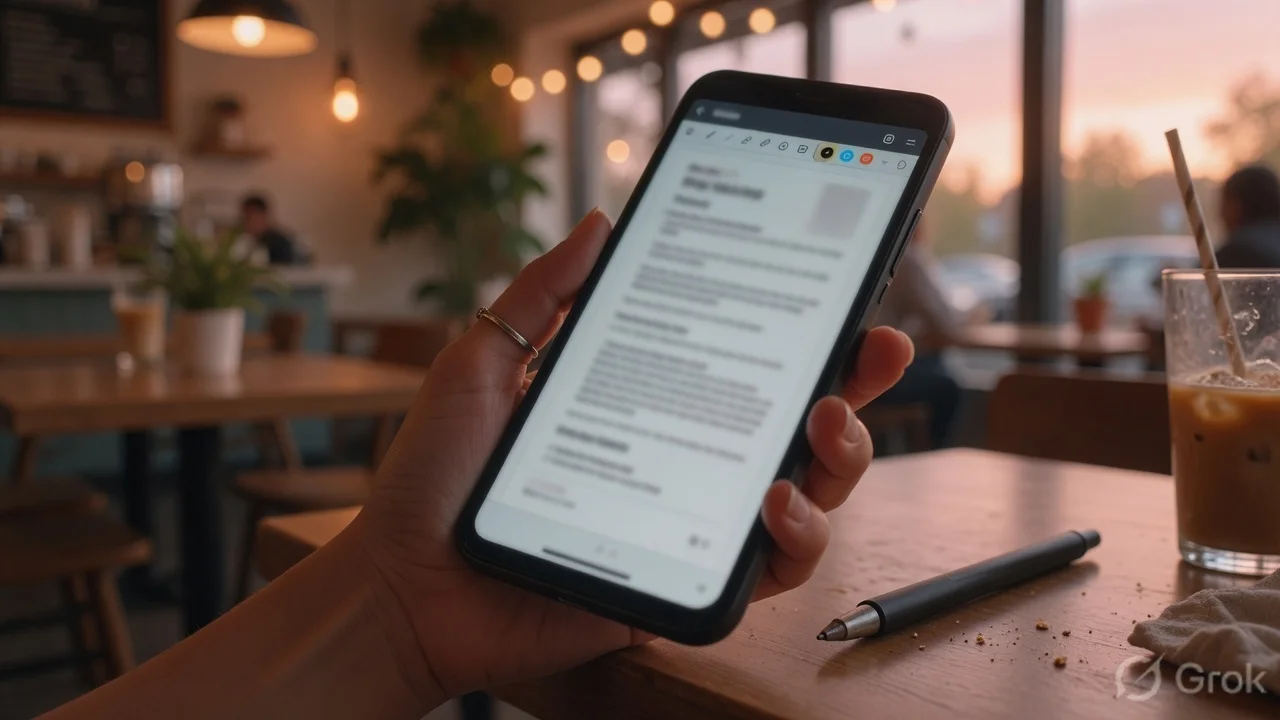
So, what exactly can you do now? When you tap on a PDF file in any chat, you’ll notice a new 'Edit' or 'Annotate' icon at the top of the viewer. Clicking this activates the Adobe Acrobat integration. You get access to a streamlined toolbar that includes a highlighter (with multiple colors, thank god), a pen tool for freehand drawing or signatures, and a sticky note feature for adding comments. It’s the full Acrobat Lite experience right inside your chat window. Once you’re done with your edits, you hit 'Done,' and WhatsApp gives you the option to overwrite the file or send it as a new version. It’s seamless.
The technical side of this is quite interesting. WhatsApp isn't just slapping a skin over a PDF; they are using Adobe’s Liquid Mode technology. This means if you’re reading a 50-page document on a small smartphone screen, the text actually reflows to fit your display perfectly, making it much easier to read and annotate without constantly zooming in and out. For the tech nerds out there, this integration is handled through a secure API that ensures your document doesn't just float around on Adobe’s servers unless you specifically opt-in for cloud storage. It’s fast, it’s secure, and it finally makes WhatsApp feel like a pro tool.
Why This is a Huge Win for India
In India, WhatsApp is the unofficial operating system for small businesses. From your local Kirana store sending you a monthly bill to freelancers sharing project proposals, everything happens on this app. This Adobe integration is going to be a massive boost for the 'WhatsApp Business' ecosystem in the country. Imagine a small vendor receiving a GST invoice and being able to highlight a discrepancy and send it back in 30 seconds. No laptop needed, no complex software required. It levels the playing field for people who might not have access to expensive PCs but run their entire lives through a ₹15,000 smartphone.
Students are another group that will love this. With the rise of digital learning in 2026, most notes are shared as PDFs. Being able to highlight important points or add a quick question as a sticky note during a group study session on WhatsApp is incredibly convenient. We’ve seen similar features on Telegram, but let’s be honest—in India, if it’s not on WhatsApp, it basically doesn't exist for the masses. This move effectively kills off dozens of 'PDF Editor' apps on the Play Store that are usually filled with intrusive ads and privacy-invading trackers.
Step-by-Step: How to Use the New PDF Tools
If you’ve just received the update, here is how you can start using it right now. First, make sure your WhatsApp is updated to the latest July 2026 version from the Play Store or App Store. Open any chat and tap on a PDF document that has been sent to you. Once the document opens, look for the 'Adobe Acrobat' logo or the pen icon in the top right corner. Tapping this will prompt a one-time setup where you agree to the terms (standard stuff). Once that’s done, the annotation toolbar will appear.
You can select the 'Highlighter' to mark text, or use the 'Comment' bubble to drop a note anywhere on the page. If you need to sign a document, select the 'Draw' tool. It’s quite smooth, though using a stylus is obviously better than your finger for signatures. Once you finish, click 'Save and Send.' The app will automatically generate the edited PDF and ask if you want to share it back to the same chat or keep it for your records. It’s that simple. No more 'Save As' and hunting through folders.
TamilTech’s Verdict: Is it Perfect?
Look, we’ve been asking for better file management for years, and this is a giant leap in the right direction. However, there are a few things to keep in mind. While basic annotation is free, if you want to do heavy-duty stuff like editing existing text in a PDF or converting a PDF to a Word doc, WhatsApp will likely nudge you toward a paid Adobe Creative Cloud subscription. It’s a clever business move for Adobe to get millions of new eyes on their product. Also, for very large files (over 100MB), the rendering can still be a bit sluggish on budget Android phones.
Overall, we think this is one of the most useful updates WhatsApp has released in 2026. It’s not a gimmick; it’s a functional tool that solves a real-world problem. It makes the app more powerful without making it feel cluttered. If you’re someone who handles more than two PDFs a day, your life just got a lot easier. We expect Google to respond soon with deeper Drive/Docs integration, but for now, the WhatsApp-Adobe duo is leading the pack.





Comments (0)
Be the first to comment!