


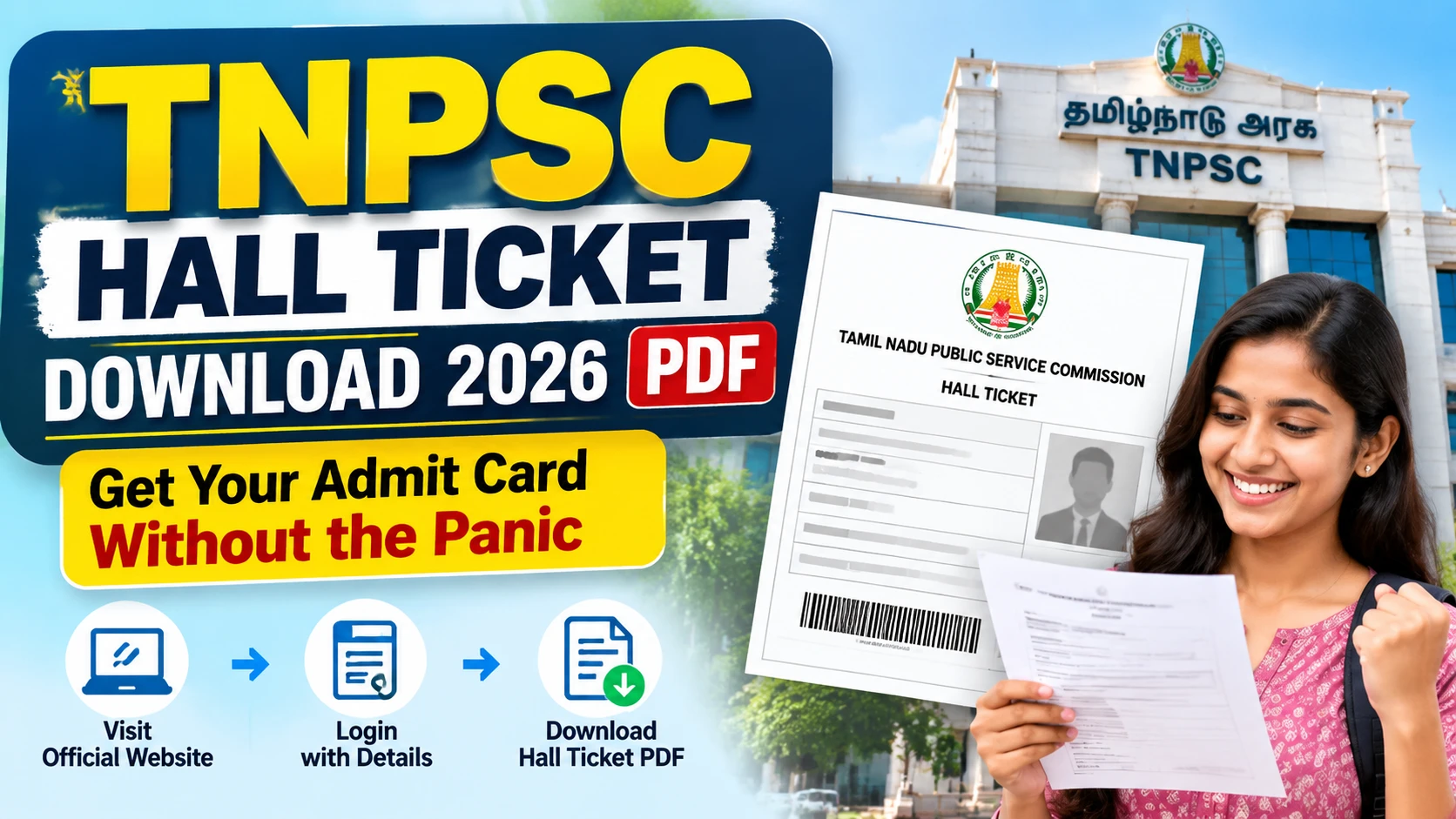
Key takeaways
- TNPSC hall ticket 2026 PDF comes only from the official TNPSC portal—never from random Telegram or WhatsApp forwards.
- You need your registration / application number and the DOB or password you set at apply time; keep both offline too.
- Download early, open the PDF on phone and laptop, check photo, name, exam centre, shift, and reporting time.
- Print a clear A4 copy and carry a valid photo ID; phone screenshots alone can fail at the gate.
- If the link is down or details look wrong, use only official helpline / grievance routes—don’t pay middlemen.
It’s 6.40 a.m. Your phone has 18% battery. Someone in the family group just dropped a blurry screenshot and wrote “hall ticket link.” You still don’t have your own TNPSC hall ticket download 2026 PDF. That knot in the stomach? Half of Tamil Nadu knows it.
This is not news. It’s the same drill every cycle: apply, wait, then hunt the admit card like it’s the last seat on the morning bus. Here’s how you actually pull the PDF, what to check, and what not to fall for.
What just happened?
Nothing dramatic—and that’s the point. TNPSC (Tamil Nadu Public Service Commission) still releases hall tickets online before each written exam or interview stage. Candidates type the same thing into Google every year: tnpsc hall ticket download 2026 pdf download. They want one clean file, not a lecture.
A hall ticket—also called an admit card—is your entry pass. Name, photo, roll number, exam name, centre address, date, session, and reporting time sit on that page. Without a matching printout and ID, the invigilator doesn’t care how hard you studied.
In 2026 the habit is the same as last cycle: official website first, login second, PDF third. Third-party “instant download” pages still pop up in search. Skip them. They phish registration numbers or push junk apps.
If you’re waiting on a specific notification, watch the official TNPSC site and your registered email/SMS—not random status forwards. Release timing varies by exam. Don’t trust a date you saw on a coaching sticker.
How does this actually work?
Think of it like IRCTC ticket flow, minus the tatkal heart attack. You already created an account when you applied. That same identity unlocks the admit card.
Step 1 — Open only the official door.
Go to the TNPSC official website (the government domain you used at application). Look for the hall ticket / admit card / download section tied to your exam notification. Bookmark it. Don’t chase shortened links from unknown pages.
Step 2 — Login with what you actually registered.
Usually that’s application number or registration number plus date of birth or password. Type carefully. Caps lock and leading zeros wreck more mornings than server lag. If you saved the credentials in a notes app or diary, use that—not memory after three coffees.
Step 3 — Pick the right exam and stage.
One profile can show multiple applications. Group exams, combined services, and single-post recruitments don’t share the same admit card. Open the line that matches your current notification. Wrong PDF = wrong centre story at the gate.
Step 4 — Download the PDF and open it once.
Save to phone Downloads and, if you can, to Google Drive or a pen drive. Open with a proper PDF reader. If photo is blank, name is truncated, or centre is missing, don’t assume “it’ll be fine.” Note the issue and use official correction / help channels listed on the site.
Step 5 — Print like you mean it.
A4, readable ink, photo visible. Carry a second copy in your bag if the printer at home is moody. Also carry original photo ID—Aadhaar, driving licence, voter ID, or whichever list TNPSC named in your notification. Match the name spelling to the hall ticket.
On exam day, reporting time is not a suggestion. Centres in Chennai, Coimbatore, Madurai, Tiruchy and smaller towns all run on their own traffic luck. Leave early. Keep the PDF offline on your phone in case someone wants a digital cross-check—but the printed sheet is still king.
Fee side: downloading the hall ticket itself is free. You already paid application fees earlier through the prescribed gateway. Anyone asking fresh UPI “processing charges” for a PDF is running a side hustle, not a government counter.
What changes for people in India?
For Tamil Nadu aspirants, this is daily-life infrastructure—like checking EPFO or digging an old payslip. Parents screenshot the centre map. Students share printer shops near the bus stand. Coaching centres forward the same official link with five crying emojis. The stress is shared; the login is personal.
Why it matters in 2026: more of the flow sits on phones. Jio/Wi-Fi hiccups during peak release hours are normal. If the site spins, wait and retry instead of punching data into a clone site that “looks identical.” A fake page needs only your registration number and DOB to hurt you later.
Real scene: you downloaded the PDF on a shared family Android. Cousin clears cache. File gone. That’s why second copies on Drive or email-to-self exist. Another scene: name on Aadhaar has initials in a different order from the application. Sort that against the notification rules before exam morning, not at the metal detector.
Limits you should respect. The hall ticket does not prove final selection. It does not change your syllabus. It does not fix an earlier failed photo upload unless TNPSC opens a correction window. And it will not arrive as a WhatsApp PDF from “TNPSC Official Care.” Government bodies don’t run customer care from random mobile numbers.
If you’re outside Tamil Nadu writing the same exam, the process is still portal-based. Centre allotment follows what the Commission publishes—not what a broker promises near the railway station.
What should you do now?
Do this checklist once, calmly, before the rush week.
One: Find your application number and password/DOB today. Store them offline. Two: When the official hall ticket link goes live for your exam, download the PDF the same day. Peak traffic is ugly; early is boring and safe. Three: Verify photo, spelling, exam centre, date, session, roll number, and any COVID or instruction footnotes still listed. Four: Print two copies. Pack ID. Mark the centre on maps while you’re calm. Five: Read the instructions page on the admit card—calculator rules, dress codes, barred items, and reporting time differ by exam.
Mistakes to avoid, said bluntly:
Don’t pay a café guy “₹50 extra for TNPSC server access.” There is no such access. Don’t edit the PDF in a fancy app to “correct” a letter—you’ll create a tampered document problem. Don’t rely on a single phone with a cracked screen as your only copy. Don’t ignore mismatch between gender/category fields and your certificates if the notification asked you to verify. Don’t walk in with only a gallery screenshot; many centres want paper.
Who this suits: anyone who applied for a TNPSC exam in this cycle and needs the admit card path without noise—first-timers, repeaters, working aspirants downloading on lunch break. Who should slow down: people who never completed application payment or photo upload. The hall ticket won’t magically appear for an incomplete form.
If the portal shows an error after several clean tries, capture the screen message, note the time, and use only the grievance or contact path printed on tnpsc.gov.in. Keep communication factual: registration number, exam name, what failed. Skip anger essays.
Last practical bit. Sleep matters more than refreshing the page at 1 a.m. once the PDF is already in your Downloads folder. You came for tnpsc hall ticket download 2026 pdf download—you want the file, a working printout, and a clear head. Get those three right, and the morning bus feeling drops a few notches.
Official link only. Free download. Own login. Paper in hand. That’s the whole product.



Comments (0)
Be the first to comment!