


What’s the buzz?
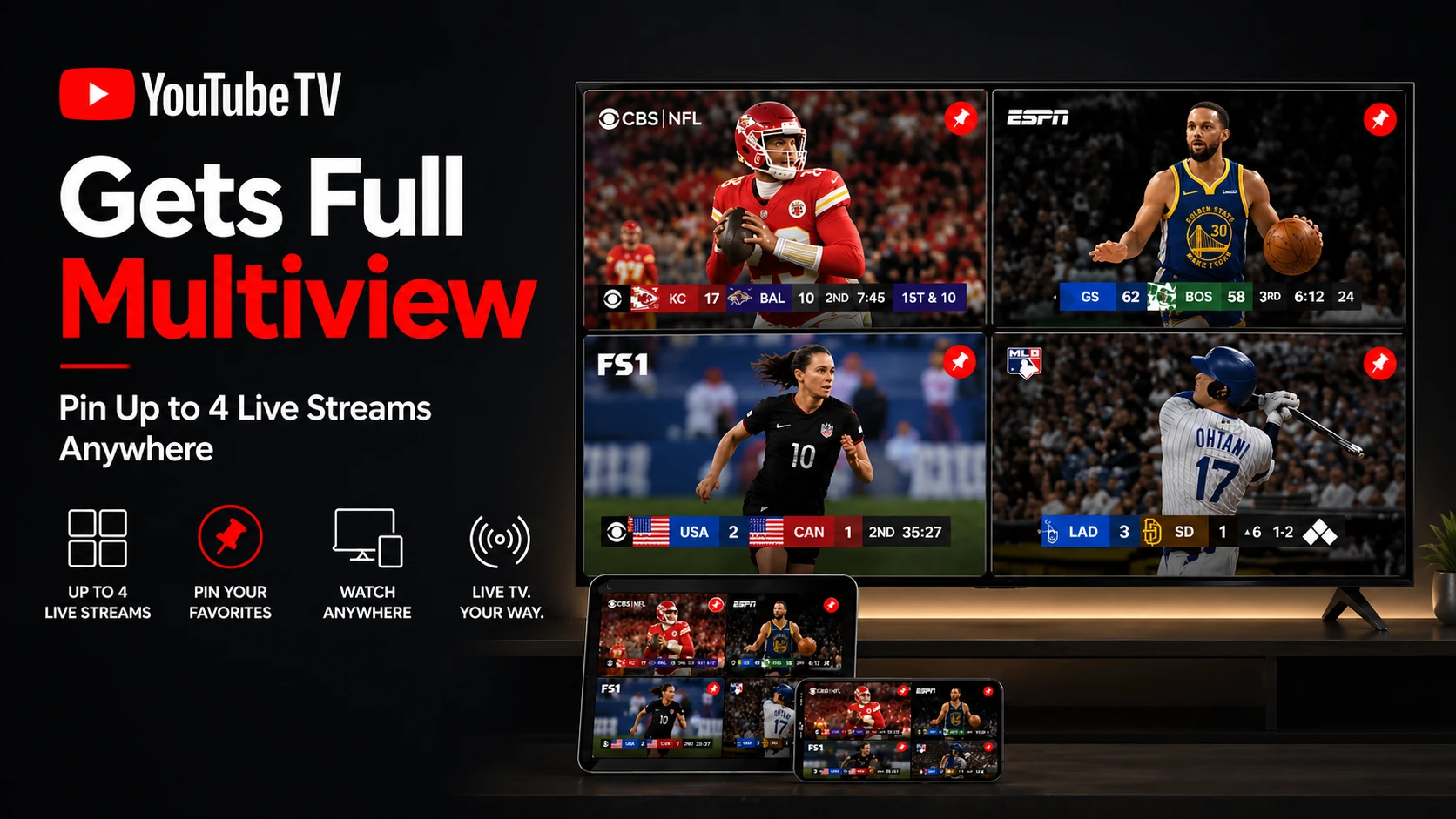
Google’s streaming arm has finally rolled out the full‑blown Multiview feature to all YouTube TV users. After a limited trial last year, you can now pin up to four live streams in a single window – think of it as a TV‑grid for sports, news, and reality shows.
How it works
When you open a live channel, a tiny Multiview button appears on the top‑right. Tap it, and a pop‑up lets you add three more streams. You can resize each pane, switch audio sources, and even set a ‘primary’ channel that stays on top when you scroll.
Step‑by‑step guide
- Launch YouTube TV on your Android TV, iOS app, or web browser.
- Select any live channel you want to watch.
- Tap the Multiview icon (looks like four squares).
- Choose up to three additional channels from the list that appears.
- Drag the borders to resize each window as you like.
- Tap the speaker icon on any pane to switch audio to that stream.
Numbers and specs
The feature runs at 60 fps on most devices and supports 1080p HD streams. 4K HDR is still limited to the primary pane, but Google says they’ll optimize it soon. It works on any device that runs YouTube TV version 2.33 or later – that includes most 2020‑plus smart TVs, Roku, Apple TV, and Android boxes.
Why Indian users should care
India’s sports‑crazy audience often juggles cricket, football, and regional channels at the same time. With Multiview you can keep the IPL match in the big pane while watching a live news feed, a YouTube live commentary, or a second cricket match in the smaller boxes.
Most Indian broadband plans now support 100 Mbps+ speeds, so the extra bandwidth needed for four simultaneous HD streams isn’t a deal‑breaker. Plus, YouTube TV recently added a few Indian channels (like Sony Ten, Star Sports) in its “International” package, making the feature more relevant.
TamilTech’s take
Honestly, this feels like a game‑changer for cord‑cutters who love live sports. The UI is clean, the latency is negligible, and the ability to mute all but one audio source solves the classic ‘two‑channel battle’ problem.
However, there are a few downsides. The feature is still missing on older set‑top boxes – many Indian households still run on legacy Android TV boxes that haven’t received the latest update. Also, you can’t pin a YouTube‑original video alongside live TV, which would have been a neat “watch‑party” option.
What to expect next
Google hinted at a future “Picture‑in‑Picture” mode where you could keep a single stream floating while browsing other apps. Combine that with Multiview, and you’ll essentially have a mini‑control‑room on your couch.
For now, just make sure your YouTube TV app is updated, and start stacking those channels. It’s free, it’s smooth, and it finally gives you the control you’ve been asking for.



Comments (0)
Be the first to comment!